
Anti-Aliasing Z/Depth pass for Compositing
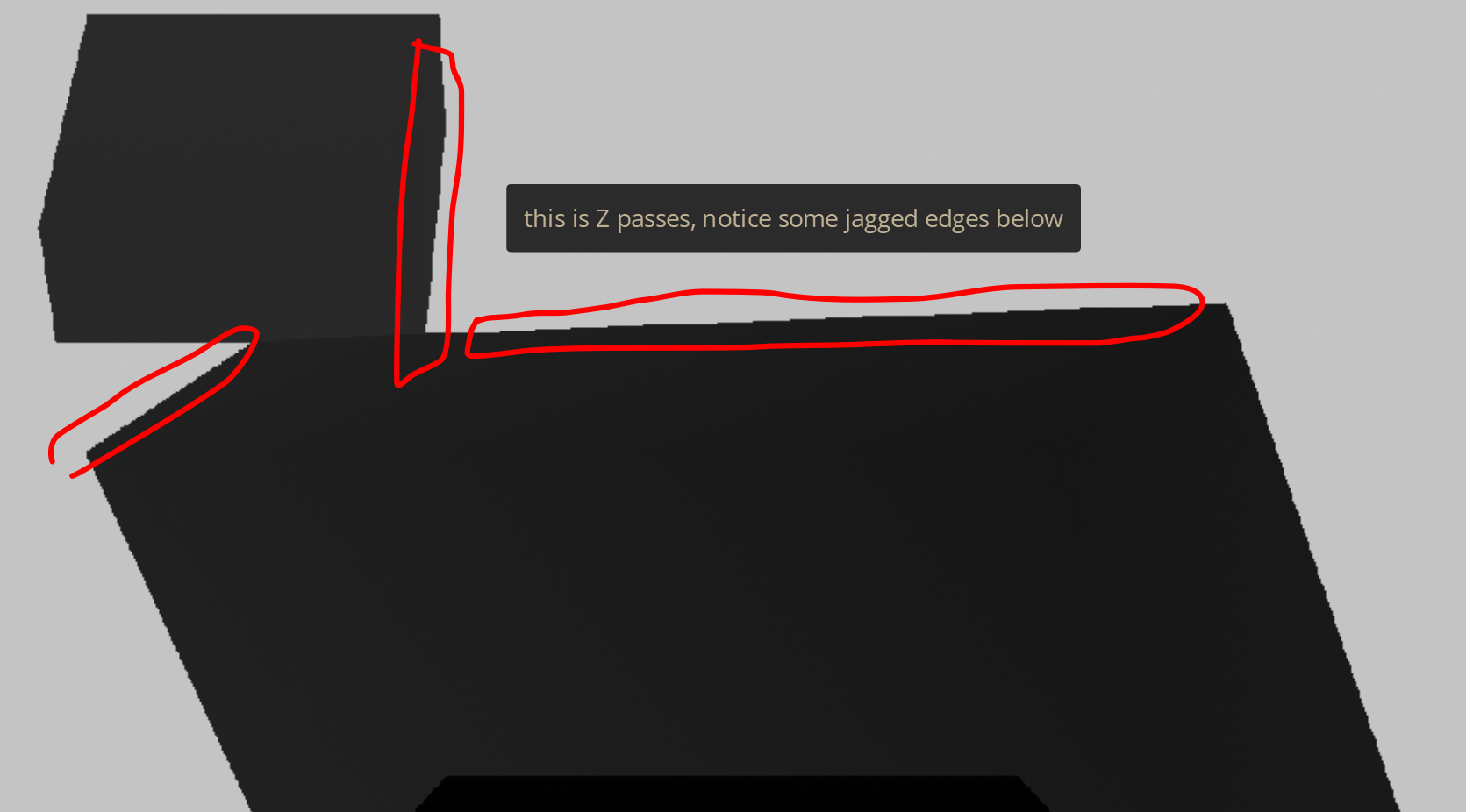
In the beginning, i was very struggle with Z/Depth passes that having some jagged edge. I haven't yet finding this Anti-Aliasing settings for this pass.
Usually i replaced it with Mist pass. Knowing that these pass has pretty similar w/b value with far more few jagged issues.
I'm proposing if there are will be an additional settings to adjust this Anti-Aliasing issues, especially for the Z pass.
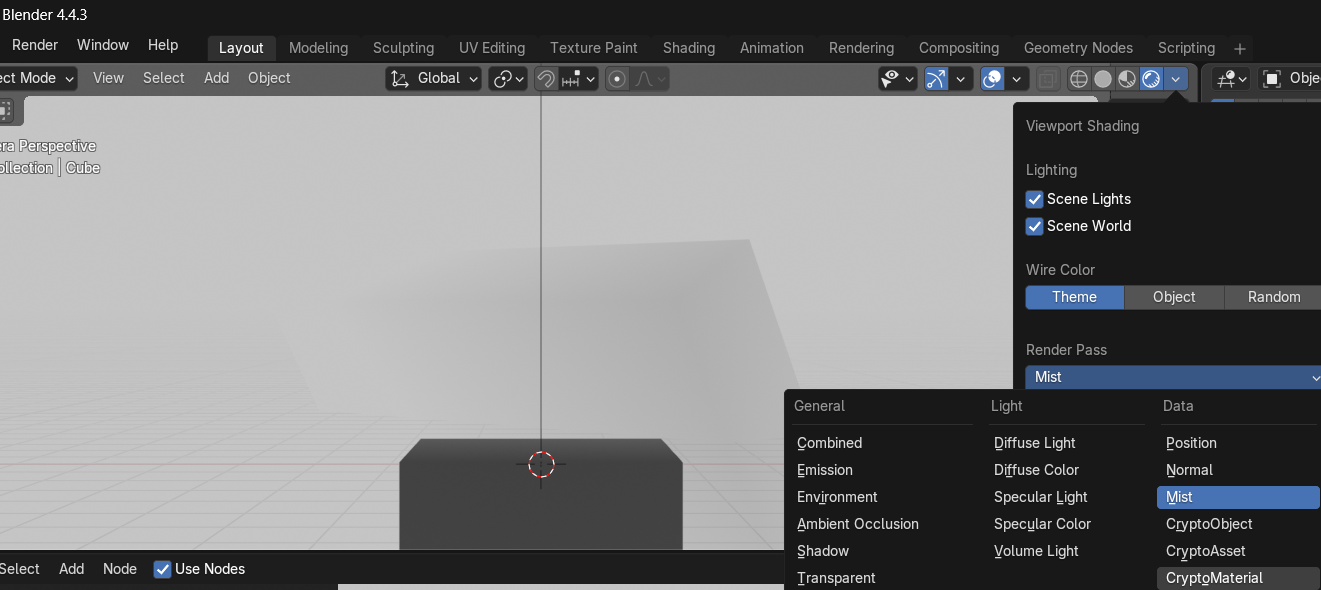
Also Z that wasn't yet included in the Render Pass viewport. (second image)
Thankyou!
3 Comments
Making anti-aliased depth pass would introduce wrong data on purpose.
Take 2 objects, one is 1 meter, second is 100m from camera. Anti-aliased depth-pass would tell further processes that there is something 50m in between, in which that there is none so selecting something 50m from camera would give wrong result of non existing stuff in-between.
i get it now, thanks for sharing your knowledge
Antialiasing would create a greyscale border/blurred fringe between the objects, therefore placing those parts in the incorrect area of Z space.