
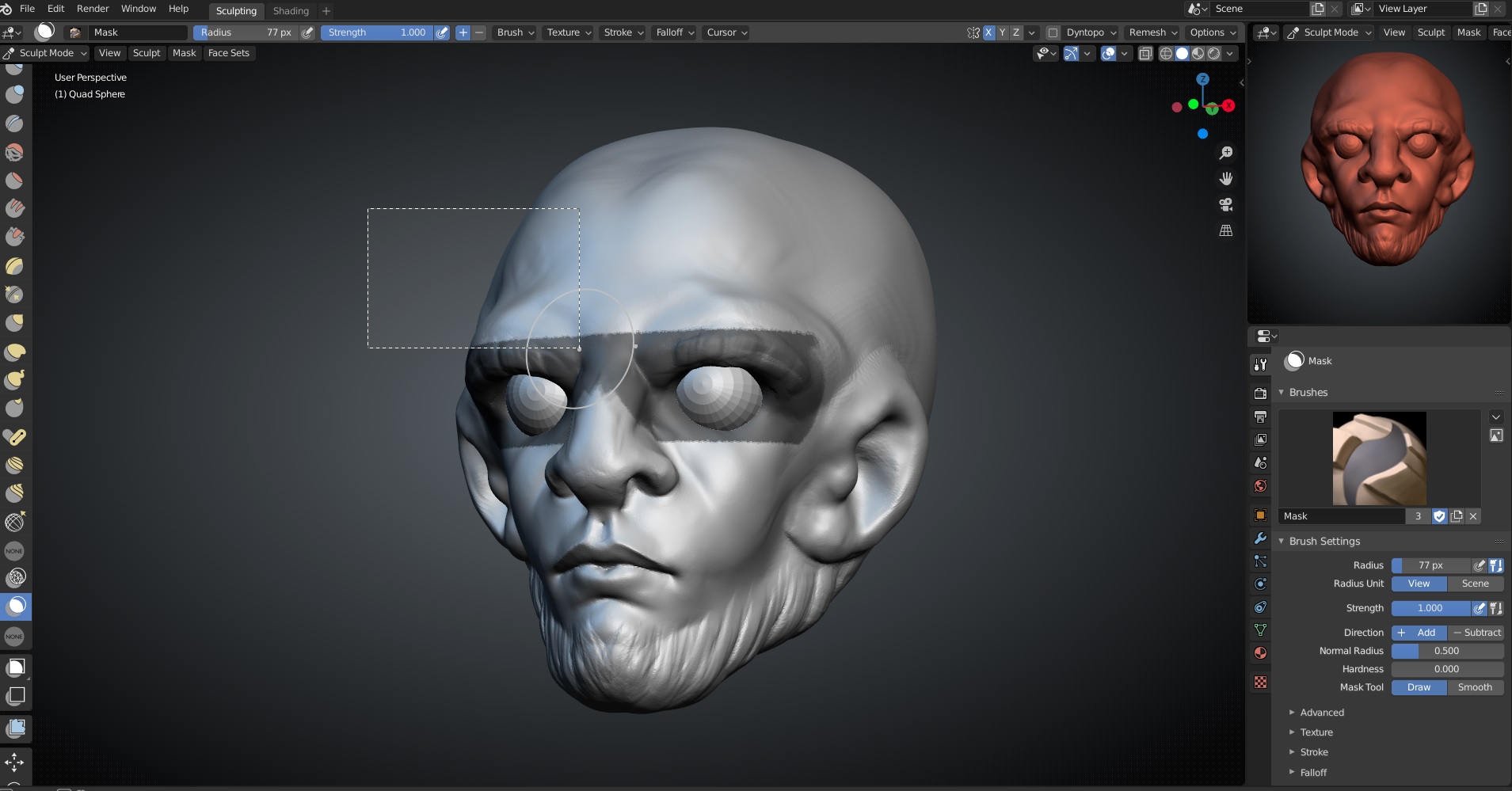
Add more functionality to Sculpt Mode's Masking tools.
Masking tools should have more Functionalities out of the box for fast Workflow.
I know about the pie menu but rarely use it, everything is mapped to hotkeys for lasso,box masking. so my proposal is to add functionalities that makes it more easy and intuitive to control the masking just like in Zbrush.
- Masking tools should be one tool with easy switching to a different brush.
- Dragging in an empty space should clear the mask which should be consistent with object/edit modes selection tools.
- Inverting by using a modifier key(this should be possible with tweaking the shortcuts)
- Option to clear mask when using "Face Set from Masked".
- Hide the brush Cursor when using the masking shortcuts.
I am sure i have missed a couple so if you guys have other points please suggest them so i can add them to the list .
2 Comments
Seconding this, I would appreciate the ability to create, invert, clear, and smooth masks all with modifier keys and the mouse.
I guess pretty much we are asking for the same masking functionalities available in Zbrush. One that I am really missing though is unselecting parts of the mask using lasso tool ( ctrl+shift+LBM) pressing also Alt. It really slows you down having to invert the mask to use the lasso again and invert again.
I am also having troubles when using the mask lasso having my mask applied through the geometry. This is really useful sometimes but very inconvenient some other. Apologies if that is just me not knowing the feature to change the behaviour of the mask lasso.