
Add "Absolute" thickness to Line Art
Currently, the thickness of the Line Art modifier is always relative to the distance of the objects from the camera.
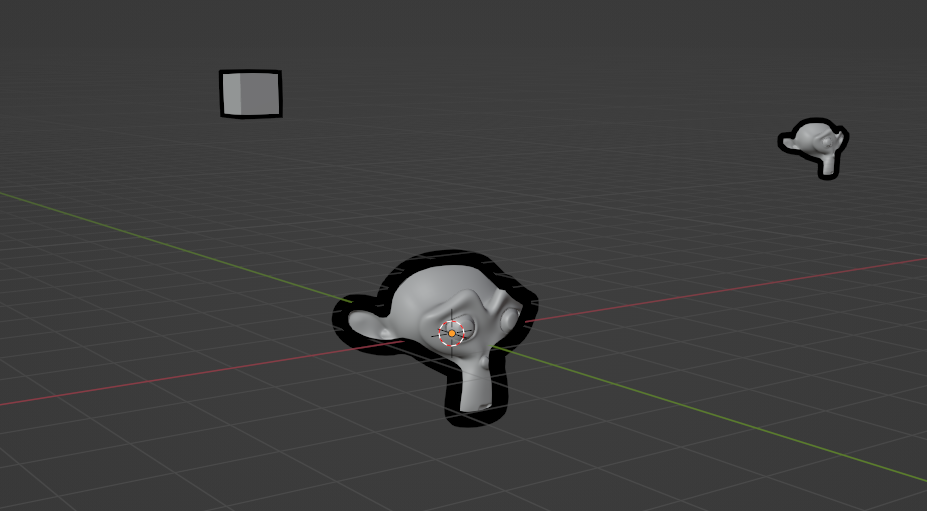
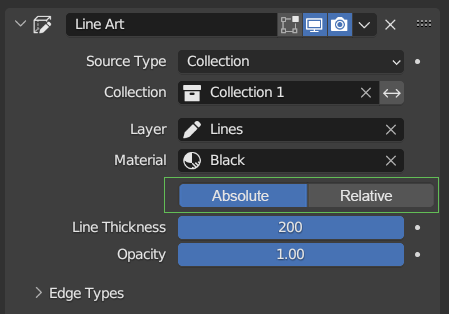
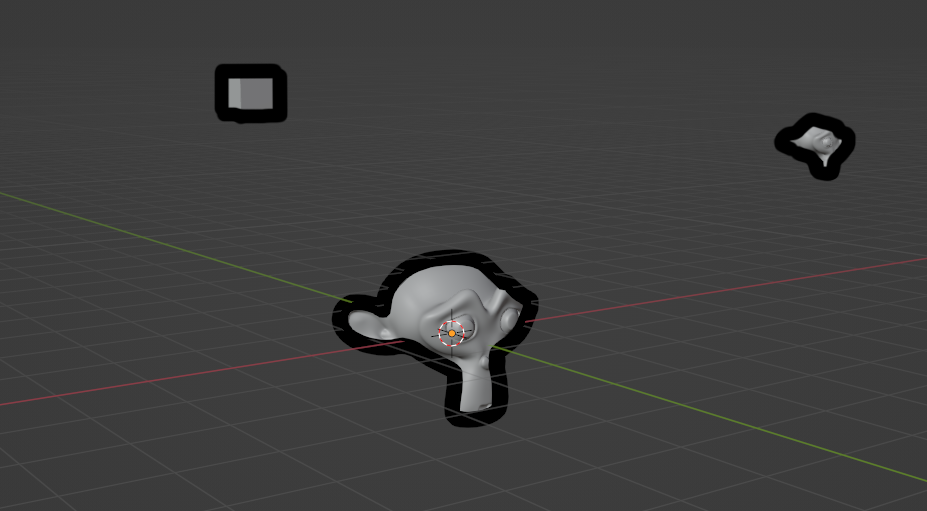
For more control on stylization, I propose to introduce a switch between Relative thickness (current behavior) and Absolute thickness, where the line width stays the same independently from the distance.
4 Comments
Hi, I think the setting you're looking for is GP Object Data>Strokes>Stroke Thickness>Screen Space
Ouch, my bad I didn't check, GP options are many and scattered all around.. Thanks for letting me know!
No worries my guy
Has this feature gone in newer Blender? (I use 4.5 and there's no such setting)