
Numpad - opposite view by double clicking.
This would be more convenient if repeatedly pressing the view key on the numpad would switch the opposite view instead of pressing 9.
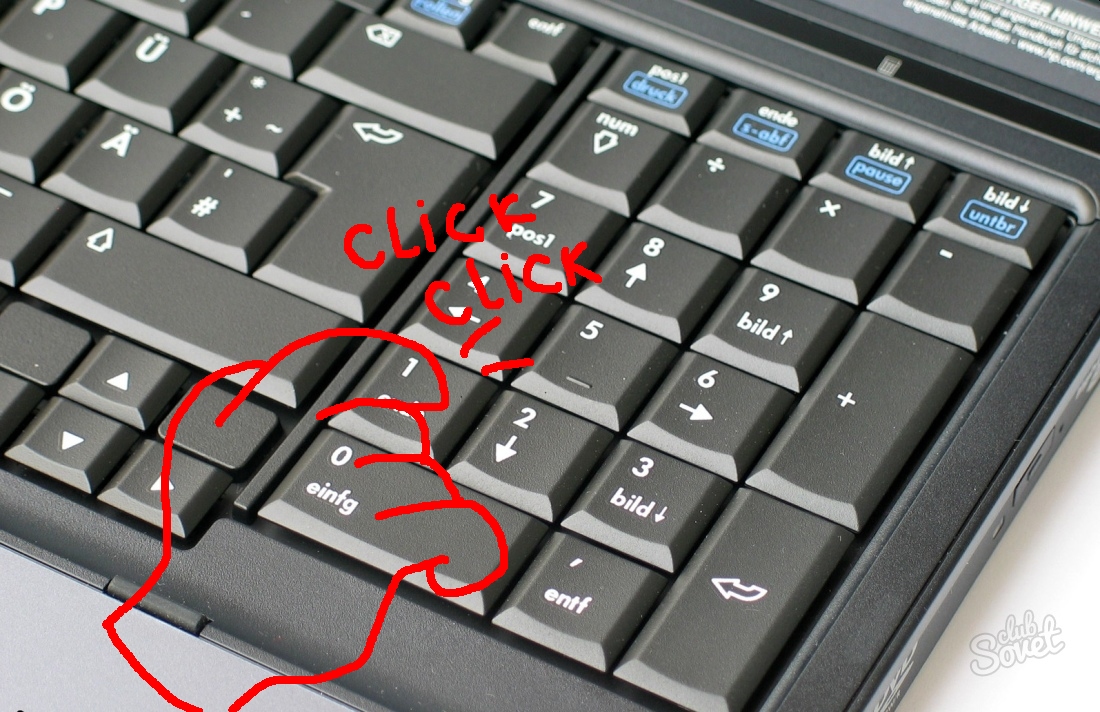
This would be more convenient if repeatedly pressing the view key on the numpad would switch the opposite view instead of pressing 9.
3 Comments
you can use
CTRLkey to have opposite view.Numpad 1=Front View,Ctrl Numpad 1=Rear View* @NiCapp * which I love.
* @Luciano A. Muñoz Sessarego * and its great to keep 9 still because it gives you the opposite of whatever point youre looking at