
Select/Deselect object list indication
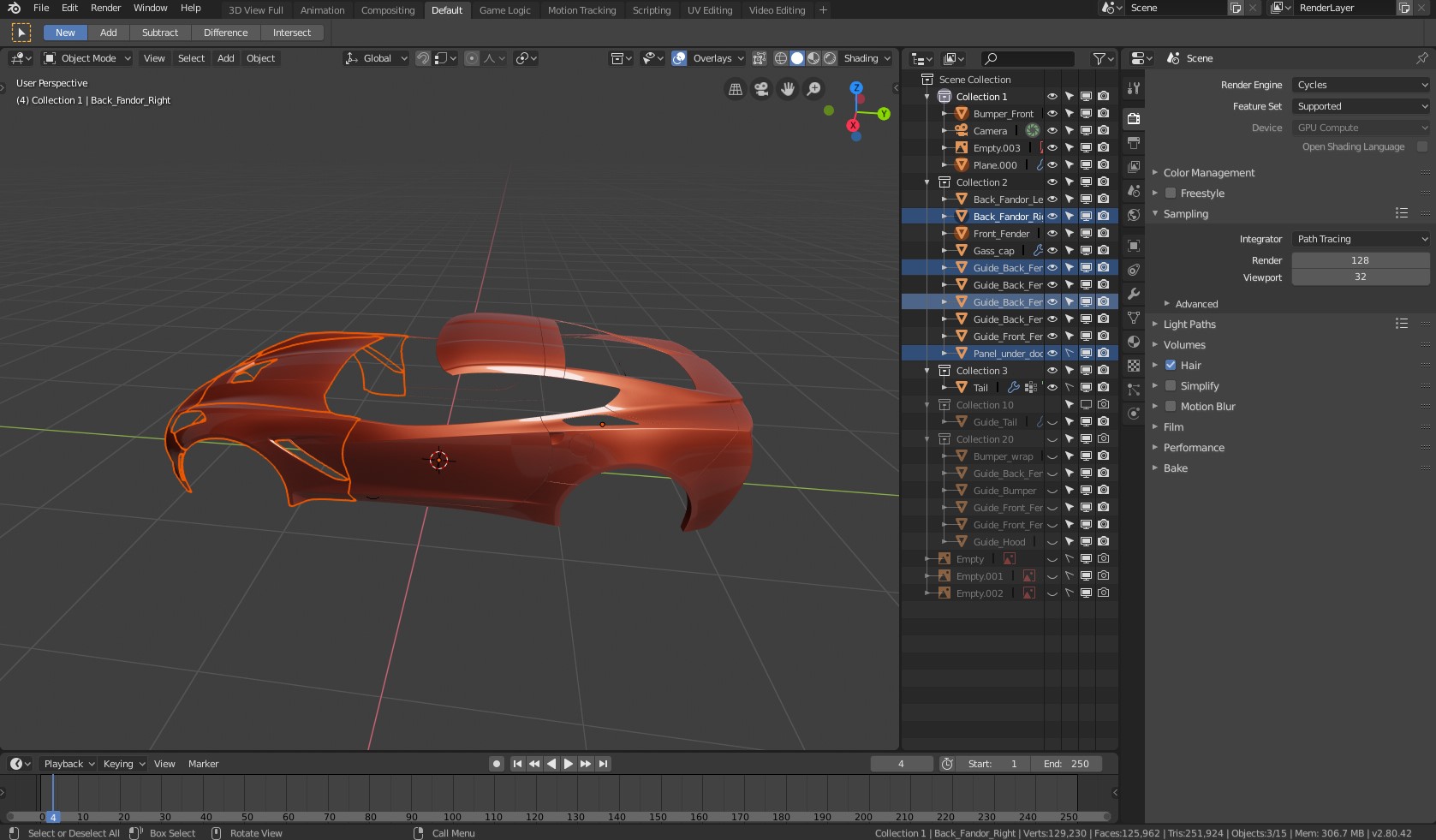
I find selection/deselecting object and Outline are not in sync, when i select object in the scene outline show selection visible by putting small orange ciricle behind icon (which i find extremly bad and not visible) and with Alt + A deselect work in both viewport and outline, BUT if you select object in outline and deselect all in viewport Alt + A object stay selected in outline which i find very confusing, things get even worst if you select again something but in the viewport then you have situation with orange ciricle behind icons and blue lines in outline. My suggestion is to remove orange ciricle behind icons as selection indicators and make blue line universal for selection in outline and viewport to be in sync.
2 Comments
I am using v2.82.7
This appears to function exactly as you are asking. Everything is in sync for me.
The only object the get the icon's background highlight now is the Active Object. So even if you deselect the Active Object you can still tell which object is the active one.
* @LilacDogoo * Yes they made it in 2.8, thanks :)