
Revise Default Brush Texture Settings
In Texture Paint and Sculpt, etc. adding a Brush Texture defaults to an Image Texture. When new users do this, they tend to think they need to add the Image Texture to the brush the same way they do to the mesh object and choose a solid Black image. If they do this for Brush Texture, all their color paints black regardless of what the color picker shows. If they do this for Brush Mask Texture, they are not able to paint anything because the black image masks their brush tip completely.
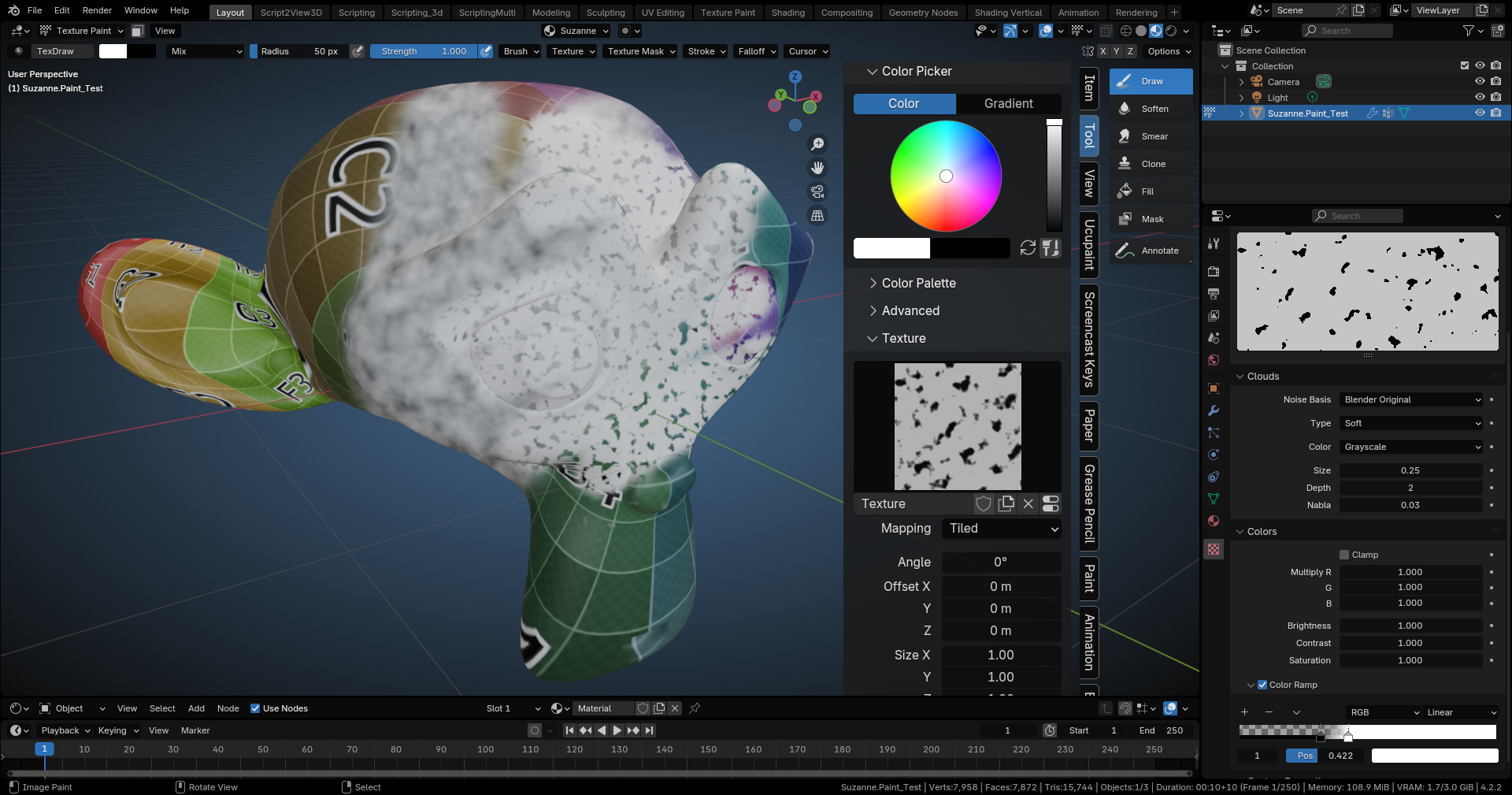
I propose two things : for Texture Paint mode, please consider the primary texture to add for an image texture to use a color grid so that there is immediate feedback with the painter's attempts to color their target canvas, as colors would appear in the pain stroke in Brush Texture and similarly something would show up if Brush Mask. Also, mapping is a pain for these as default is to 'View' which results in dab on top of dab while most users expect the 'Tiled' mapping so that they can see the texture across the stroke.
Alternatively, we might consider Clouds or Noise as the default texture to set first and let the user then choose an image with more deliberate result. Even the 'Tiled' mapping for an image texture results in a more user expected result for a first time painter.
2 Comments
A default texture would be a nice behavior, I agree. It's not great that it's at first just black. But I do think the most common behavior users would expect and use this feature for, is to load an image texture. In that case the 'View' and 'Area' mapping is the most desired one. Tiled is only good for procedural textures.
Where is the 'Area' mapping you speak of? I see 'View' in Texture on the Tool, and that makes the image on the stroke resemble the .exe error popups. edit: Nevermind, I see you are speaking of Sculpt mode mapping.