
auto fill bone/owner property when selecting with the eyedropper
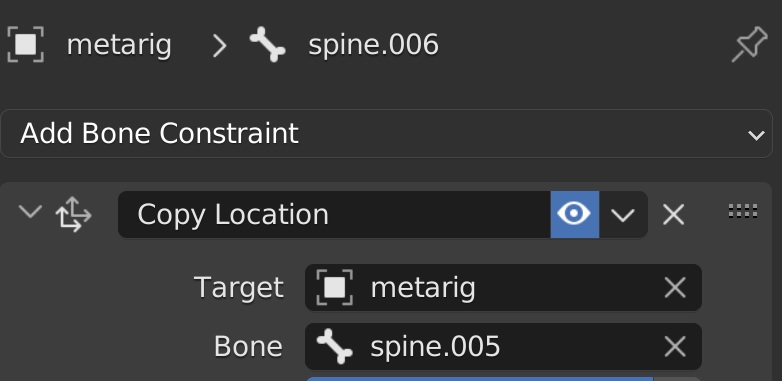
Every time you add a bone constraint, for example an IK constraint, you select the target and the owner with the eyedropper, and even though you've clicked the bone you want in the viewport, only the target/owner gets assigned the name of the armature. You then have to specify which bone of the armature to use. It would be great if when using the eyedropper, the bone to use could be automatically filled in based on the selection. This would really speed things up, particularly as for some reason there's no eyedropper on the bone textbox, meaning you have to manually type the bone name in to reduce the options.
1 Comment
True!
In the meantime you can select the source bone(s) and then the bone on which to add the constraint and hit ⎈ Ctrl ⎇ Alt ⇧ Shift C to add a constraint with the targets automatically set up.