
Bone Display and Vertex weights issue
- In Edit mode
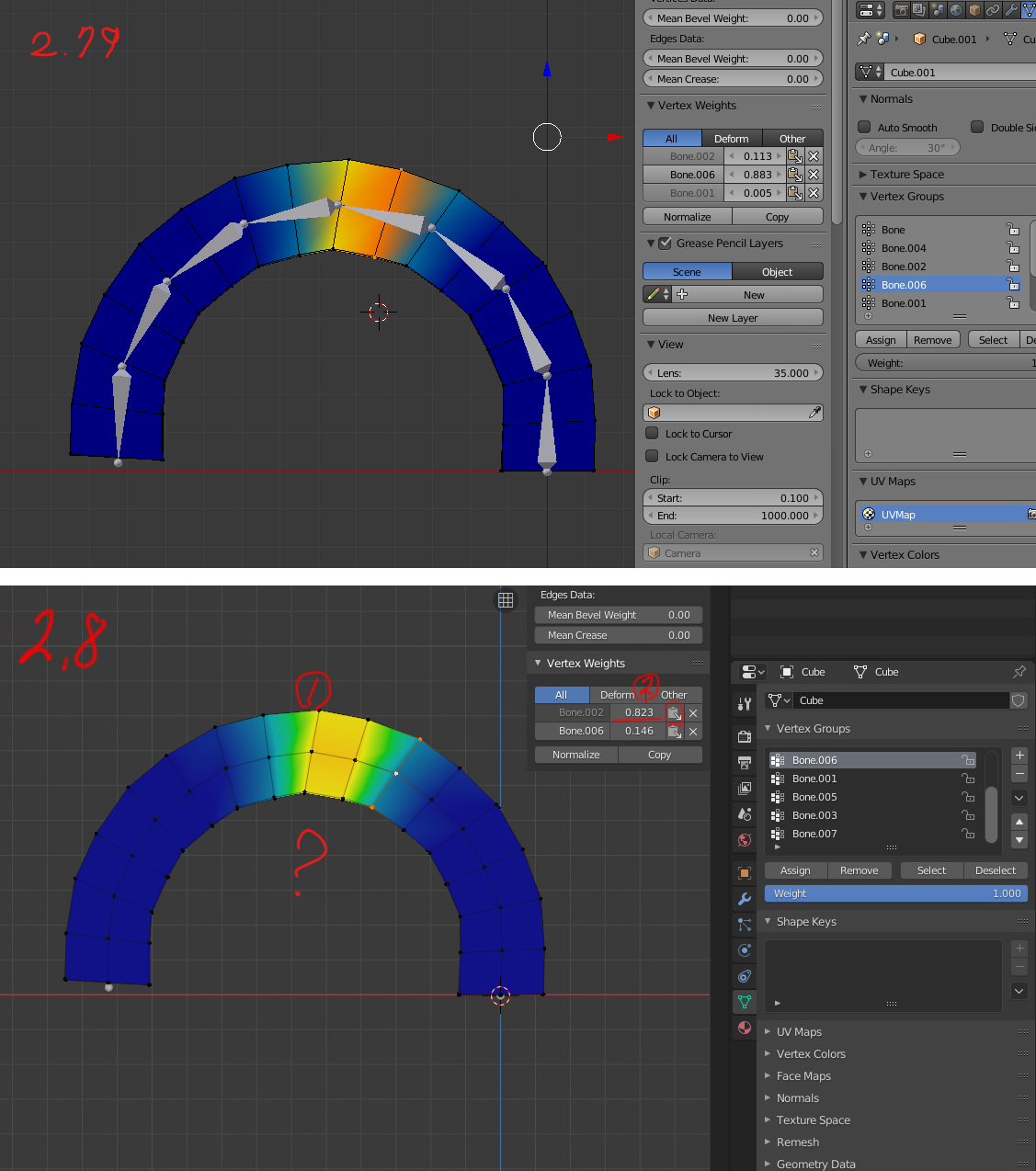
Bones are not visible when vertex group weights are enabled in overlays. I can't select a bone in the viewport.
- Vertex Weight Table
It is recommended that you apply numeric values at once for all vertices selected in Vertex Weight. I want to switch to the 'on-off' function and apply it. Copy efficiency is reduced. The vertex weight table is not visible depending on the situation you select. The vertex weight table should always be visible. Whether you select only one vertex or multiple vertices, they must be controlled identically. (Edit Mode, Vertex Paint-Vertex Selection)
- In vertex paint mode (vertex selection) - Vertex selection too difficult
X-rays look abnormal (X-rays, Button does not work) Even if the value is 1 in X-ray mode, the back vertex is not selected. Vertex selection is so limited that it is difficult to select vertices quickly. I want to use the same selection as the Edit mode.
Edit Mode and Vertex Paint Mode (Vertex Selection) - One of the two needs to be fully functional. Now it seems to be mixed up abnormally.
I hope these problems will be improved.
Blender file Link: drive.google.com/open
Movie Link: drive.google.com/file/d/1yojcNEz9v5oxBLnaA3xf94IFtrpSOrbZ/view
6 Comments
Very good feedback, I hope this feature is reflected
Blender definitely needs a table with all vertices with all weights of a skinned mesh for a better editing
* @alessandro.mocchetti * I totally agree
I agree!
Very good feedback Need to improve
I also hope these features will improve as he said.