
Offset Keyframes Function for Dope Sheet
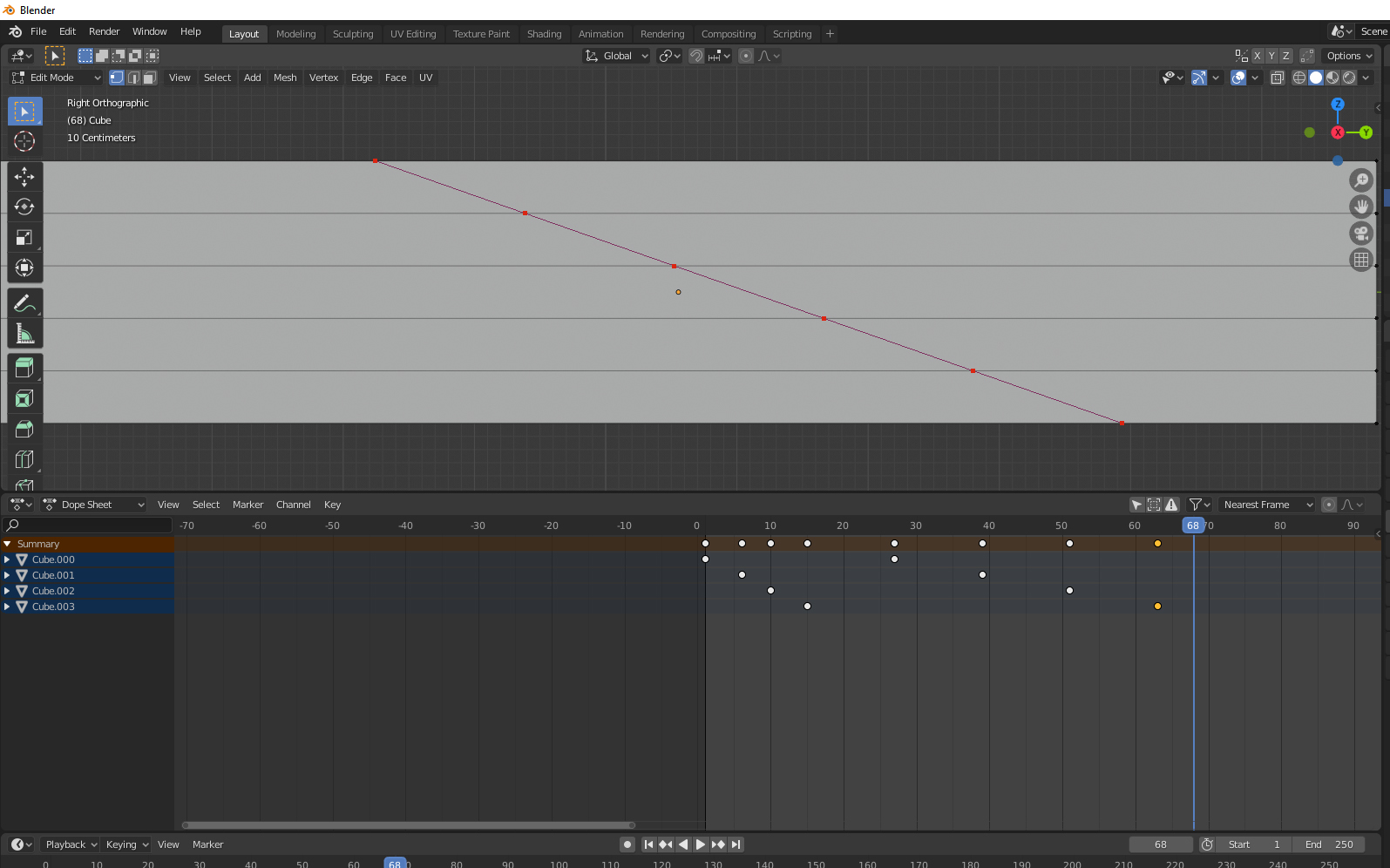
Maybe something like a knife tool? I know there's nothing to cut in the Dope Sheet, but it would be nice if I can offset my KeyFrames in the same way Vertices can be slanted when using the Knife Tool across multiple Edges. This is for the purpose of making a domino effect in animation.
I'm already amazed at how versatile the controls are in the Dope Sheet, especially the Scale function but if I were to say Animate 100 Cubes to enter my Scene from the bottom, but i'd like to have them enter one by one, I'd have to manually offset these keyframes. Only then does the Scale function help me increase or decrease the Offset.
This is how I'd imagine it: Think of clicking and dragging the same way a knife tool works - but in the Dope Sheet - and then your selected keyframes will automatically "Shrinkwrap" to the line that you're creating - effectively creating a very adjustable and precise and equal offset of keyframes.
1 Comment
maybe you should look in to this github.com/okuma10/Keyframe-Nudge
Still your idea is interesting. If the API allowed us to coordinate data of keyframes in the dope sheet, it wouldn't be that hard to implement something that align keyframes based on some kind of angle.