
Using a Vertex Group in Instancing
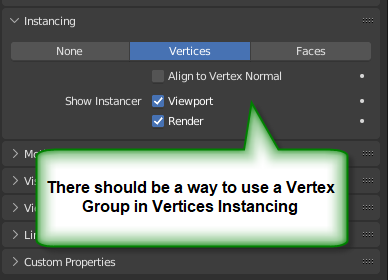
It would be useful if I could specify a Vertex Group in Vertices Instancing, so that only a subset of points are used.
I guess there is some less-trivial way to due this in Geometry nodes, although that seems to be a moving target along releases (I can no longer find some of the nodes listed in solution on stackexchange, for example: Point Separate node shown in blender.stackexchange.com/a/222259/111042 ).
2 Comments
You can do that easily in geometry node
now we come the the part that interest you, before we had a node to seperate the 2 vertex groups now it's the "selection" socket in instance on points, you just need to connect the vertex group into it. Now the question is how to connect the vertex group.
If you followed the steps correctly you should have done what you wanted in geometry node.
any chance they will just add a node that allows the vertex group to be selected from a list?