
Alt+D for Curve editing like in mesh editing
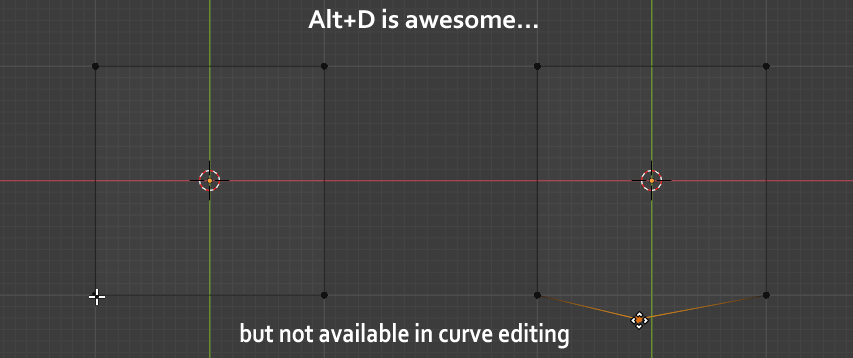
In mesh edit mode, we can use the Alt+D combination to add a vertex between two existing ones. Please, as long as it is possible, let us use this combination for curves instead being forced to use subdivide option.
4 Comments
While in Curve "Edit mode":
Now your set up like a pro.
Blender allows you to assign your own shortcuts to almost anything without even going to the keymapping page in the settings.
* @LilacDogoo * Yes. I guess everybody knows how hotkey assigning works but hotkey for subdividing is not the feature I suggest here.
Try bezier utilities addon, it act similar by preasing W key
* @mrajendra2150 * Thanks for the information. Unfortunately it seems to not work with 2.9x