
boolean modifier : "auto-hide target object" option
I'm a Blender teacher and I've noticed, over the years, how difficult it is for students to understand how the target object works with the boolean modifier.
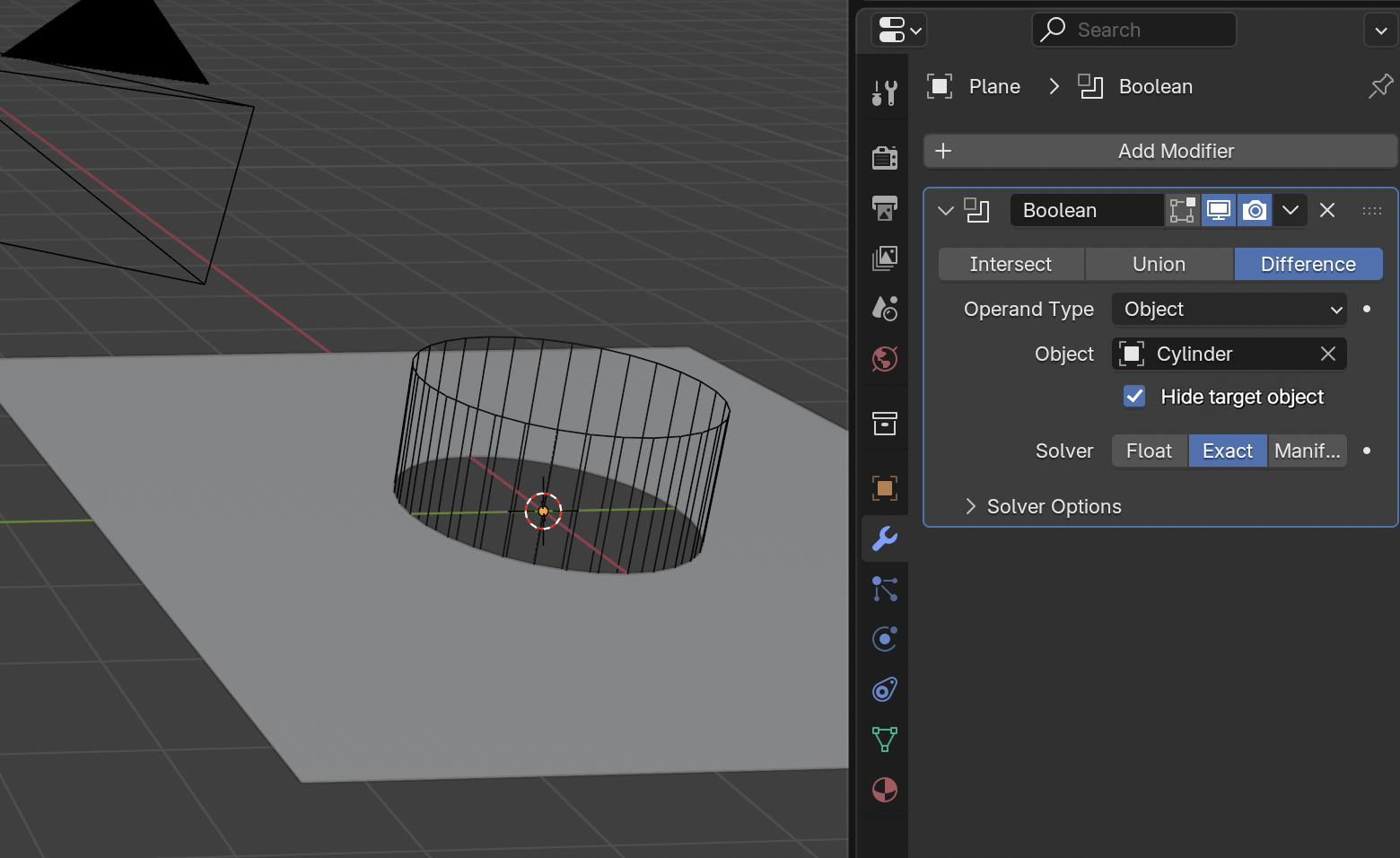
Let's say we have a plane, and a cylinder. We want to use the cylinder to make a hole in the plane. So we add a boolean modifier on the plane, and we use the cylinder as target object.
student: "Nothing happens."
Well, something DOES happen (a boolean difference), but since the target object is still displayed solid, the student does not notice anything. This behaviour is counter-intuitive.
This could be solved by an extra option for the modifier,
☑ "auto-hide target object" (checked by default)
when this option is checked and that an object is choosen, it would
- set "display as..." to "wireframe" for that object
- disable object in renders
Maybe the behaviour should be refined, but let's discuss about it.
3 Comments
I agree that this kind of functionality would be good.
But the issue here is how to implement it. The modifier can affect only the Mesh of the Object that has that Modifier. Modifier can not have influence on other objects, or object properties.
There are add-ons that handle the hiding/wireframe display etc. for the user. Like free Bool Tool that can be found on the extensions platform. It automatically adds cutter to a collection and change the visibility settings.
I personally think it would be good to teach students a “proper” workflow with Booleans. Create Collections for source meshes, set the visibility settings for them, etc. Tell them about local collections etc. As there are a lot of valuable information involved that can be used on other context too. Then introduce the add-ons that do all that stuff for you automatically.
I agree, that’s a very useful option.
this is very basic yet an essential feature.