
Use Viewport Shading HDRI for Rendering Without Manually Setting Up World Environment
Hello,
I’d like to suggest a feature for Blender that would make rendering more intuitive, especially for beginners.
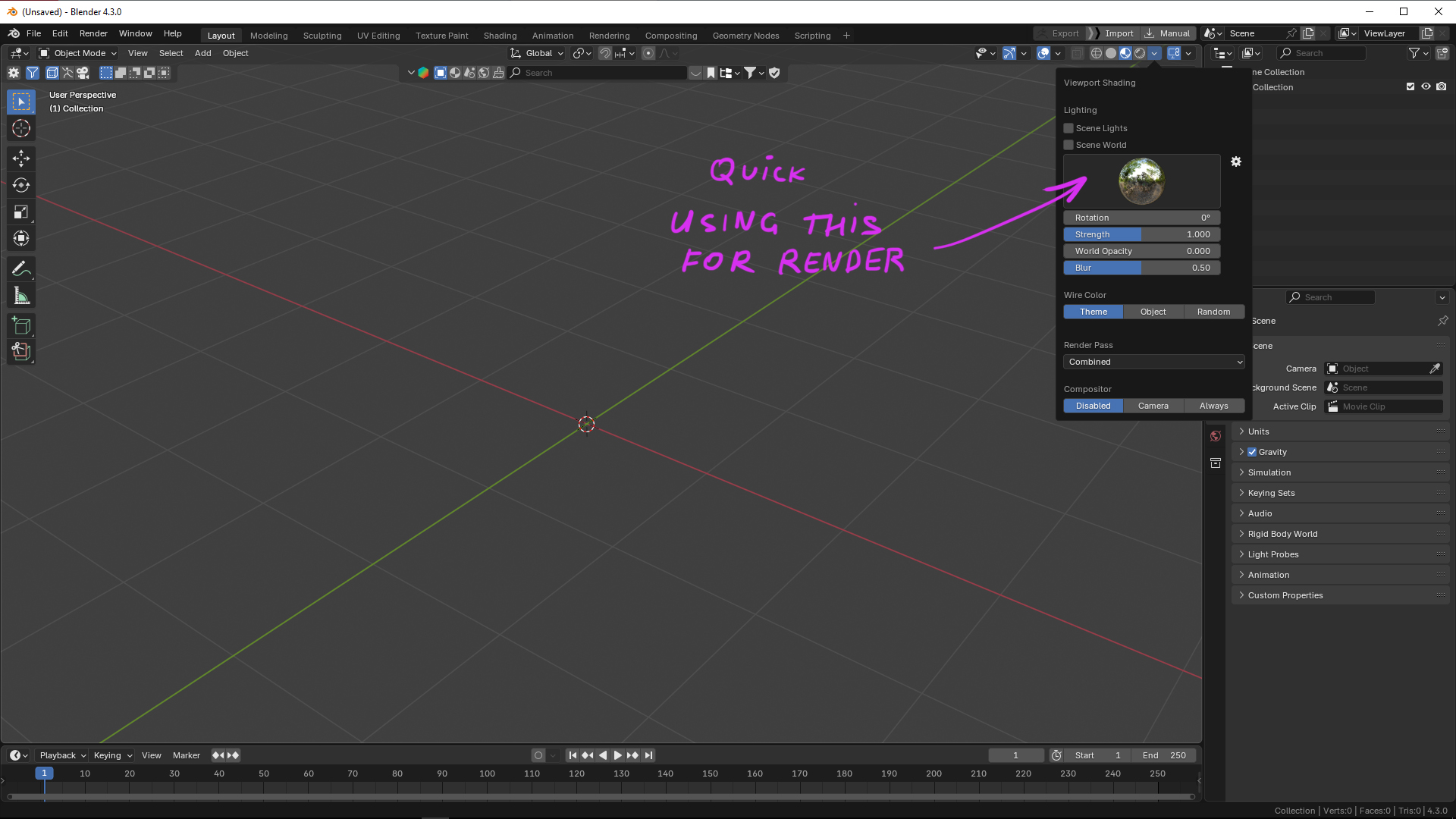
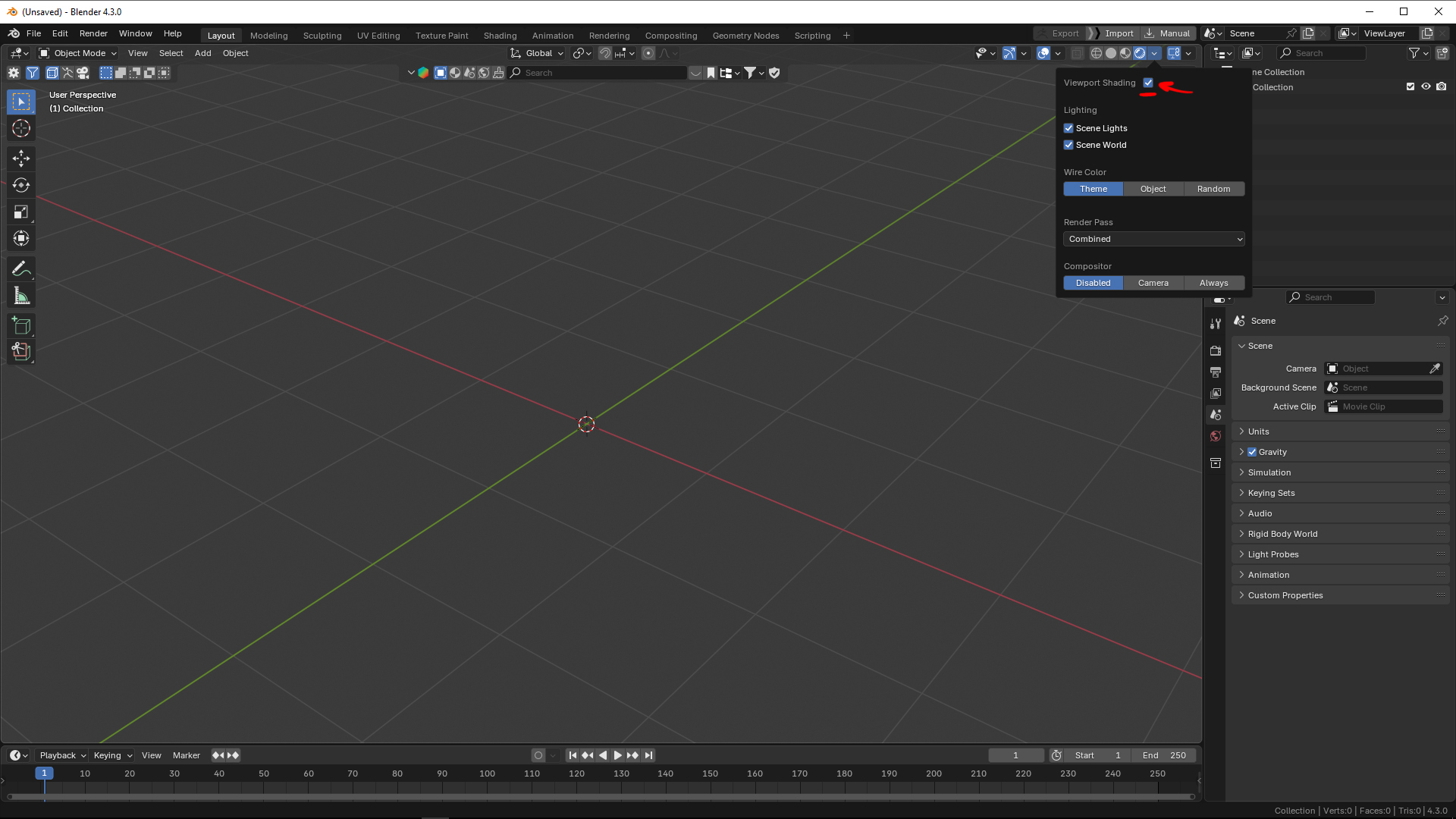
It would be great to have a button that allows users to render using the same HDRI lighting setup as in Viewport Shading, without manually configuring the World settings. Right now, users have to locate and load the same environment texture from this path: C:\Program Files\Blender Foundation\Blender 4.4\4.4\datafiles\studiolights\world
As a Blender tutor, I’ve noticed that many of my students—especially younger ones—find this process confusing. They expect the render to match what they see in the viewport, and when they realize they have to manually set up the HDRI again, it often leads to frustration. This happens in almost every beginner lesson, and I can see their disappointment.
That’s why I promised my students I would share this suggestion with the Blender development team. I believe a simple solution, like a one-click option to use the Viewport Shading HDRI for rendering, would greatly improve the user experience.
Thank you for considering this request!
1 Comment
Why not get rid of the special viewport HDRI and just take whatever is set up in the world node editor - have a default node setup on startup with that default HDRI. Every changes you make in the viewport menu automatically updates the node setup in the world settings.
Beyond that: maybe introduce a new output node 'viewport' (or dropdown entry Cycles/EEVEE/Viewport). That way one can setup different things for render and viewport - if one is advanced enough to think about such edge cases.