
Image planes on camera attached get hide
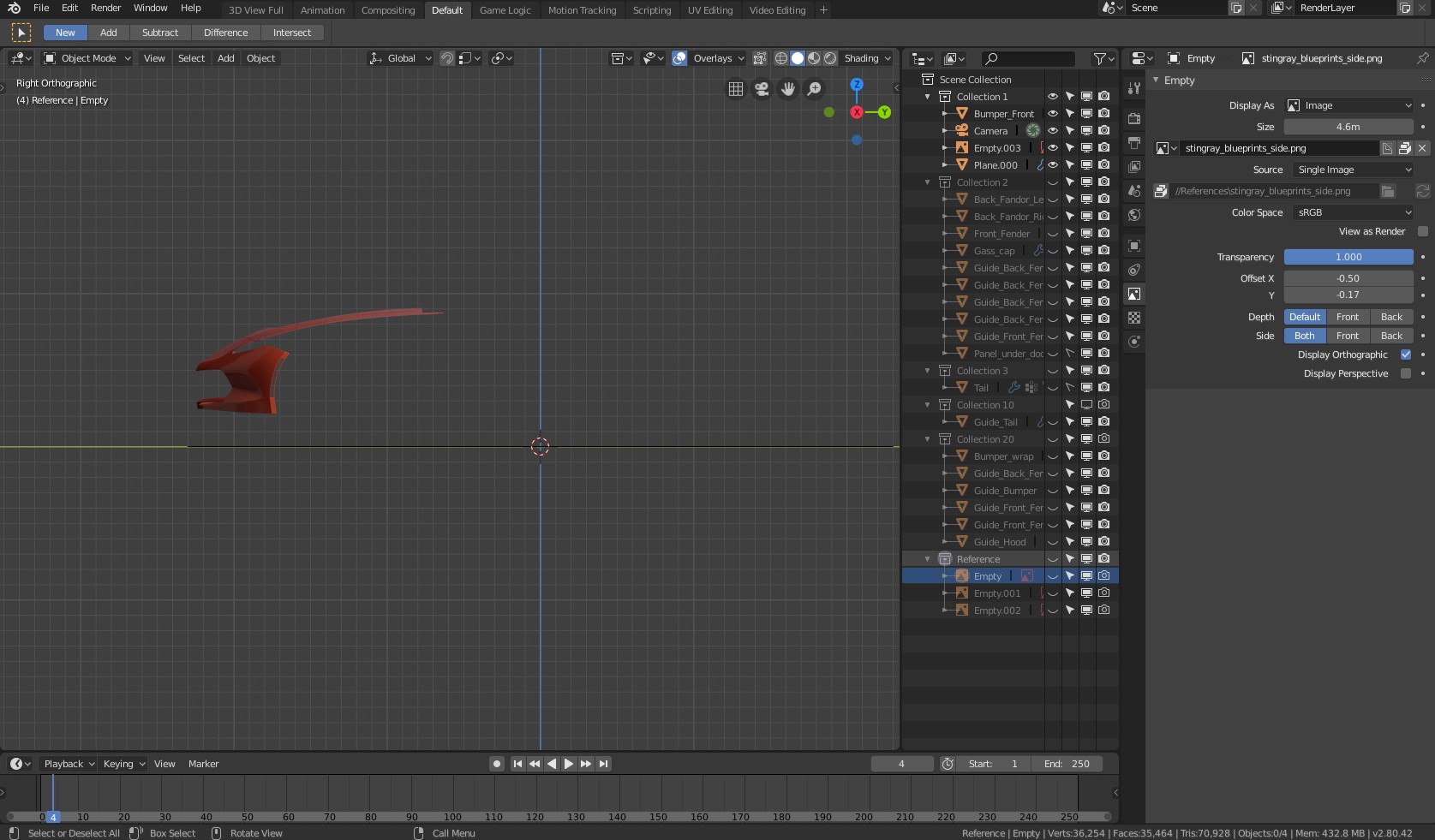
Hello all, i find very strange behavior when i use new image background system. When i attach it to the camera and make visible only in orthographic viewports they should ALWAYS be visible in orthographic cameras, but however when i work with collections and pres keyboard number 1 to show first collection content and i go to orthographic viewports my images are hiden and i should find them in the outline and make visible again. Also, even if they are visible in orthographic viewports they become invisible as soon we go to local view for any object in the scene. Please fix this as soon as possible. Thank you!
1 Comment
I can't replicate your issue. Does this happen with a new file, and maybe different reference images?
Could you try moving your User Prefs and Startup file to a temp location, and trying again? If it continues, then it is probably a bug and should be reported as Craig mentions. If it's fixed, then there is an issue with your settings.
Also, I'm not sure what you mean by 'attach it to the camera'. There shouldn't be any involvement with the camera, other than to switch views before creating an Empty Background.