
small tweaks
Before i go in i will give you some context , i was adjusting the uv's of my model using the rmkit addon and blender's inbuilt uv editor whilst i was doing this , a thought appeared in my head , why not introduce the relax and space function's from loops tool's in to the uv editor , as it would tremendously help in dealing with uv squares or organic uv islands
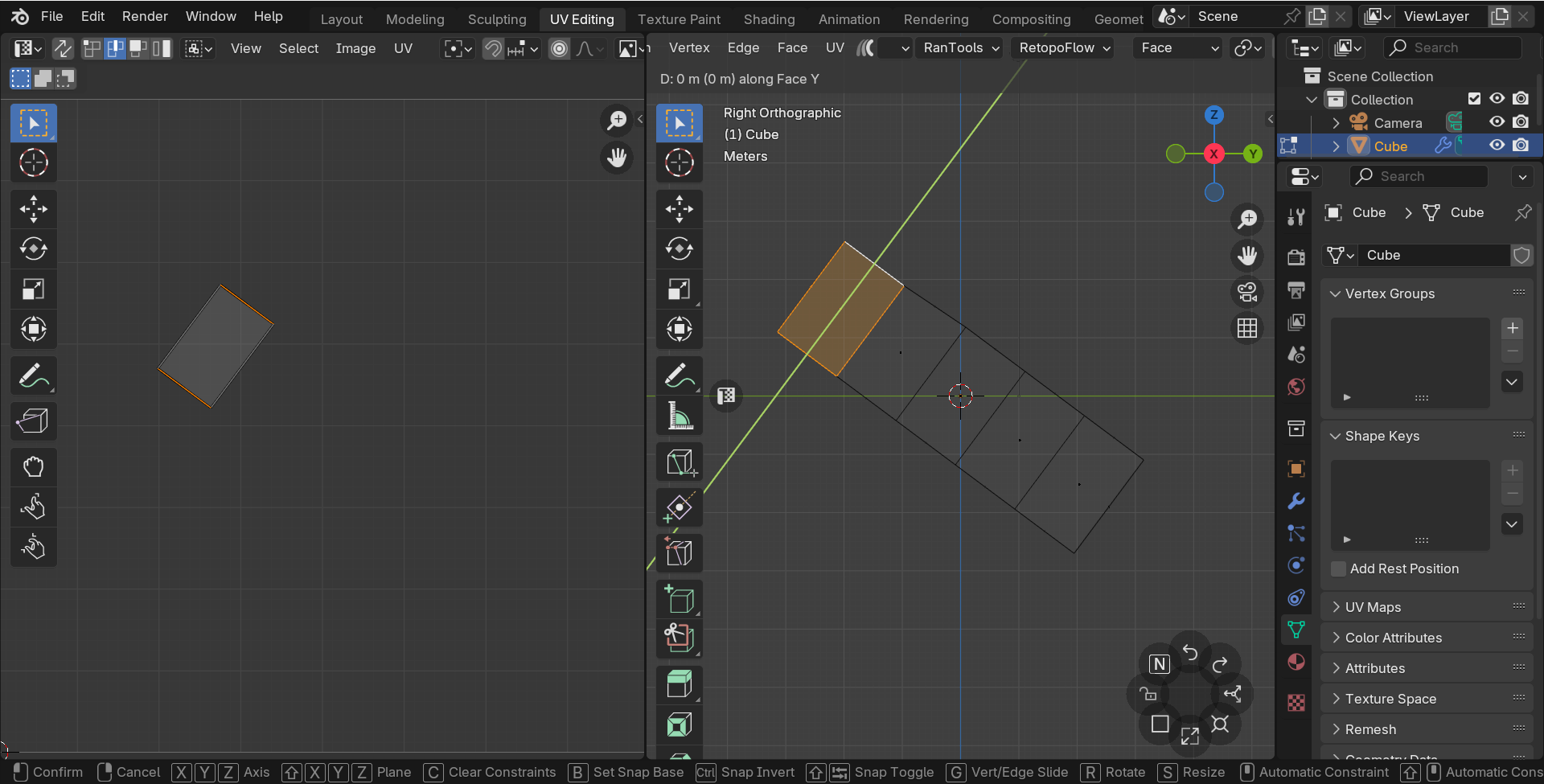
Aside from this when i was uv unwrapping vehicle's in blender, i found it difficult to adjust the square uv island's when they were not aligned straight in any axis , any rotation meant undoing if you wanted scale or descale a uv island or face
So the solution from my perspective is to integrate the transform orientation menu from edit mode into the uv editor
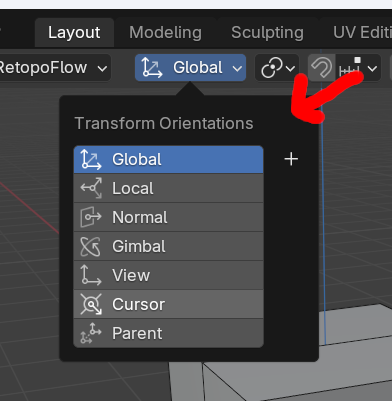
I Apologise for my English but if your interested then comment down your thoughts below whether negative or positive , if you're wondering how i got square uv's ,well thats from the square uv's Addon
Here is a demonstration
2 Comments
How would you set the default orientation for each UV island, what would it be based on?
Sorry for the late reply but let me explain , it would be based on the angular orientation of a uv edge that has been selected