
Fbx Importer with Collections
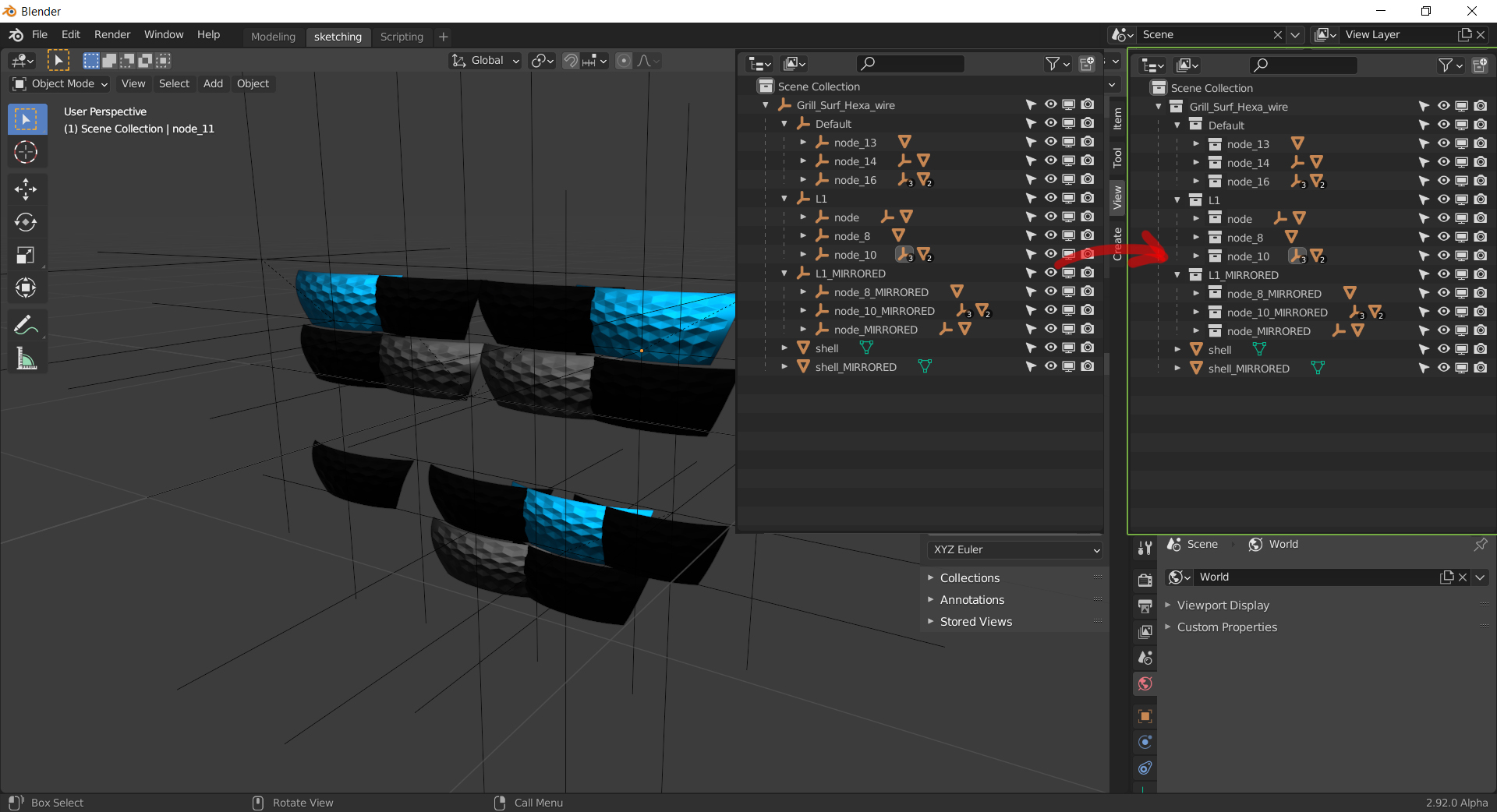
Hi Guys, would it be possible to Import "Groups" from other Software via the FBX importer as Collections instead of Emptys? When importing FBX fromt Cad Software i Usually get a lot of these Empties, reassembling the group hierarchy- getting these as Collection and sub Collections, would help a lot!
9 Comments
From me - you forgot about FBX export. I move often stuff between Blender and 3D Max - Blender's collection not represented in FBX at all.
Even Blender itself see no Collections in it own FBX files. This new Collections totally useless if your workflow mean FBX export/import, it still need use linking to empties instead.
It looks like absolute shame when Blender recognize Max groups (as empties, okay, but it work) and not recognize own Collections....
the obvious problems is that collections don't have transforms- so all of your objects will import in the wrong location.
* @testure * THe importer alraedy has the "apply Transforms" option, If combined with an Collection option, this should work. When I import the geo, I dont want the on screen representation or the Parenting(of the empty) I just want the "organising" Part of it :) beeing able to show hide the Groups/Collections incl their sub collections is really important in the tesselated Cad Files I use.
* @jjcg.23 * it's not about applying transforms. Groups in a lot of software are kind of container objects, with an origin, Location, Rotation and Scale. Empties are the closest to that in Blender.
Though, it might be interesting to have the option at import, to choose between empties or collections as group replacement. OR, turn collections as container objects too, as it's been requested many times already.
* @-L0Lock- * I my main Nurbs-modelling Package (Alias) we have both systems, the GroupNode(Emptys) that includes origin, Location, Rotation and Scale. which is of course important! but as a overlaying hirarchy we have the Layers (Collections) which can not be transformed at All (which is good), but are a great way to organize you File, managing show/hide, symmetry and a few other settings... With the new collections, Blender now has a very similar system, and I love it! But imported Fbx files dont use that option (yet) so I have to do a lot of manual reorganising...
* @jjcg.23 * Dont use yet ... Relese date from wiki - 2.80 July 30, 2019... They just made pretty useless something and left it as is.
fbx likely does not support a group object type. So the software you use to generate a fbx likely replaces groups by emtpies. Thus you can keep that hierarchy. However it's impossible to differentiate for blender between an empty and a "originally" group object.
What you could try is creating a script that replaces objects with no data and with rot/loc/scl of 0/0/1 by a collection. Also the reverse might be useful, because the structure of the imported fbx and a exported fbx is best to be preserved.
This is exactly what I need! Couldn't find any workaround.
Can anyone explain why gave downvotes to this suggestion?