
Key-Binding option in Keymap search should type the key automatically
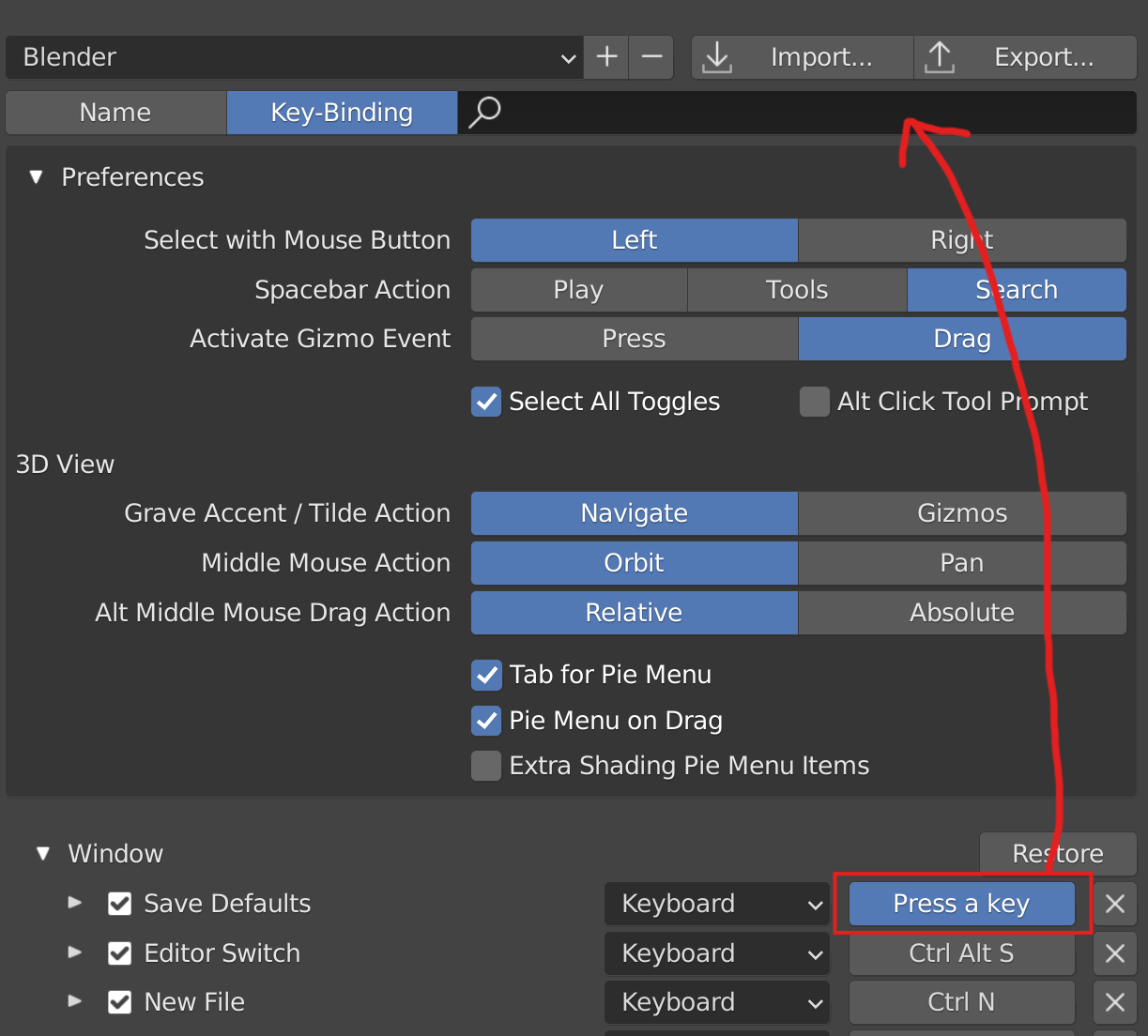
In the Keymap preferences, when using the Key-binding option for the search menu, you have to literally type letter by letter buttons like Ctrl, Alt, etc., slowing down a lot the process of searching by typing keys.
Instead, it should work like when you change a shortcut, that just by pressing e.g. Ctrl, it automatically fills the search menu with the key you pressed.
1 Comment
Also, we still need the ability to search for keymaps using only the exact modifiers we specify. Right now, the only workaround is the one described here: blender.stackexchange.com/q/288855/142292