
Color Ramp Flags Auto Distribution Function
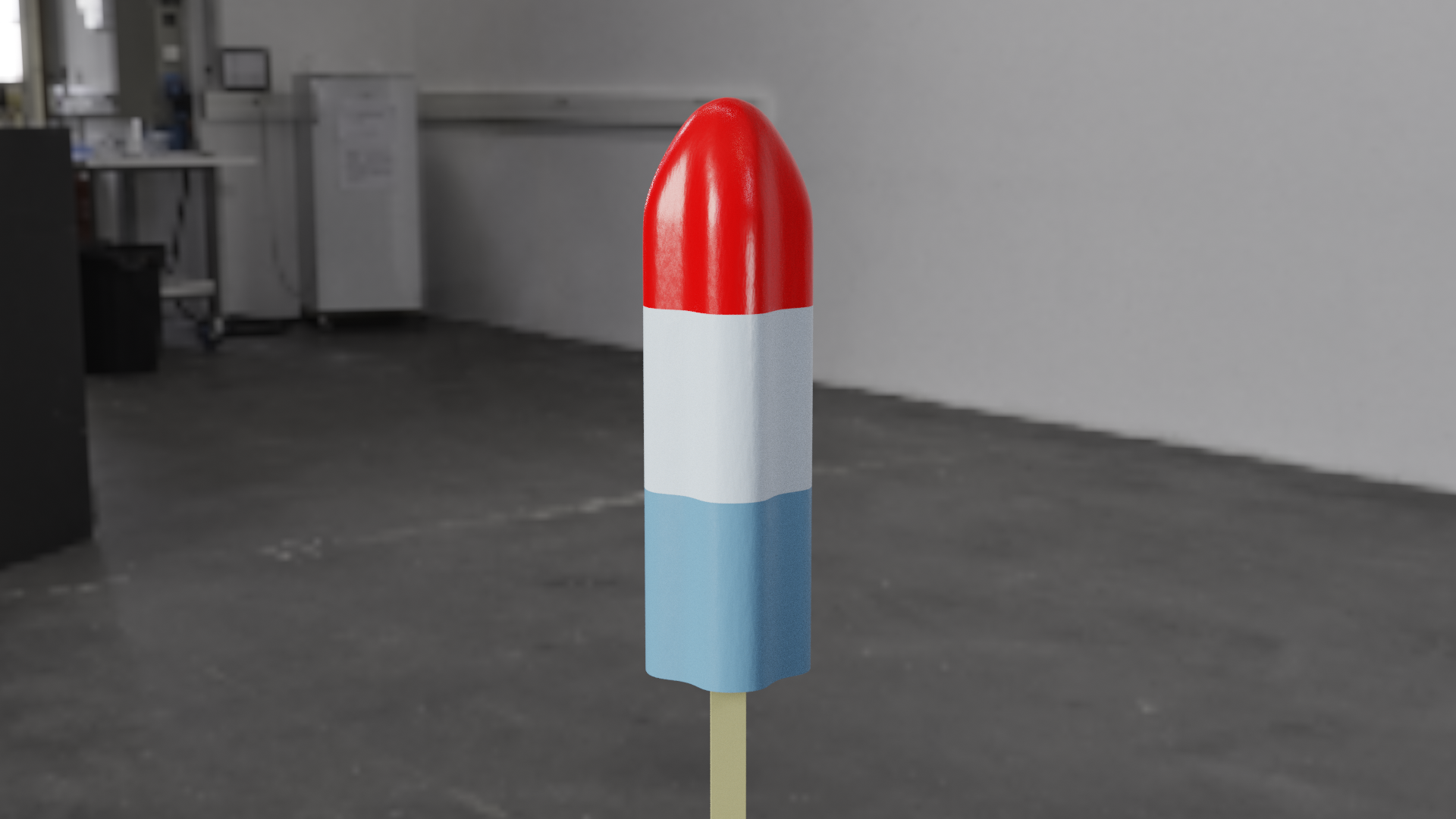
Sometimes in a color ramp node, I want to distribute the flags uniformly across it. This is helpful for a number of things I feel. For instance, I made a Popsicle here, it has three colors running along the Z axis and they each take about an equal amount of space on it. I placed the colors manually, but I feel like it would be great to just press a button in the node to space them equally. Maybe for just 3 colors, it's pretty easy to do the math and use the "Pos" input to place them, but for higher number of colors it becomes a real pain. I've never seen this function in other programs, but I have definitely come across the urge for a function like this more than once while working on projects. I wonder if anyone would be interested in this?
5 Comments
Patch added: developer.blender.org/D3965 Behaviour is not defined but this distributes the stops from left to right with gap at end.
@mistajolly: This has been accepted and committed.
@mistajolly: Wonderful, cheers!
This is useful. One other thing that would be cool is double click on the ramp to add a new stop
@Duarte Ramos: You can ctrl-click to add a new stop