
Improving the Workspace
In my opinion, the "Workspace" in Blender could use some adjustments. There are a few issues with this section. First, it occupies space to display a list of all workspaces side by side, even though we don't need them all the time. It would make more sense if, like in most software, it had a dropdown list, with maybe just a few options visible outside.
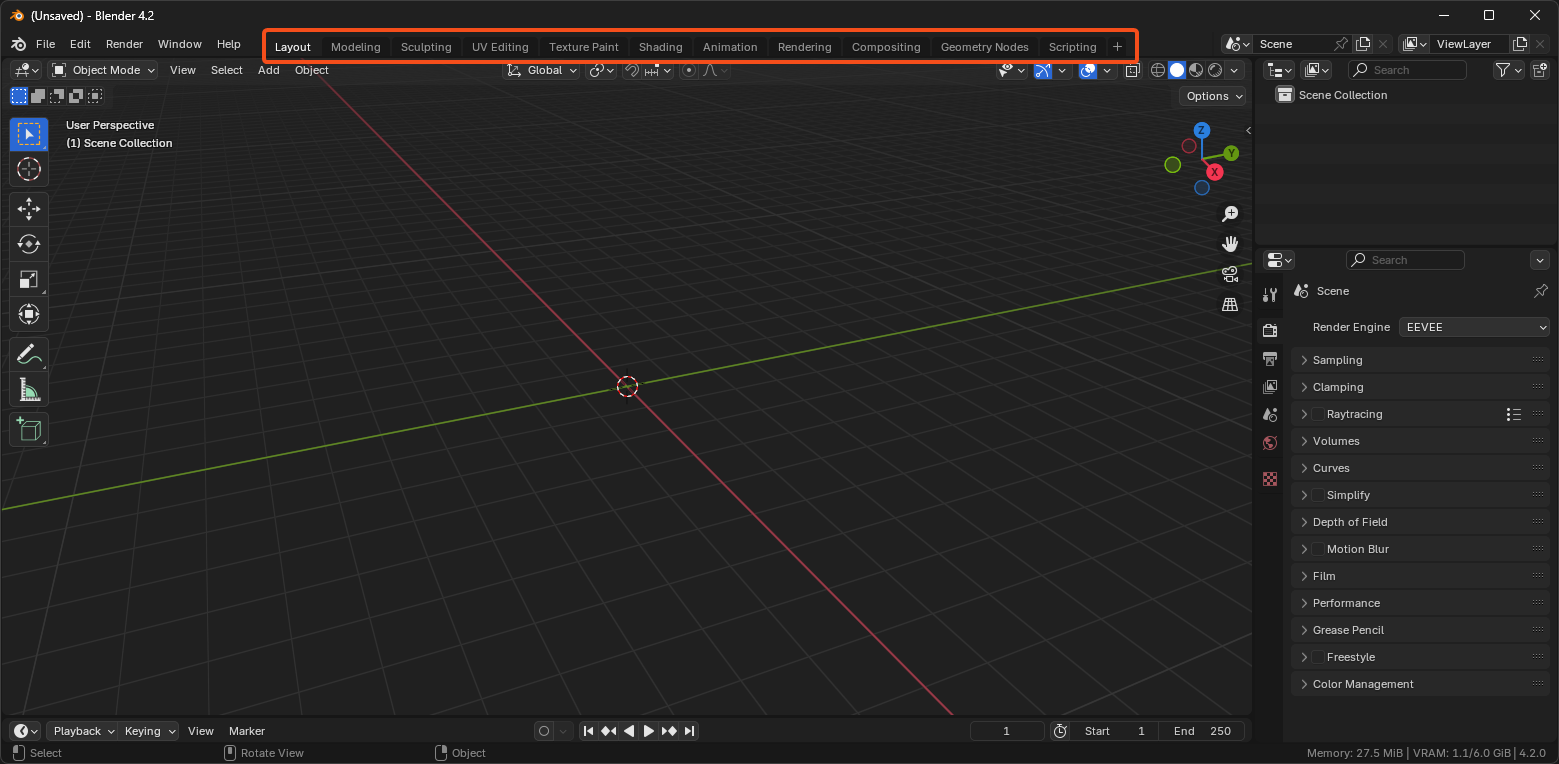
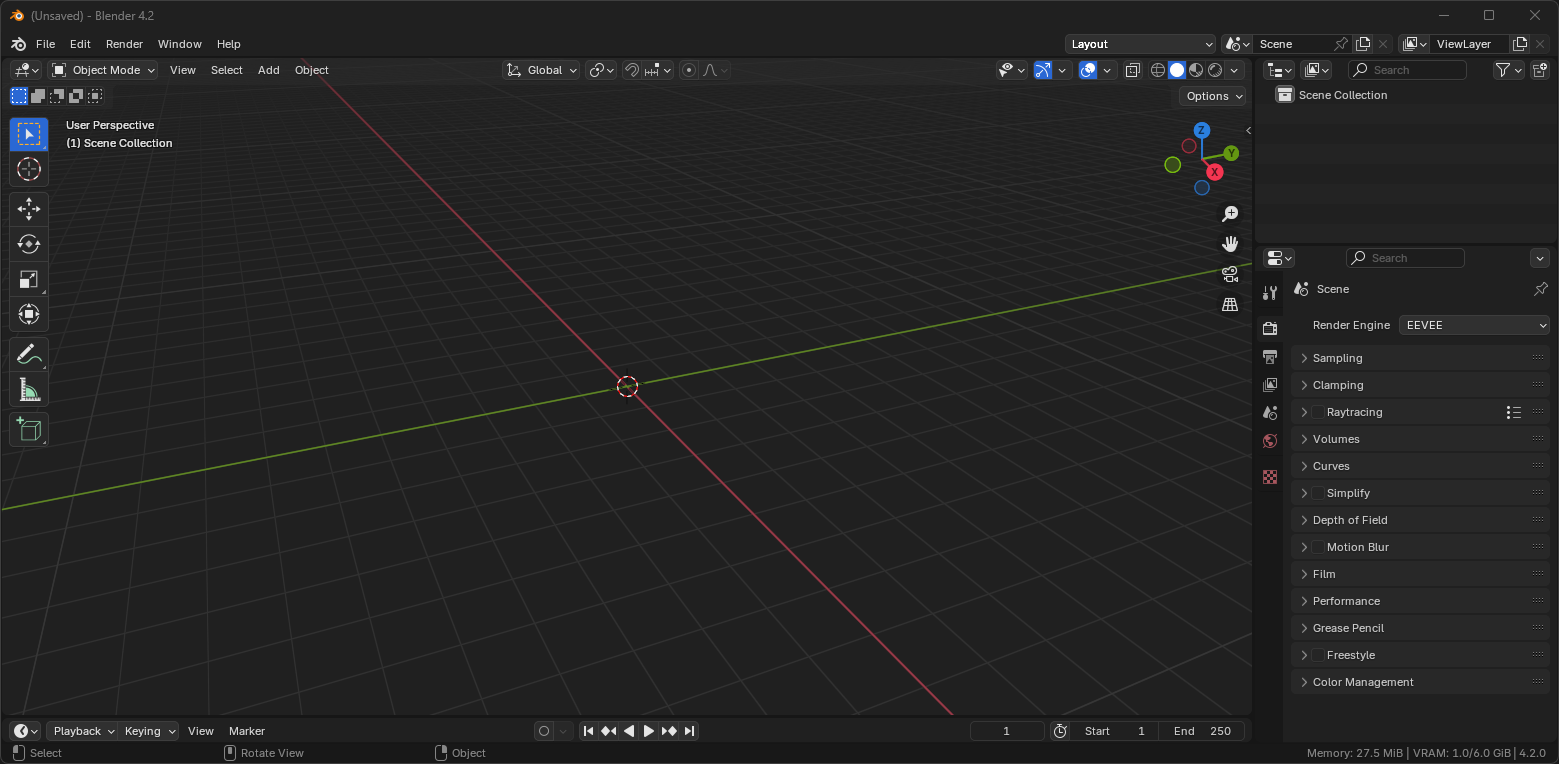 Another issue is that these workspaces can’t be reset. So, if we make changes to the scene and want to return everything to the original workspace setup, there's no option to do that (unless I missed it!). The only place to reset everything is through File > Defaults > Load Factory Settings, which restores everything, even removes plugins, and closes the project.
I think the workspace setup in After Effects is well-designed and could serve as a good model.
3 Comments
Yes, they can, just create new and delete previous. I guess that could be improved to have reset workspace in right click menu.
As for the changing it to drop-down again, what that change would add? What would go in place that those workspace tabs occupy ? You cannot make argument "its occuping space" just for sake of having it empty.
On 1440p there is more unused place there than in Your "after" mock-up, on 4k or ultrawide there is even more space there available.
Also AE is almost same concept. There are buttons to change to other layouts (default,review, learn), and there is hamburger for more layouts. In blender You have buttons of opened layouts with menu to open more layouts, but instead of opening them, it adds that layout to opened layouts.

I think instead of deleting and recreating the workspace, it would be better to just simply right-click and reset it.
I would be already happy if I could only just hide Workspaces that I don't need. (as in Modo)