
A World Orientation Viewport selection
Where is WORLD Orientation? Regardless what this Orientation is set to verts, faces, edges are relative to the object not the world.
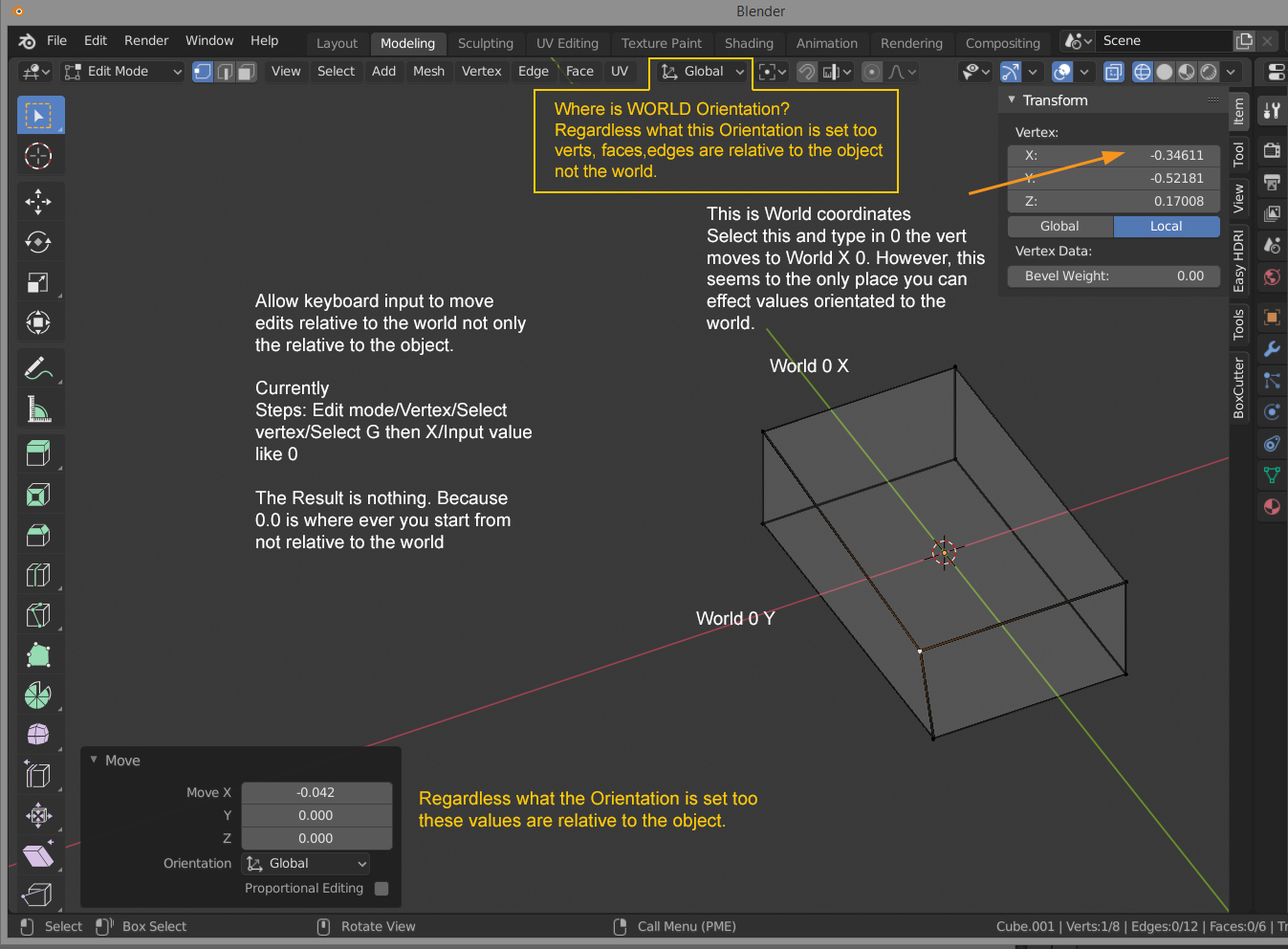
Where is WORLD Orientation? Regardless what this Orientation is set to verts, faces, edges are relative to the object not the world.
5 Comments
In the Transform Tab on the Right, you can click on GLOBAL, if you grab a vertex and there put in 0 0 0 it goes to 0 0 0 in world space. Maybe we should change the name to World instead of Global? (in the transform tab)
Can you not just use the Global button that's right there in the Sidebar?
* @Jason van Gumster * As stated the "Global" is not World. Right, have you tried to move a vert to a WORLD zero via G/X/0 ?
* @othoap * <kbd>Alt</kbd>+<kbd>G</kbd>. Even then, your reply sounds different from your initial proposal. One is about numerical adjustment through the Sidebar or Last Operator panels. Your reply sounds more like a different form of keyboard entry for absolute coordinates (which has already been proposed elsewhere).
* @Jason van Gumster * I disagree. My original post was Where is World orientation. My reply to "use global" is stating global is not world. The I use one example of how a World Orientation Selection could be use.
I'll ask again. How can you move a vert in world coordinate via keyboard.
Also it seems that the "Items" coordinates is not supported by Python.