
Keep the direction of movement when moving objects
When you move the object and enter the value from the keyboard, the direction of movement changes.
For example, I want to move the object on the left to the right by 2 meters (picture 1),
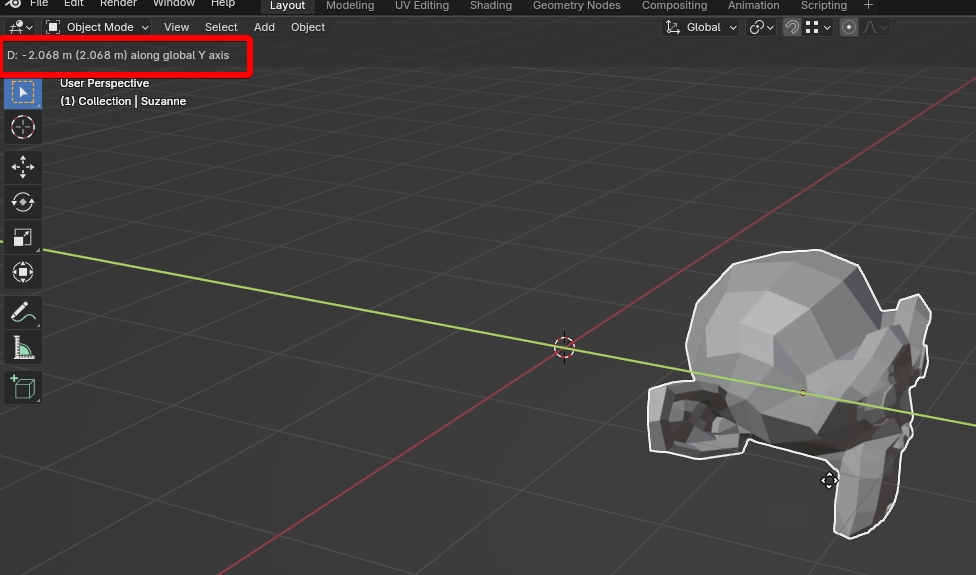 but when entering from the keyboard 2, it moves in the opposite direction (picture 2),
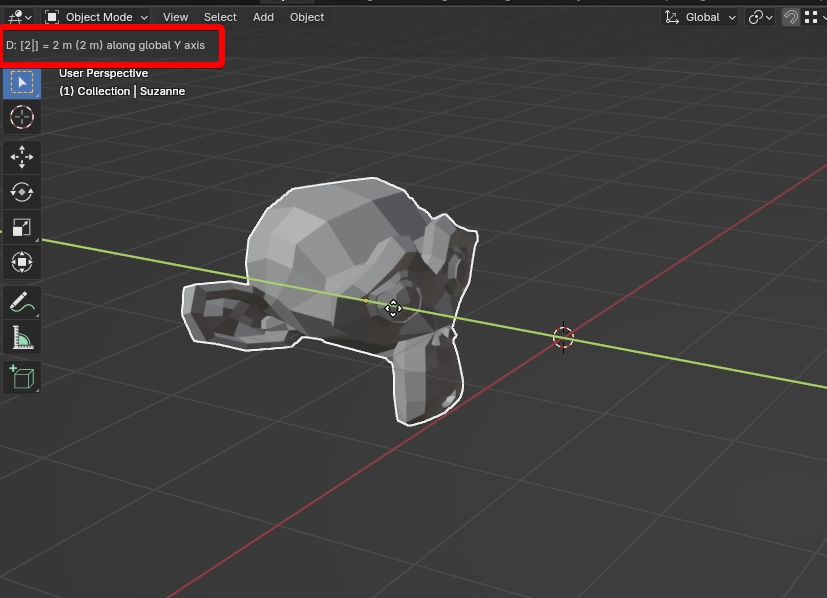 because it must be entered -2. But it is inconvenient to constantly look in the corner to follow the sign. It is more convenient if the blender did not change the sign, if I move along the Y axis in the negative direction, and enter 2, then let the signs remain minus, will not be replaced by 2. In most programs, this is an employee that way.
I hope I clearly explained.
because it must be entered -2. But it is inconvenient to constantly look in the corner to follow the sign. It is more convenient if the blender did not change the sign, if I move along the Y axis in the negative direction, and enter 2, then let the signs remain minus, will not be replaced by 2. In most programs, this is an employee that way.
I hope I clearly explained.
0 Comments