
One smart command for joining vertices, instead of "F" and "J"
Currently, to connect two vertices there are two common commands:
- F: New Edge/Face From Vertices
- J: Connect Vertex Path (what?)
If you use F to connect vertices that are part of the same face, you'll create an edge that looks like it it splits the face, but it does not. This is almost never what what you want, and it's confusing.
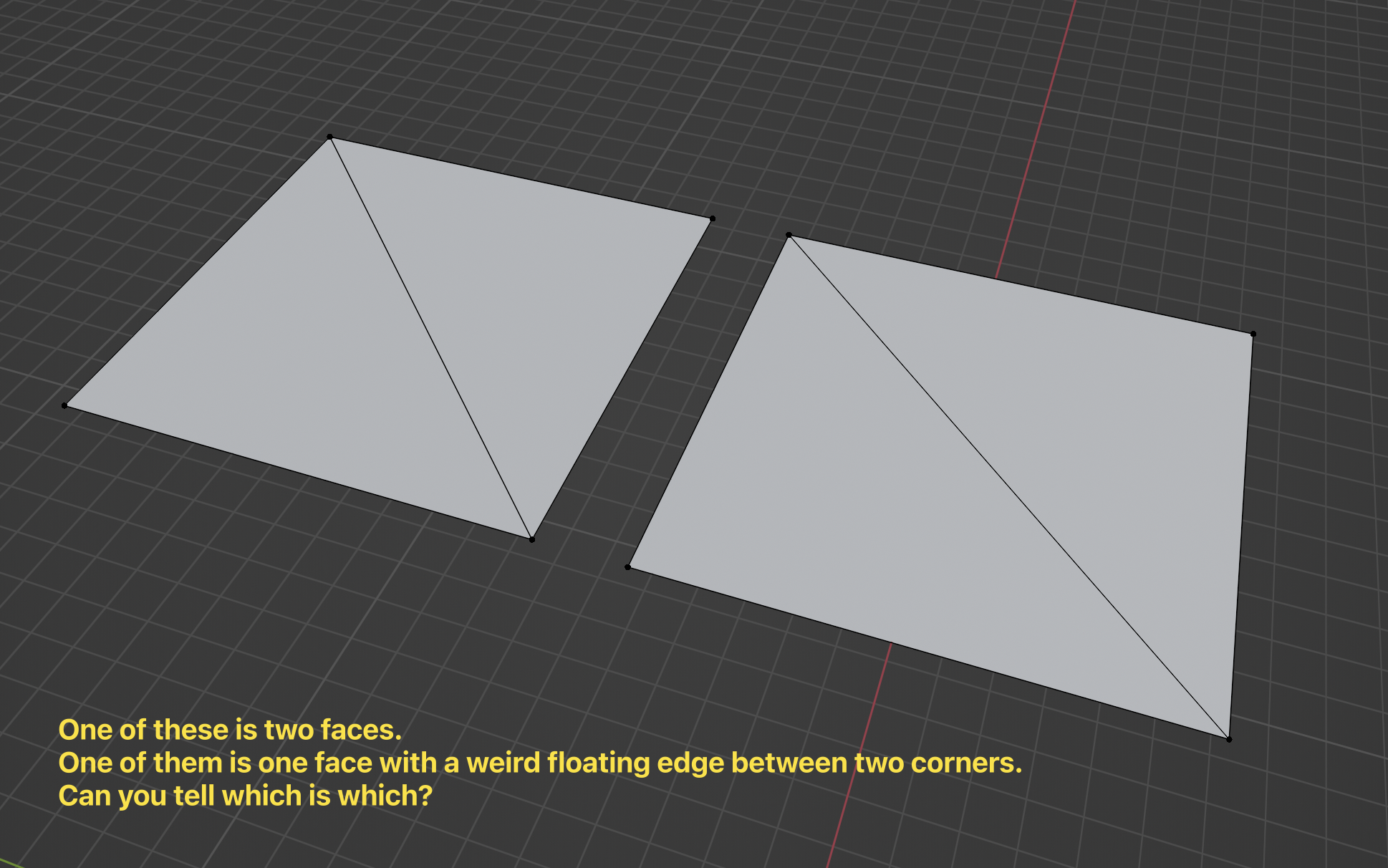
I propose that there should be a single command, mapped to the F key that connects vertices as expected, given the context. If someone really wants to connect two vertices with a weird floaty edge that doesn't split the face, the operator panel can offer a checkbox for that.
3 Comments
Does 'J" do what you want? It might be sufficient to swap the two shortcut assignments. Though I agree, nobody wants to do what F does. If they really ,really want it, they could make the triangles, then delete both of them without deleting the edges, then select two edges of the square and hit F again, that would make the square face and leave the diagonal line uninvolved.
Smart idea
Thoughtful. Must upgrade!