
Asset Library window too small
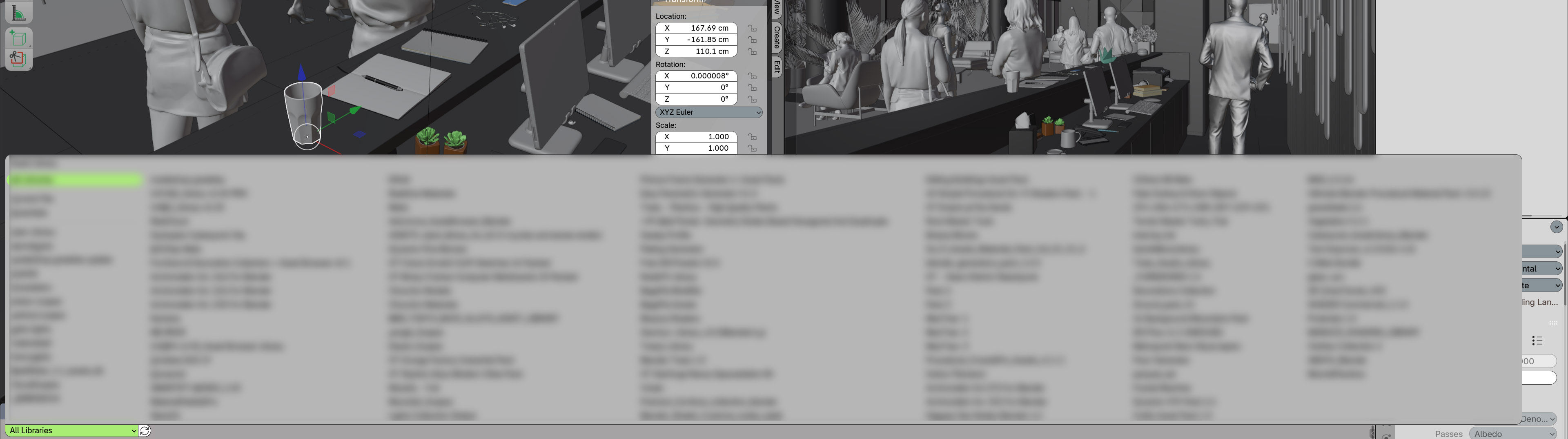
I have a fair number of Asset libraries and I am constantly battling with shuffling them into subfolders to keep them visible on AL window - see attached image. Once I get to the last available space, Blender simply doesn't show them up anymore. I have UI and fonts slightly larger. Would be nice to have this window extended as needed, or have sliders at the right side to scroll throught them.
At least I wasn't able to figure it out if there's any other way displaying these once you have a lot of them. Yes, I need and use almost all of them everyday, more or less. Win10/B4.3.2 Also, sorting them alphabetically, by size, by added date, etc would be great - as have other suggested in previous posts.
Thanks for any opinion on this.
0 Comments