
diffent sizes on the rotation wheel for even and odd values
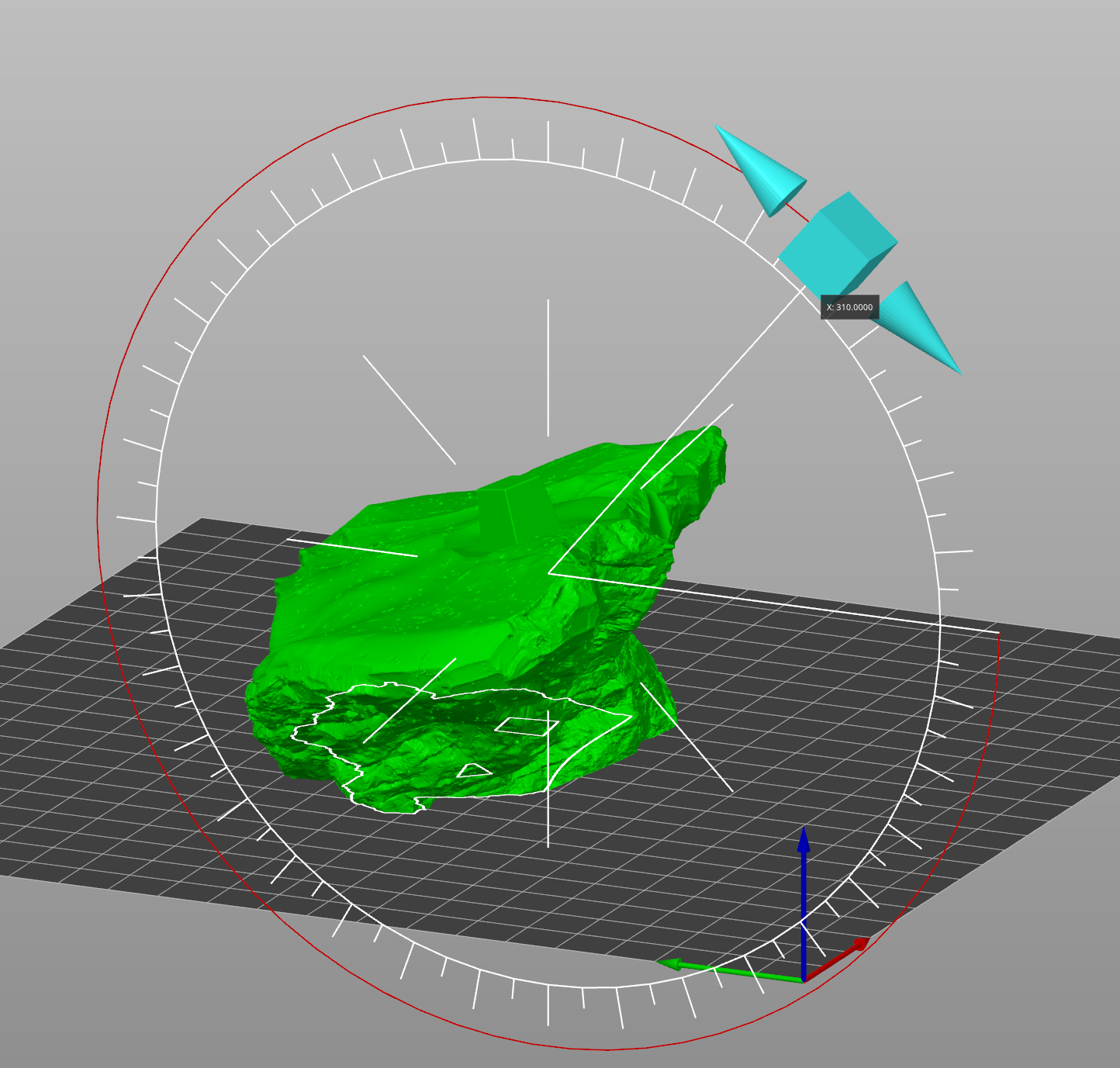
Holding ctrl when rotating a part brings the stepped wheel for fixed 5° increments, but it's hard to read and I always miss the 90° mark for example. Prusa has a better system where the 10° increments are bigger, and display the angle along. It also automaticly switches between free and stepped rotation if the mouse is on the wheel. I'd like a similar system in Blender.
2 Comments
Good idea but why don't you type desired angle? In the Rotate properties window in the left-bottom corner.
If I can avoid typing at all when using the transform tool, it's a win, right? Also it just improves an existing feature without modifying the workflow.