
Collective Remapping Materials [Outliner]
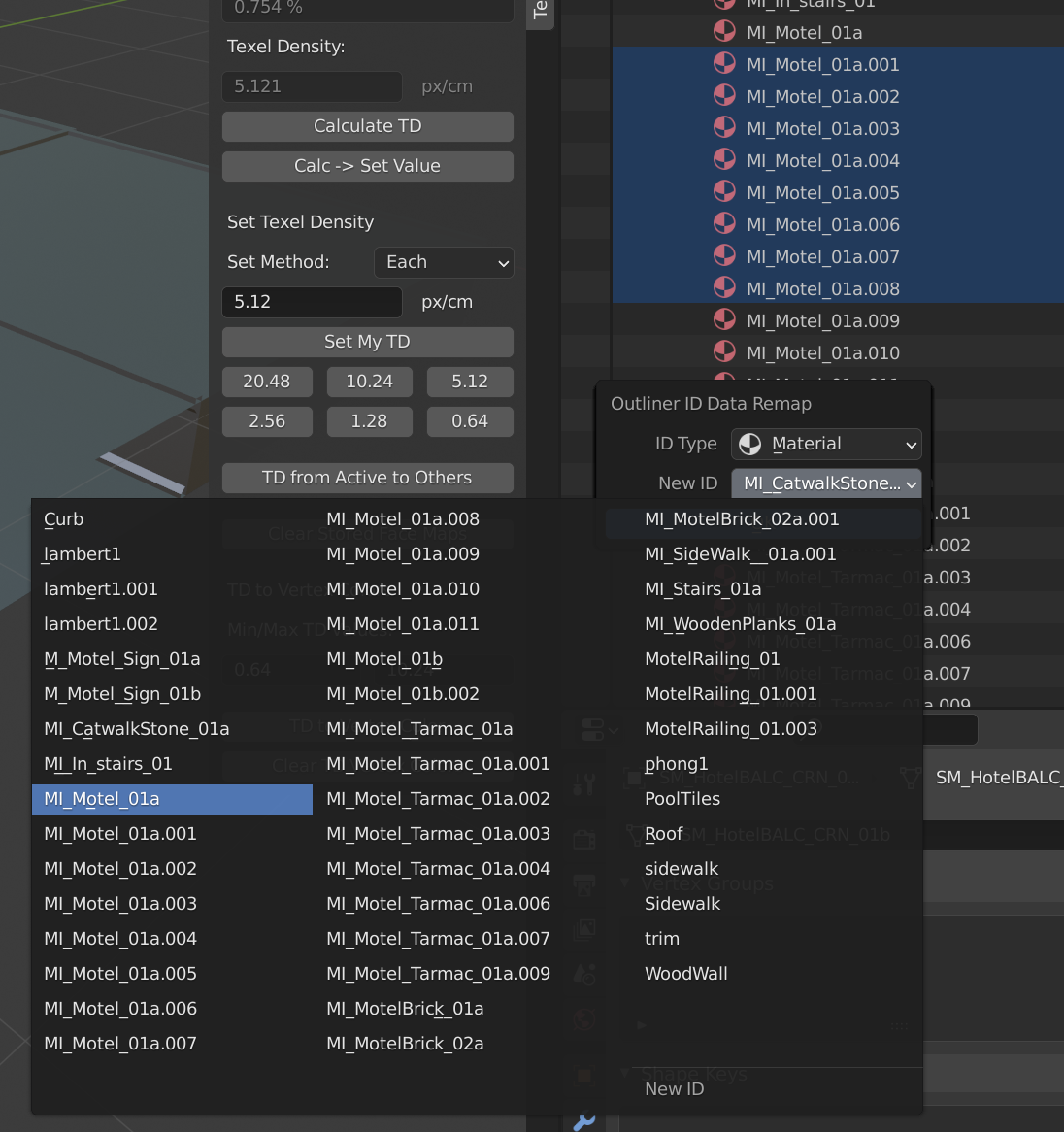
So whenever I bring a new set of meshes in blender, I obviously get lots of duplicated materials.. no big deal. But what makes this a very tedious and repetitive task is having to manually remap each material user to the correct material. Why cant i group select in the outliner and remap all them once?
How to Replicate my error: Go to Blender Mode in the outliner, open materials list, grab X amount of materials you want to collectively remap, after that, right click, Go to Remap User, then assign a new material you'd like to remap you selection to. Hit okay, the same window will pop up, but you will have to remap each material that is in your selection. very time consuming and repetitive
2 Comments
hey, was having the same problem a while back.
turns out there's a sweet native addon in blender called "Material Utilities".
once enabled the shortcut is Shift+Q, it opens up a context menu; under "Special" there's something called "Merge Base Names".
it will auto remapped every duplicated material, to the original. and delete the superflous. eg. :
MI_Motel_01a MI_Motel_01a.001 MI_Motel_01a.002 MI_Motel_01a.003
will be replaced to
MI_Motel_01a
and the remains deleted. be careful to not delete important materials!
cheers
Select all with one material. Shift+L Link materials. Ist this what you looking 4?