
change selected bone/object inside Graph Editor
I need to extend an animation on several bones in while viewing them in the Graph Editor, to extend my animation.
The workflow using GE Key >> Insert >> ... at Cursor , doesn't help me review limits and "play" with values in an efficient way.
My desired workflow follows...
I start in Pose Mode by Selecting-All (bones/objects), to investigate which bone Poses are already animated in Dope & GE. I want to add/extend cycles mods or add additional movement to these.
I focus on an F-Curve to edit, but I then have to Expand all Channels in the View and expand all and scroll around to find which F-Curve is highlighted.
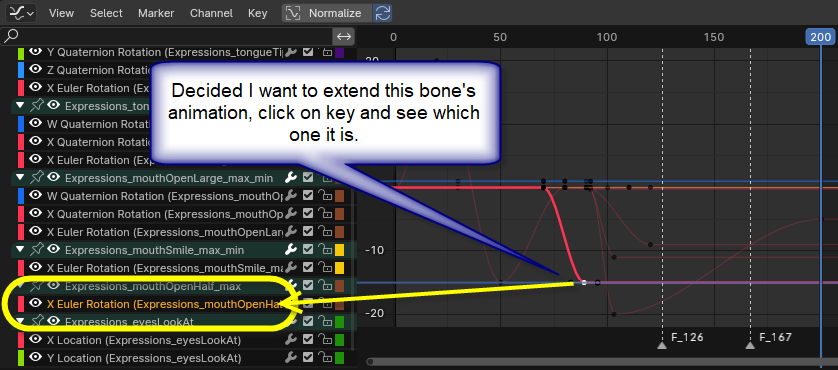 I would now like to select this Bone/Channel, but cannot do this in GE:
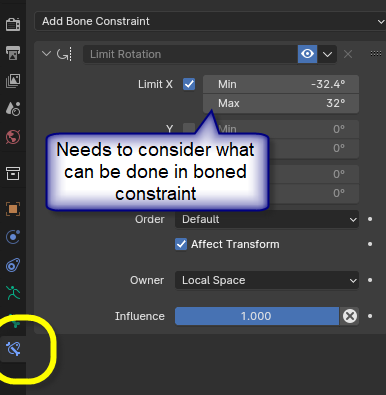
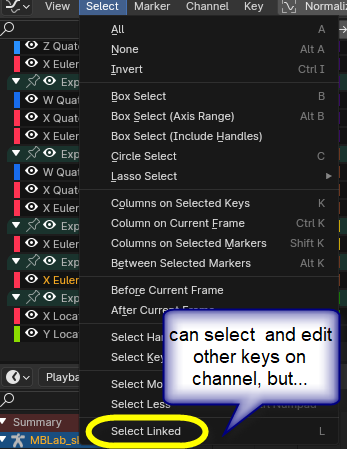 This would allow me to investigate rotation limits to experiment with:
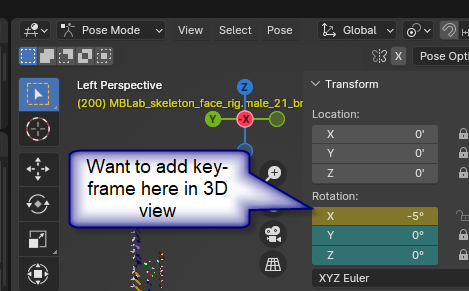
 and animate in the 3D View, looking at the desired effect:
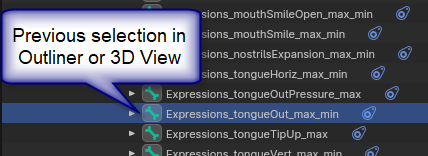
 Alas, there is no way do this without hunting through the boned list in the Outliner:
0 Comments