
Sketching tools
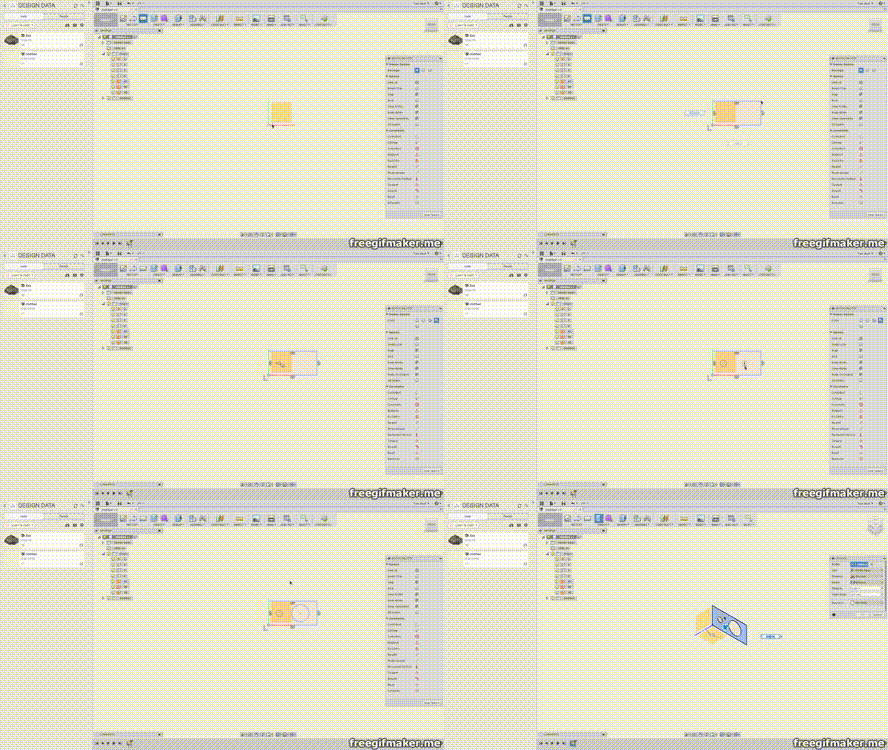
Something very intuitive about Fusion 360 is the sketching function. You can easily sketch something and then extrude it to make a simple object very quickly. Blender should really have something like this because it would be very good for everything from 3D Printing to Manufacturing and will open Blender up to more beginner users. media.giphy.com/media/lNEjKqdByGTD1Log2K/giphy.gif
4 Comments
This proposal is incomplete. Many of us don't use Fusion 360 and won't know the feature you're referring to. More than that-- where in blender would this feature be accessible? What does the UI look like? What is the current way of doing this, and why is your suggestion an improvement?
If I understand what you're asking for (I'm guessing), it's probably already possible by drawing a curve and converting t to mesh. In fact, I'm willing to bet there's an addon that can do this.
* @Josephbburg * I share Hudays view, however it's not a fair request. Fusions tools would be a big undertaking for the blender development team. This may help youtube.com/watch
Yeah, Blender isn't a CAD program, so it can be unfair to ask that kind of thing. However, what you're showing in the video is already doable in Blender 2.8. The tool itself is also a little bit hidden. Anyways, you have to be in edit mode, and there's a tool that adds a box. It will be created based on the viewport, so be sure to enter an orthographic view first. I do agree that it should be available as a way of creating a cube from scratch, having to enter edit mode doesn't really make sense when you have the default cube already.
I think this is a bad way of working, though, because it's imprecise. It's best to create a cube and then move the sides using 'g' key and a number. That way you KNOW your box is 12x6x4 or something. Also, the sketch tool doesn't get you to a box all that much faster than a few presses of g or s. You'll be using g and s to do most of your work, anyways. I lose my momentum when I have to switch tools. As I mentioned earlier, you already have the default cube to start with.
Oh, T-Splines in blender, be still my hart