
Set units precision
Hi,
As of now, Blender has does not work with a level of precision defined by the user.
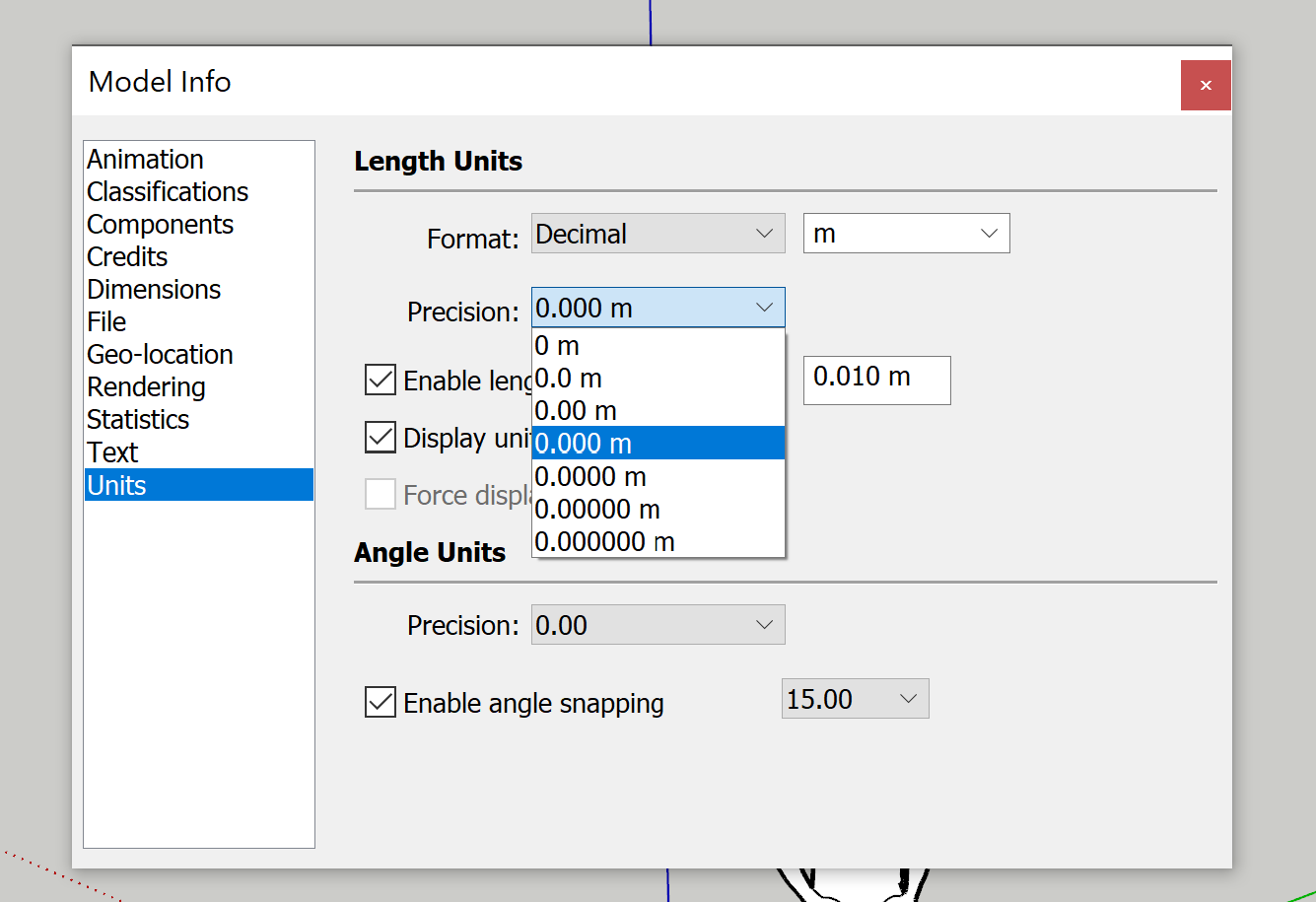
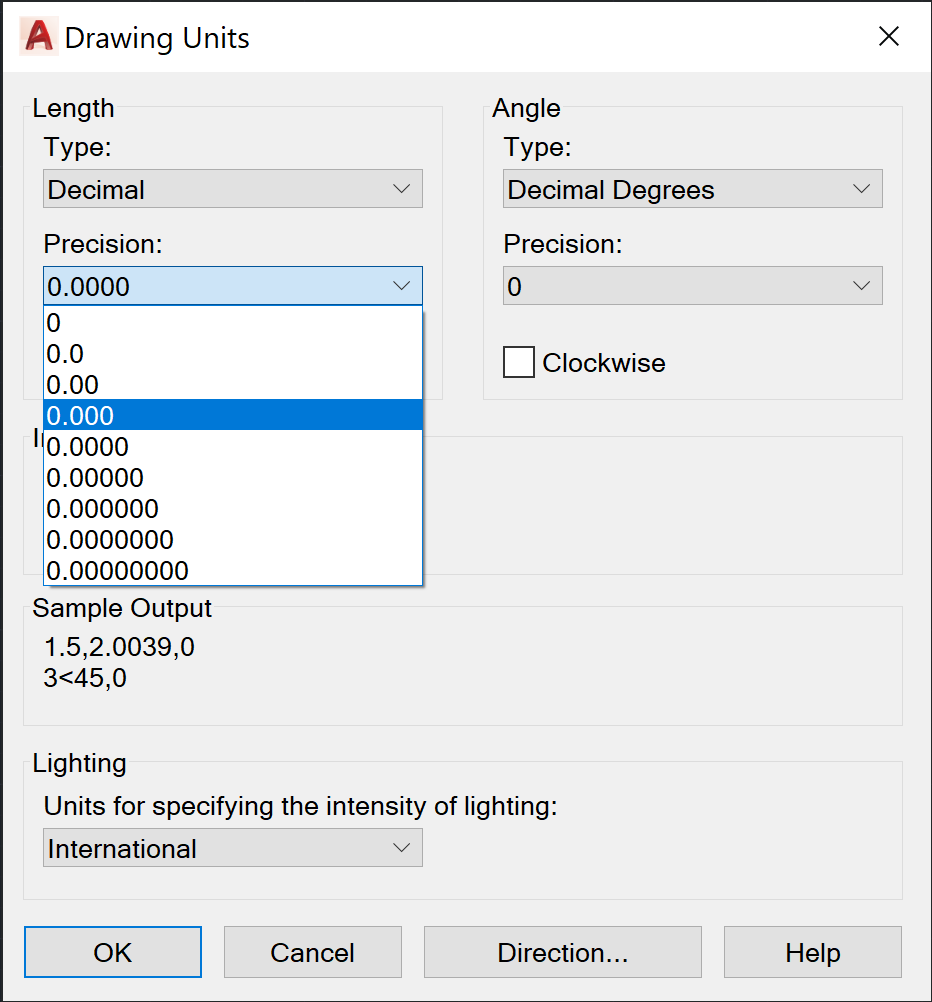
Sketchup and Autocad allow you to define that level of precision, which will basically round numbers to those decimal places (although, you can have 1.585m even if you define a 0.0 precision).
The advantage of this, is that allows me to work in units set as metres (m) and having the screen show up to 3 decimal places 0.000, that is the level of millimetre detail. This avoids me having to set blender to millimetres, and having to type 1000 for 1m.
Right now, in Blender, working in millimeters helps prevent a few zeroes (2.3mm vs 0.0023m), and by default there's rounding in the UI, so that is annoying.
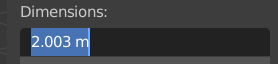
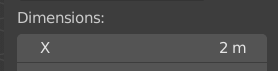 So anything sub-centimeter will be rounded away in the UI by default if I use the metre (m) unit.
.
7 Comments
This is often overlooked thinking that Blender is for art that doesn't need precision. Except photorealistic rendering needs consistent and correct proportion in dimensions or everything looks weirdly off. Easiest way to achieve it is just model it in real world scale if possible, instead of gut feeling. I know people, my self included, that sometimes uses CAD to model something just to import it back to Blender. That feels counterintuitive and stupid. Better would to have vector based models in Blender that re-mesh it based how far it's from camera. Close gets details, while far gets less. Performance wise, one model fits all scenes. Model once, use multiple times, save work time. This rambling just went off the tracks. Anyway, appreciated.
Sounds like a good idea! Opened a patch for this: developer.blender.org/D14095
Omg, we need it so much!
This is a necessary update.
This is VERY SIGNIFICANTLY limiting the usage of tools such as BONSAI and others for precision applications. This is a must for the precision industry.
Blender should be able to allow the user the definition of precision units.
In construction, for example we rarely work in mm, usually it is meters, and we need to be able to input it to the mm level, therefore we need at least 2 or 3 decimal numbers.
A number like 5.000023 is not "precise". It's misleading and hard to read.
"A number like 5.000023 is not "precise"
I disagree. If we take that number as meters, the .000023 part represents about 1 mil of thickness (1/1000 of an inch). Though small, these are still significant digits for some of use dealing with very tight tolerances in our models.
I also share this opinion.