
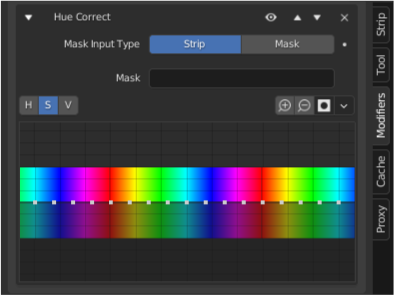
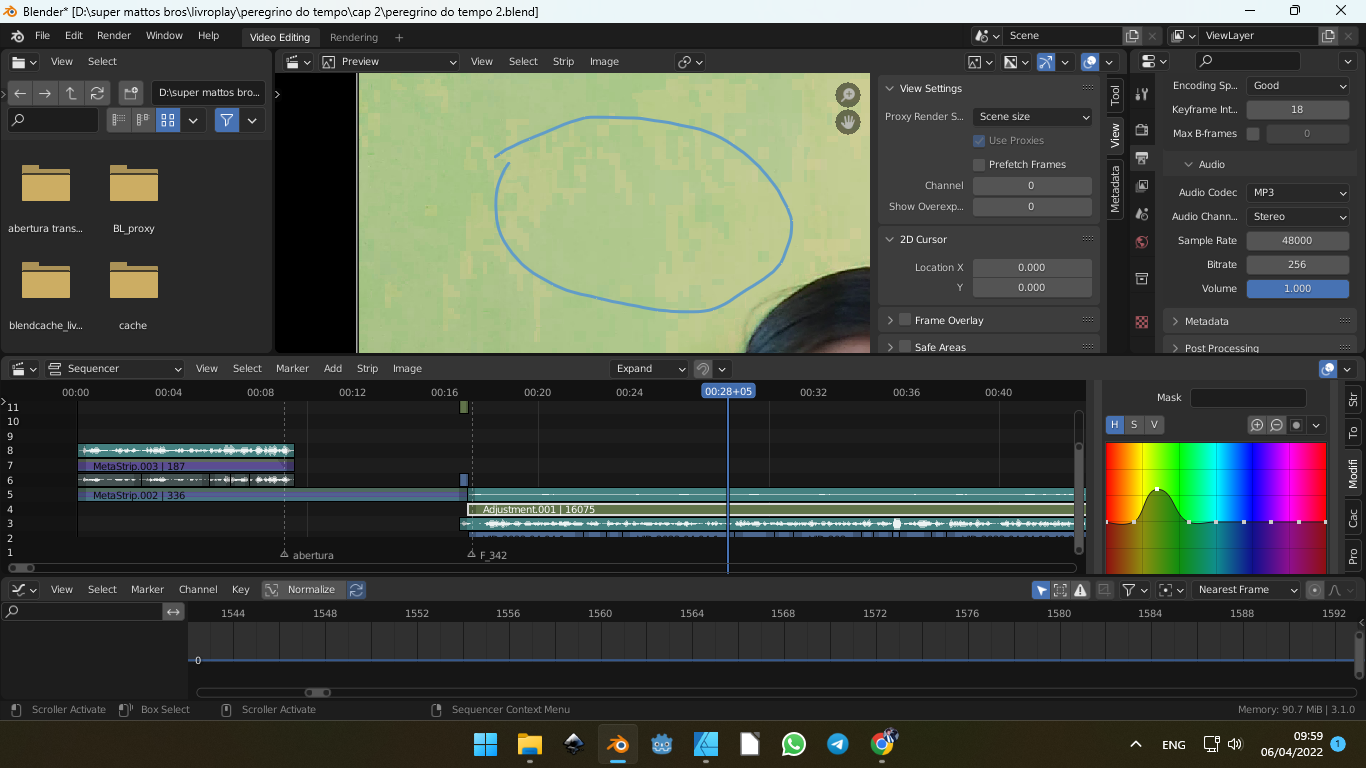
HUE Correct Modifier horizontal lock
on the edges of the color bar, the adjustment curve should be on the same height, as the last color is the same red. It could be made something like google maps, where the map repeats itself. The problem of having each end on a diferent level is the banding that is generated. Also, i don't know why but it creates a lot of banding and clipping on the image or video when the curves of the HUE Correct modifier are adjusted. Though they are curves, it affect the image creating very sharp edges of color, instead of smoothly blending the correction, like curves.
1 Comment
fixed here: projects.blender.org/blender/blender/pulls/117114