
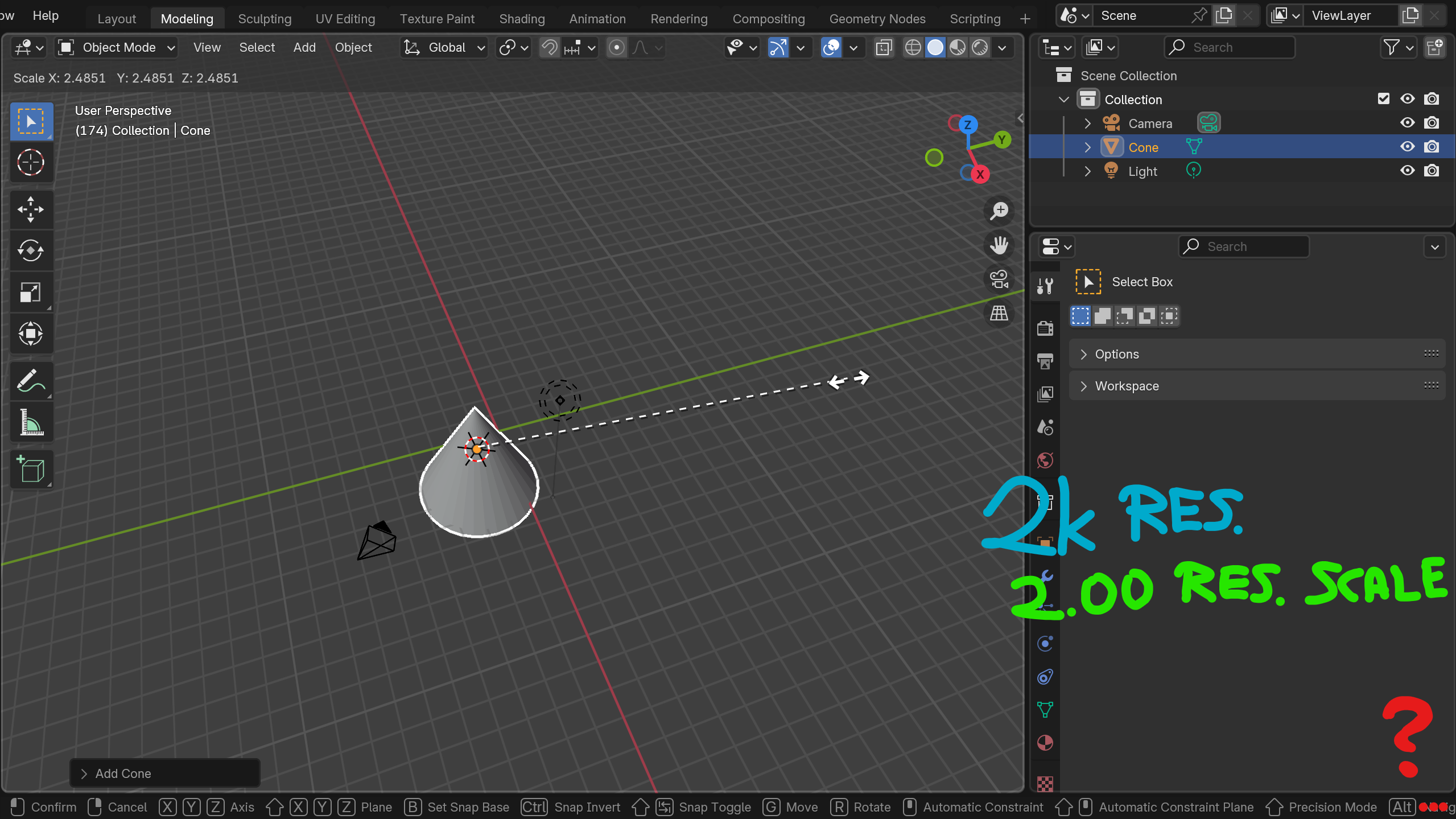
Status bar text overflow
when operating on lower resolution or with high ui scaling setting, often the shortcut operations on status bar won't fit inside one line in the status bar (e.g when extruding)
some of my immediate suggestions for solutions would be:
-
make the status bar scroll horizontally back and forth slowly when it overflows (common design, potentially lowest-effort)
-
make the status bar actual "regular" window/area that can be pulled up (resized) so it can contain 2, 3 or any number of lines
-
make a separate "modal" helper overlay/window maybe floating, that shows all keybinds/commands available in current context. these could be presented in a more readable way, line by line. a dynamic cheatsheet if you will. this one would be especially useful for beginners. also, in this setup each one could be "F1" clicked and redirected to specific documentation webpage.
0 Comments