
Toggle Button between Frame Selected and Frame All
Is it possible to have an external button that works as a switch between Frame Selected and Frame All in the Graph Editor? Very similar to the normalize button, when using a digital tablet it is very useful to have this button at sight.
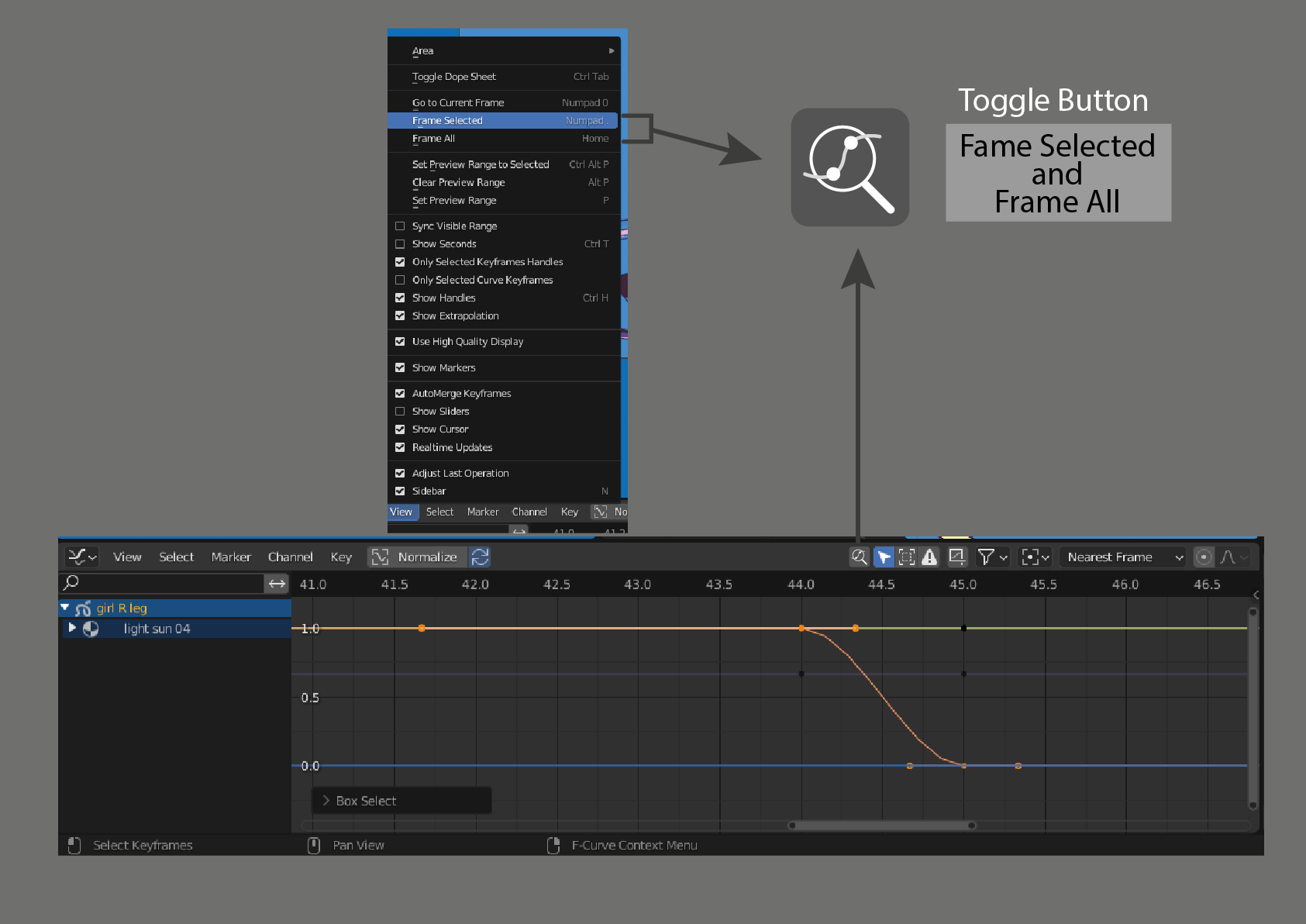 or maybe like this
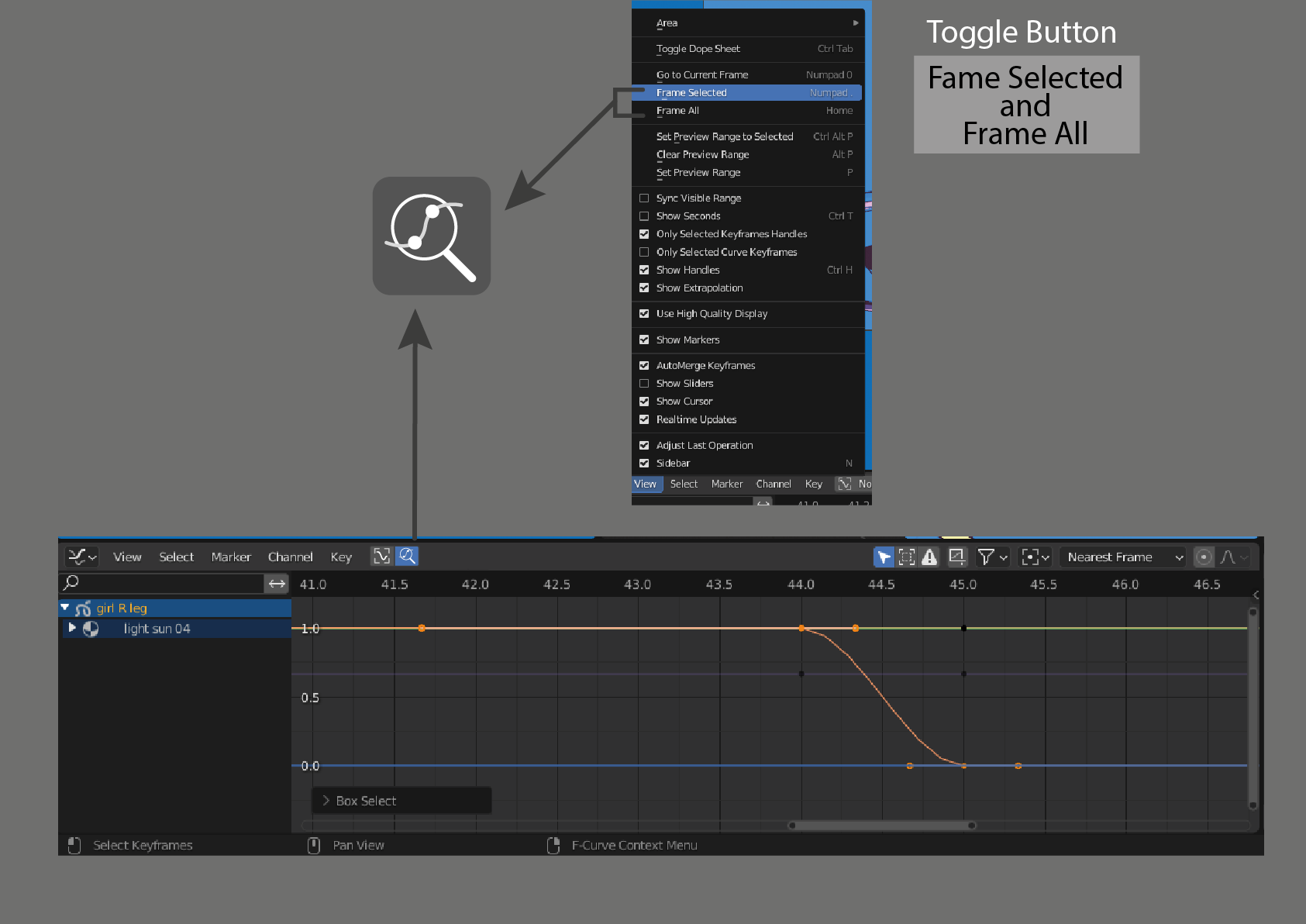
I don't know if the auto normalization button 🔄️ is default when activating the normalize button.
What do you think?
2 Comments
There are quite some clunky things with how the graph frames content, that sound like a neat idea :o
Definitely, we could have something to make framing more accessible. Either this or a keymap change to group up all the possibilities. And add some more: distinct X Y framing, distinct framing length between timeline, selected, and entirety of visible keys.
This could also work with a single command for example.
Actual Graph Editor, 3D Viewport
Proposed Graph Editor, 3D Viewport
I don't know what you think about a SIMPLIFICATION OF COMMANDS, in which Toggle can be done.
Another one I can think of is Show/Hide
Current 3D ViewPort
Proposal
Although I think I should make another post on the SIMPLIFICATION OF COMMANDS, however they are related.