
Color Attributes Workflow Improvement Suggestion: add alpha painting in user friendly way
Hi everybody, today with my students at academy of Brera in Milan were working with Color Attributes in sculpt Mode, trying to do a multi layer colouring in Blender, for example think of a female character with pale white skin Color Attribute layer, and over it a new Color Attribute Layer for makeup.
Let me try to explain this:
select the default cube and add a Color Attributes with a Blue Color
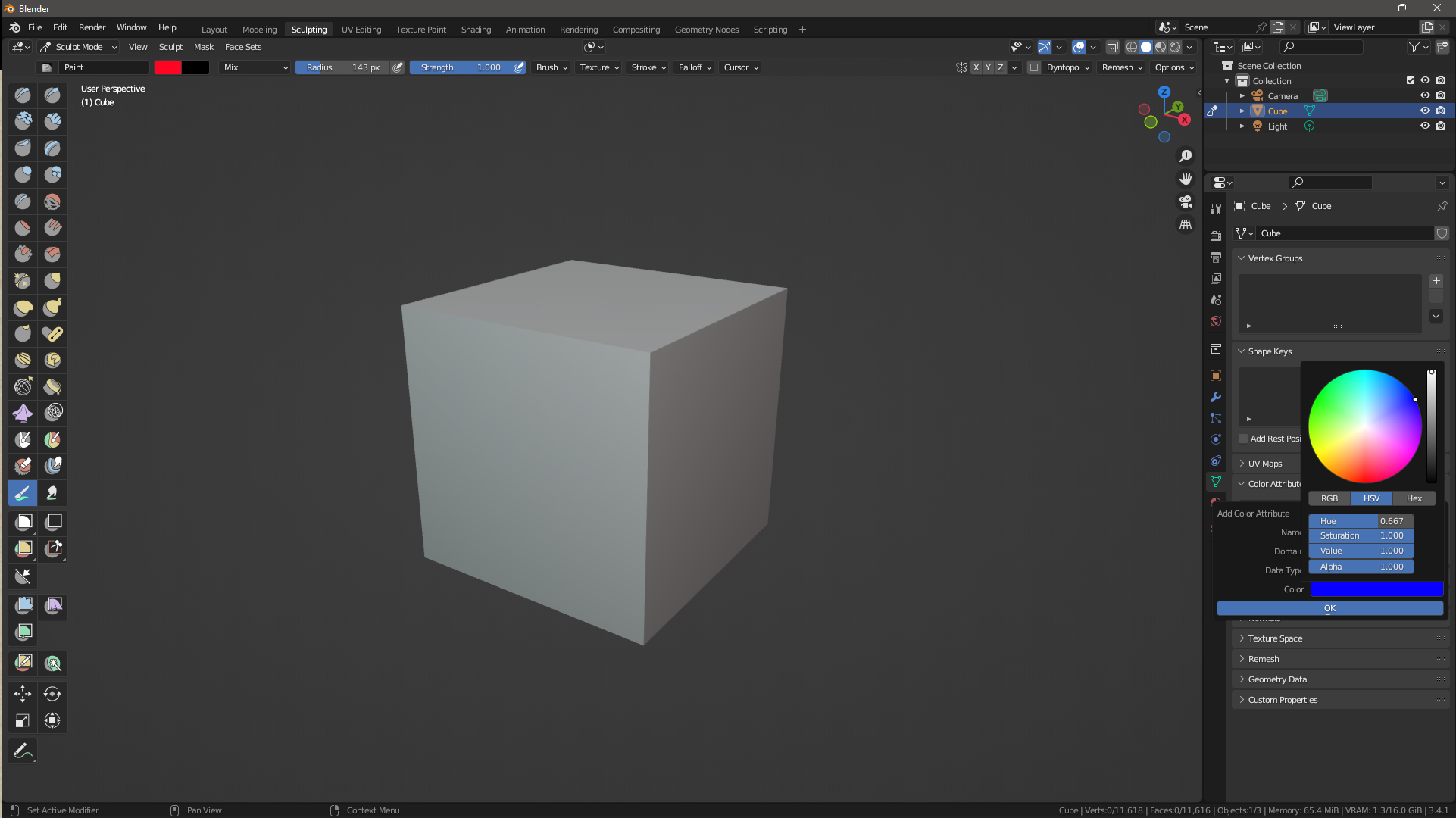
and we have our base color layer
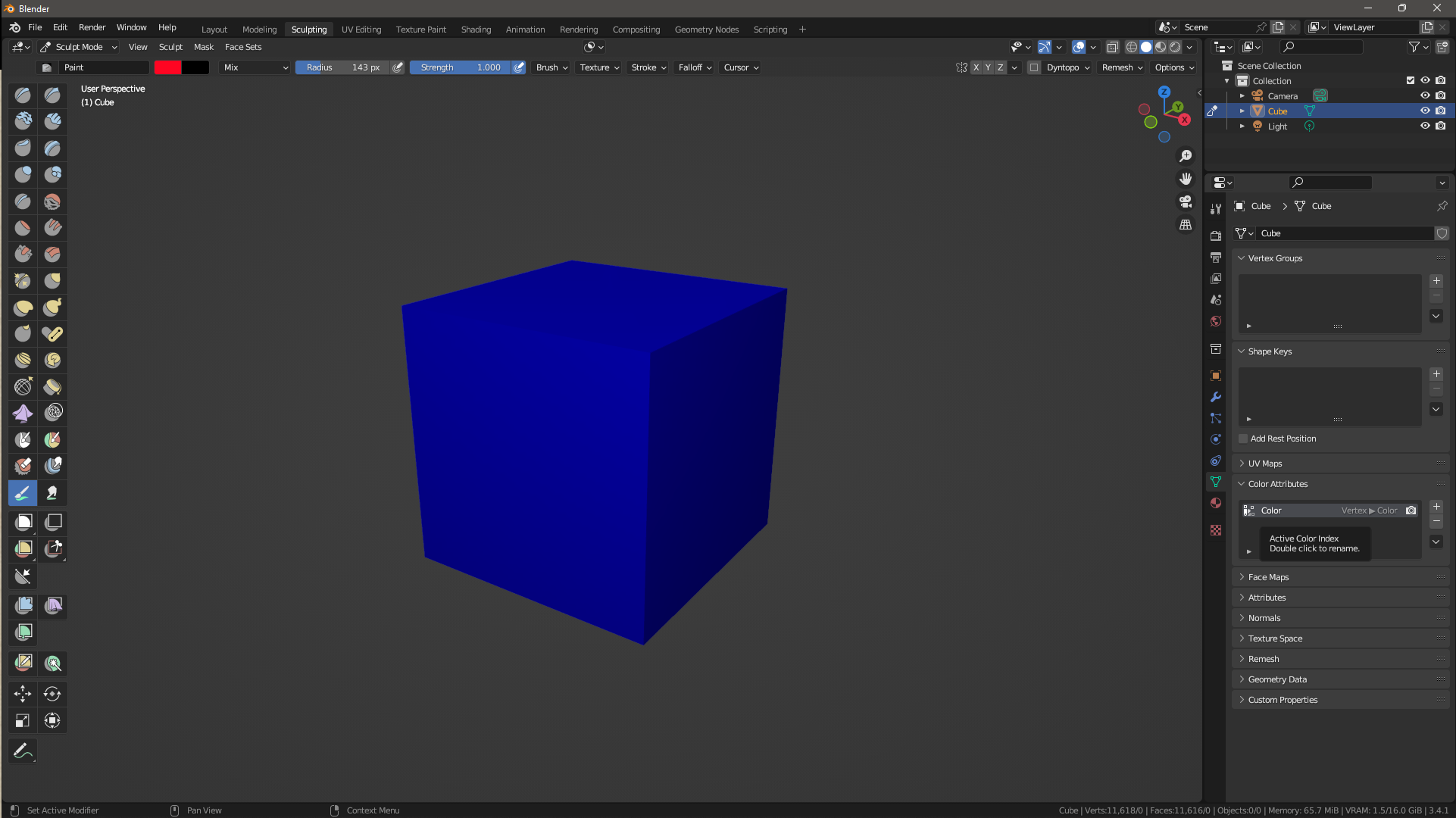
now lets add a new layer with a black color and zero alpha value
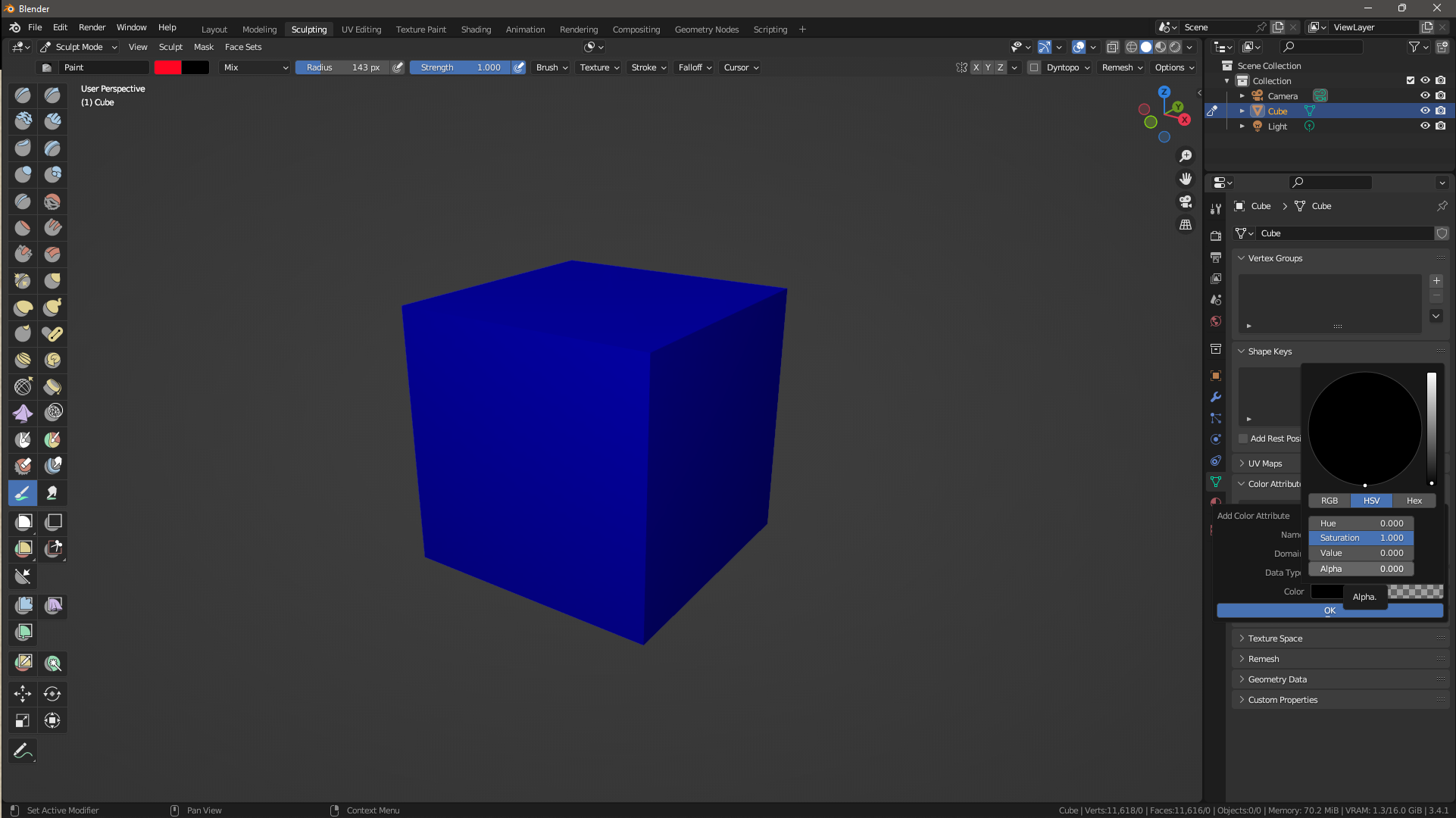
second layer added
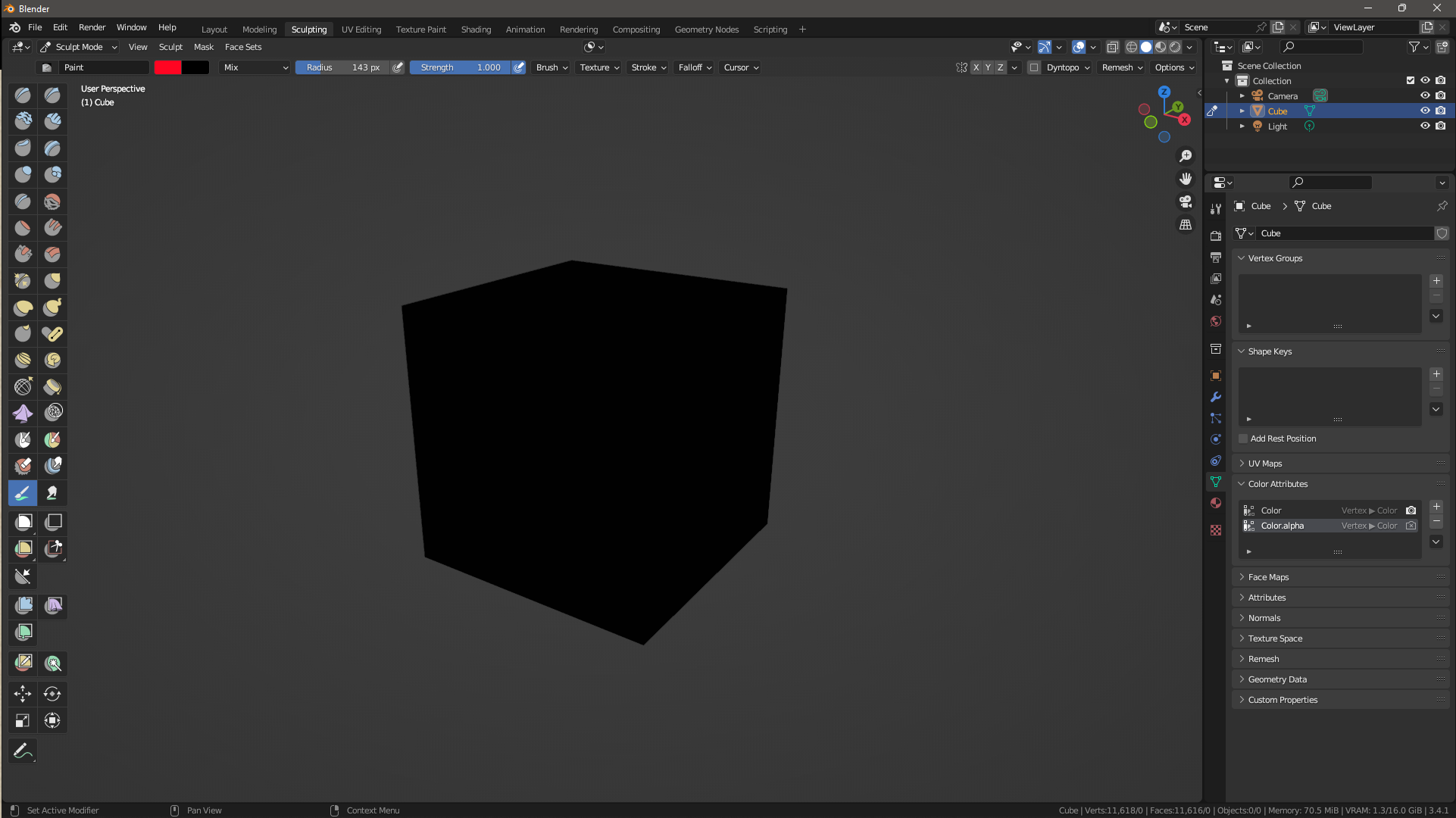
then in sculpt mode, with the paint brush, choose a color and paint in the second color attribute layer, the one created with an empty alpha data
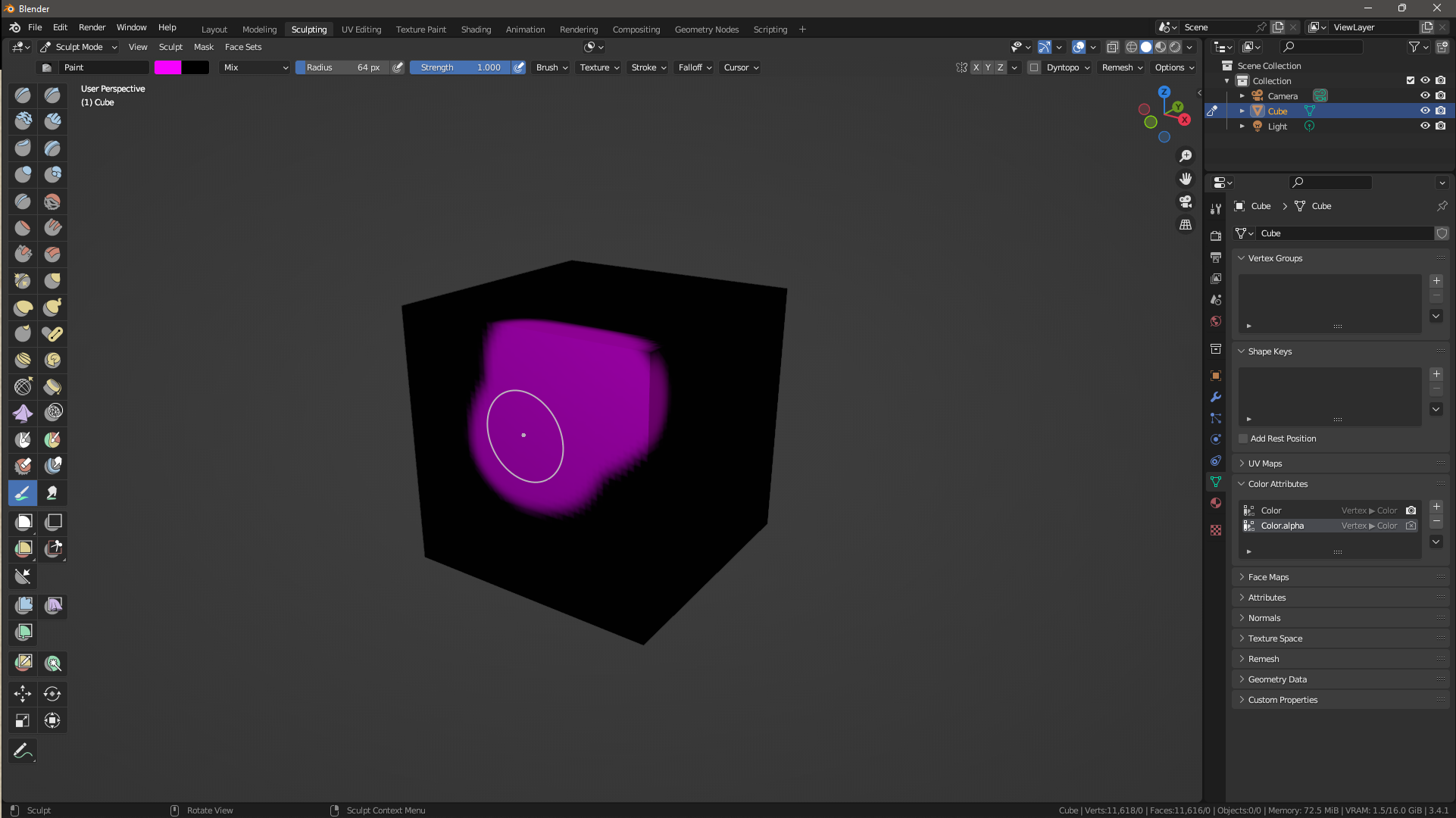
now i'm changing the layout to Shading and connect the two color layer to base color using a mix color node and using the second color attributes layer's as factor,
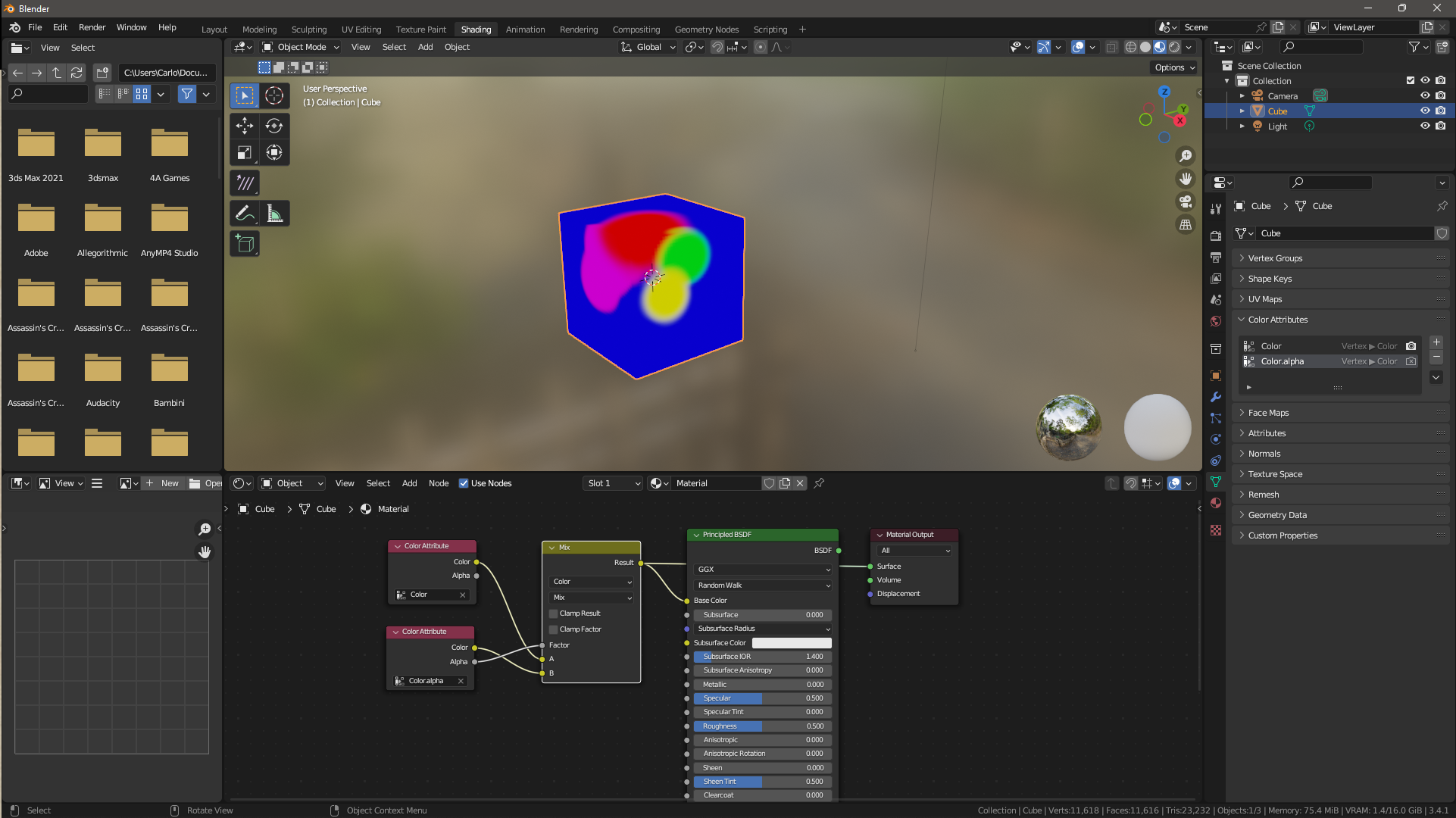
everything works fine until i wish to erase my brush strokes, because is actually impossible to set the alpha value using the color picker.
in the screenshot below you can see the alpha channel exposed and the color picker missing the alpha value.
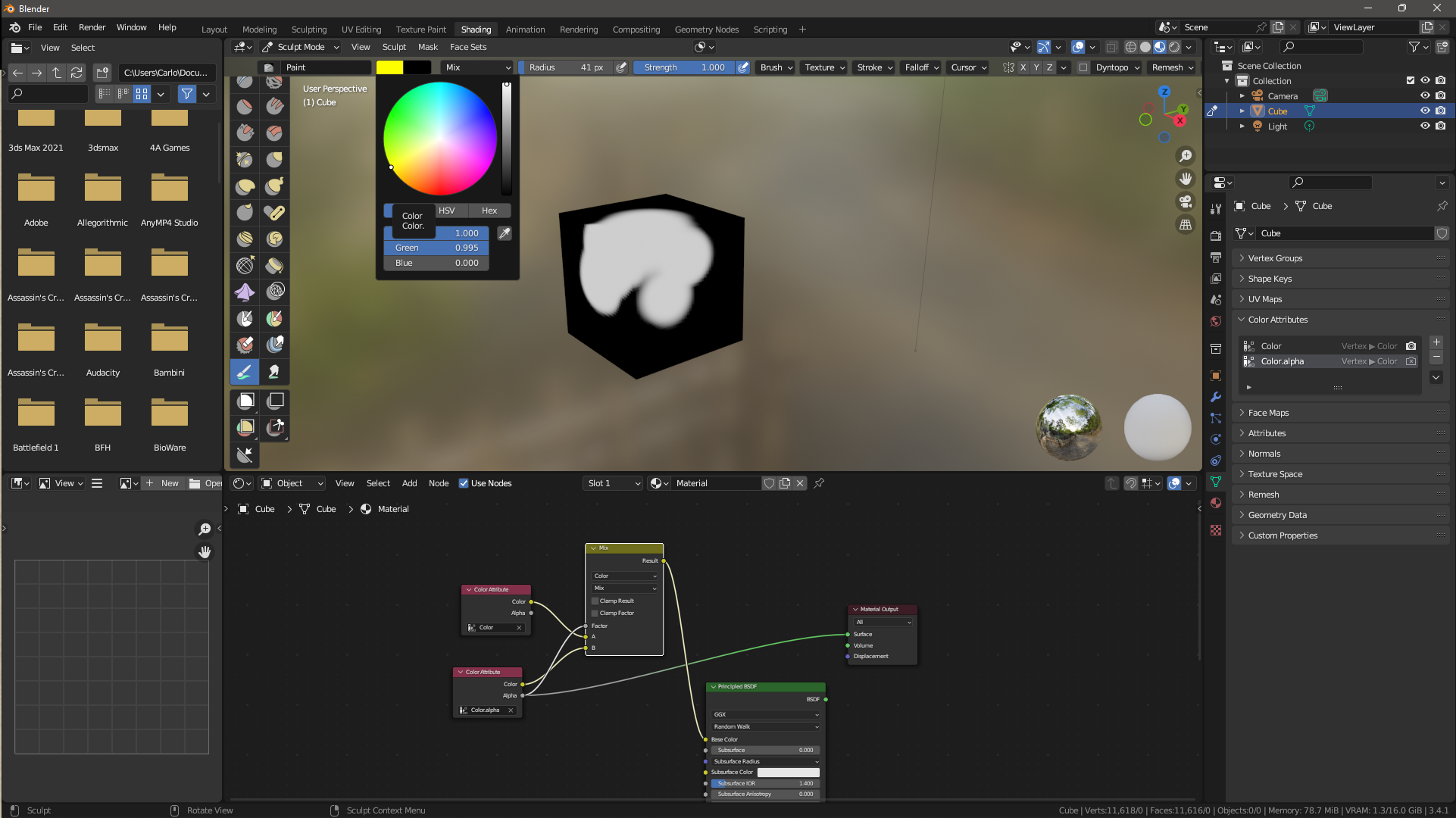
i hope and suggest that adding the alpha value in the paint brush could solve this, enabling to use a multi layer color attributes painting in Blender.
thank you for your kind attention.
2 Comments
tl;dr add alpha painting in user friendly way
for those interested, i've succeeded using UCUPAINT