
Ability to crop image empties
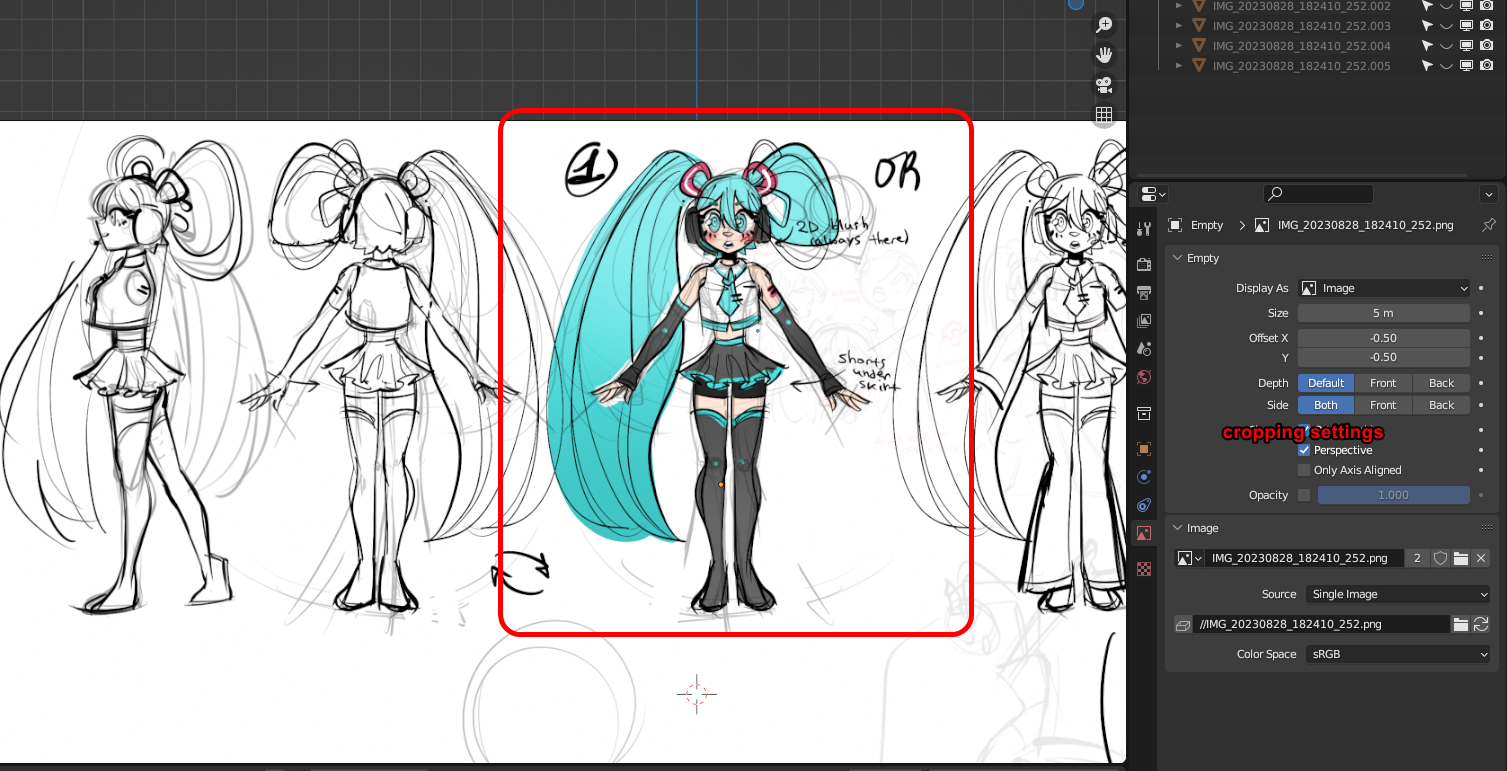 It's not possible to crop reference images.
Meaning you either have to crop them ahead of time.
It's not possible to crop reference images.
Meaning you either have to crop them ahead of time.
Or use images as planes, to crop them using the uv editor. That way makes it really difficult to have it appear as an overlay.
I am pretty sure cropping was a feature in the past. But now it is not.
Sliders for cropping top/bottom/left/right. And maybe if you hold down alt or control, while dragging the images edges in the 3d view, it would crop instead of resizing.
6 Comments
It would be useful to have it in the image settings because it is more intuitive
But for a quick fix you can enable "Correct Face Attributes" in edit mode and move the edges to the point where you need the image cropped.
You find the setting while in edit mode in the top right corner of the 3D viewport in the "Options" menu. When this option is enabled you can move faces, edges & vertices while correcting the UVs accordingly which gives the effect of cropping the image.
Doesn't work with image empties (it's different thing from images as planes) since they don't have edit mode or uvs.
yep, i did resort to that, but at the same time found out there's no easy way to have the references appear as transparent in front of my model, while in solid view mode.
It's an okay alternative sometimes though
Had no idea that feature existed; thanks so much for sharing.
If even it was just a crop node in the shader editor.
i am actually referring to cropping image empties. As they are very useful as references cause they can be transparent and appear in front and behind a mesh, while in solid mode.
Though a shader node might be neat as well