
Viewport Texture paint, Automasking or Occlusion displacement/threshold.
While hand painting Occlude, a function that can be toggled in Tool >> Options, leaves seams along the intersection of faces of separate meshes.
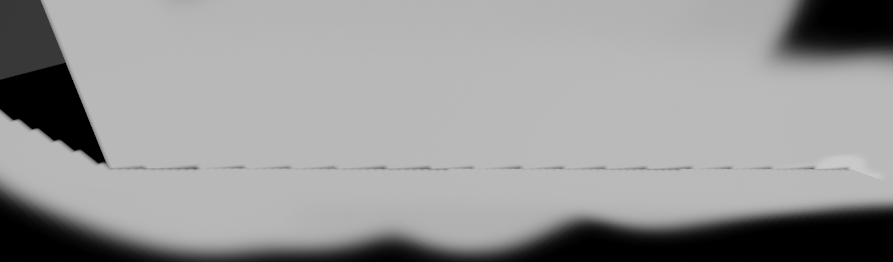
To get around that and minimize influence other areas I turn off Occlude and mask the Visible faces that i want to paint and carefully proceed, but that creates a repetitive task that can be automated. And so, an optional operation once per viewport update, Automasking , selecting visible faces. Albe not an override to manual masking, more of an another layer.
Alternatively, Occlusion could have a Displacement slider or equivalent. Having a displacement modifier to shrink the meshed itself a bit so that the intersection seam would be nudged inside once the modifier is disabled is semi valid but only for painting, smearing the intersection for a nice transition would pick up the seam colors but not override them making an ever growing mess. So it would need to be done within the Occlusion function while keeping the mesh in the viewport unchanged.
! One more and the most likely option would be an ability to change the Threshold value of "if that pixel is hidden" as right now its set to 0.5 making some editable, some not, but they are still all visible.
Writing as of version 3.0.0
0 Comments