
Measure tool rounding
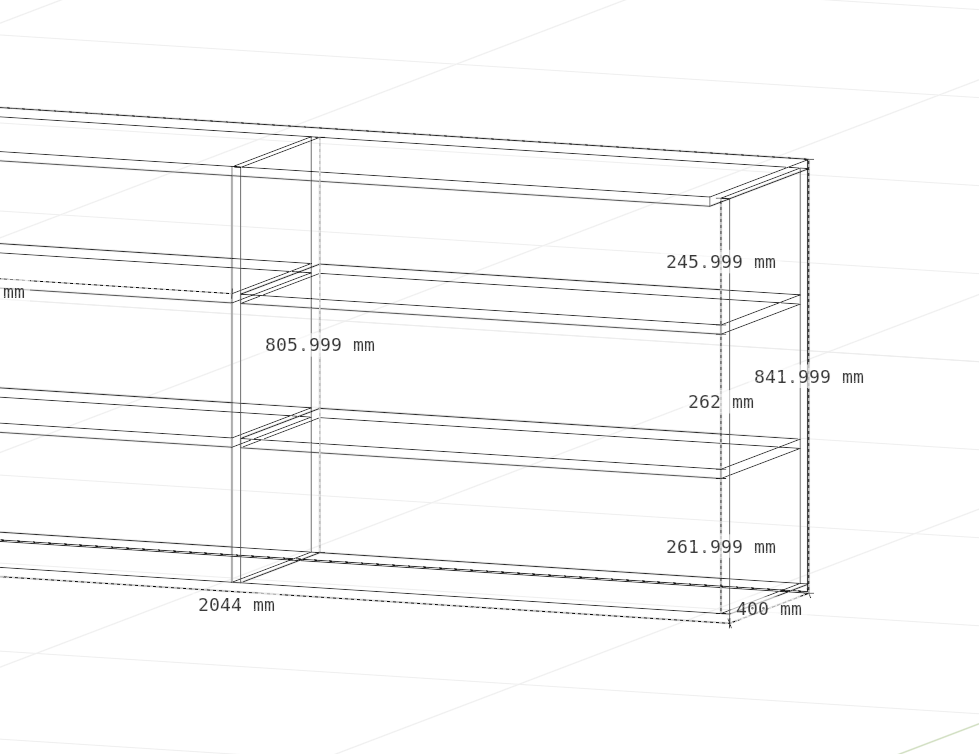
I use the measure tool to mark important dimensions on blueprints for various professionals, like carpenters. The measure tool is a great way to have quick sizes on the screen to present digitally or create a screenshot.
The problem is, that float inaccuracies cause crazy numbers on screen that creates confusion later when referencing the drawing.
A quick fix would be to add a rounding option to the list of settings in either the 3D Viewport > View > Annotations side menu, or the Properties > Scene > Units menu.
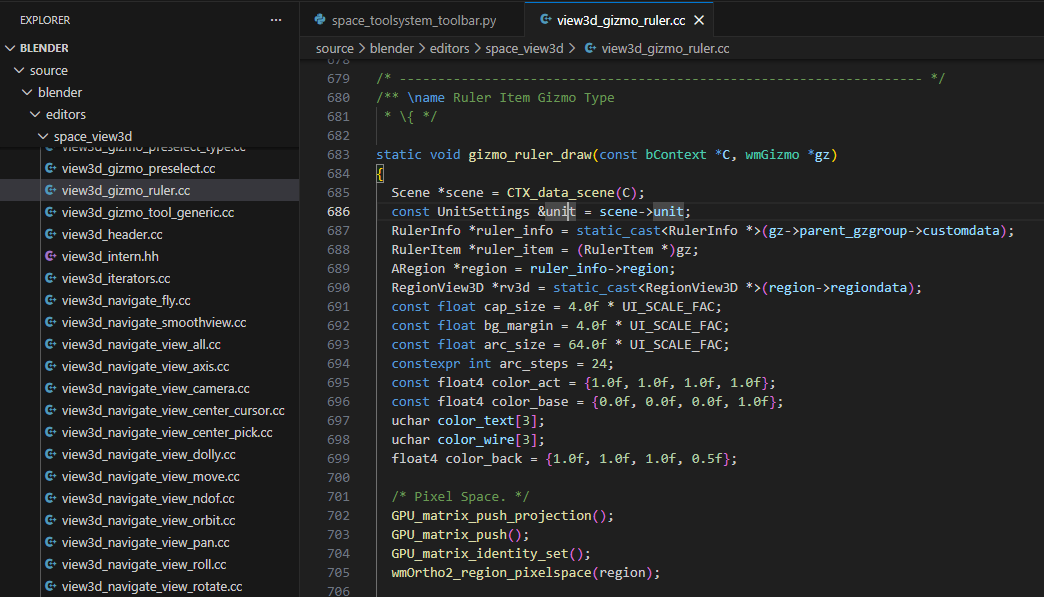
The relevant code should be around the gizmo_ruler_draw in view3d_gizmo_ruler
4 Comments
This is A MUST!
You could maybe even open an issue report for that projects.blender.org/blender/blender/issues
But as someone who is also often working with measurements in Blender I can really recommend the "measureit" extension ( extensions.blender.org/add-ons/measureit/ ). This makes it much easier to control how many digits are displayed and in which unit. The measurement also remains connected to your mesh. This way, it even sticks when you change the proportions of your object. And you can change the visuals of the measuring (size, position, color etc)
For the sake of us in countries that still use Imperial, can we also get fractional display, please?
Agreed, CAD software offers such rounding to present like this.