
Functional rotate & scale with base point.
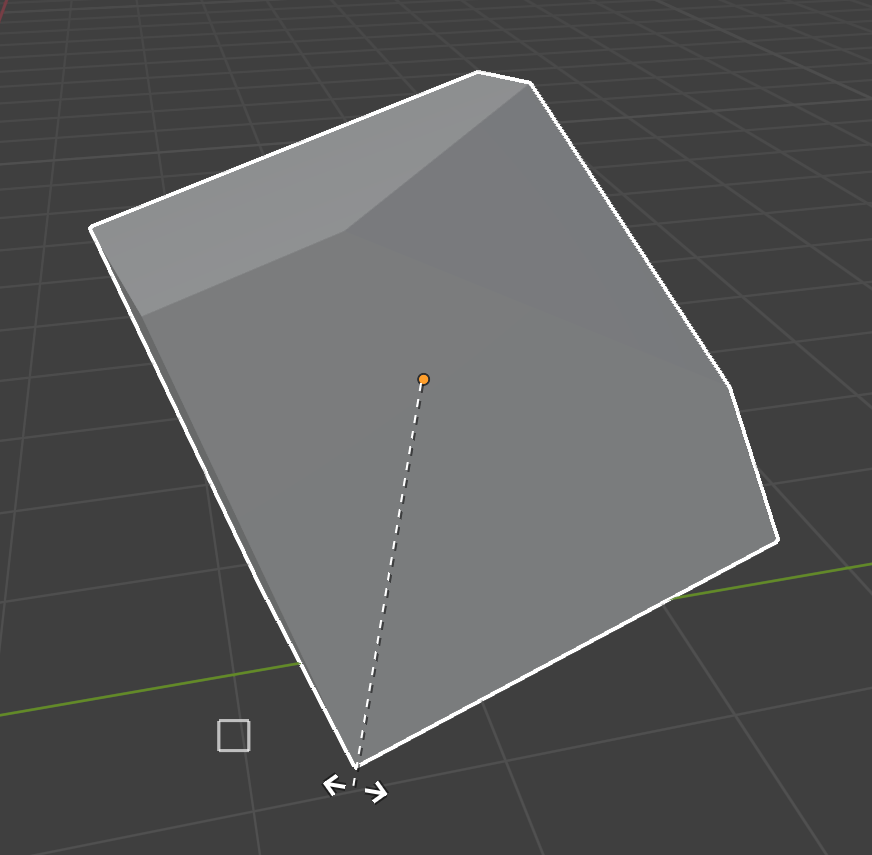
When you move objects, by clicking (B) you can choose the starting base point for the transformation, for the rotation and the scaling as well, but they are completely ignored when I think it would be logical to take them into account.
The image shown how the base point is ignored and the origin is retained.
1 Comment
I completely agree. The b key is there it just doesn't work in rotate and scale like it does for translate options. Yes you can use the 3d cursor but that's a faff. It allows you to select a point and to set an axis but it simply ignores the point.