
Transparency on Weight paint Mode
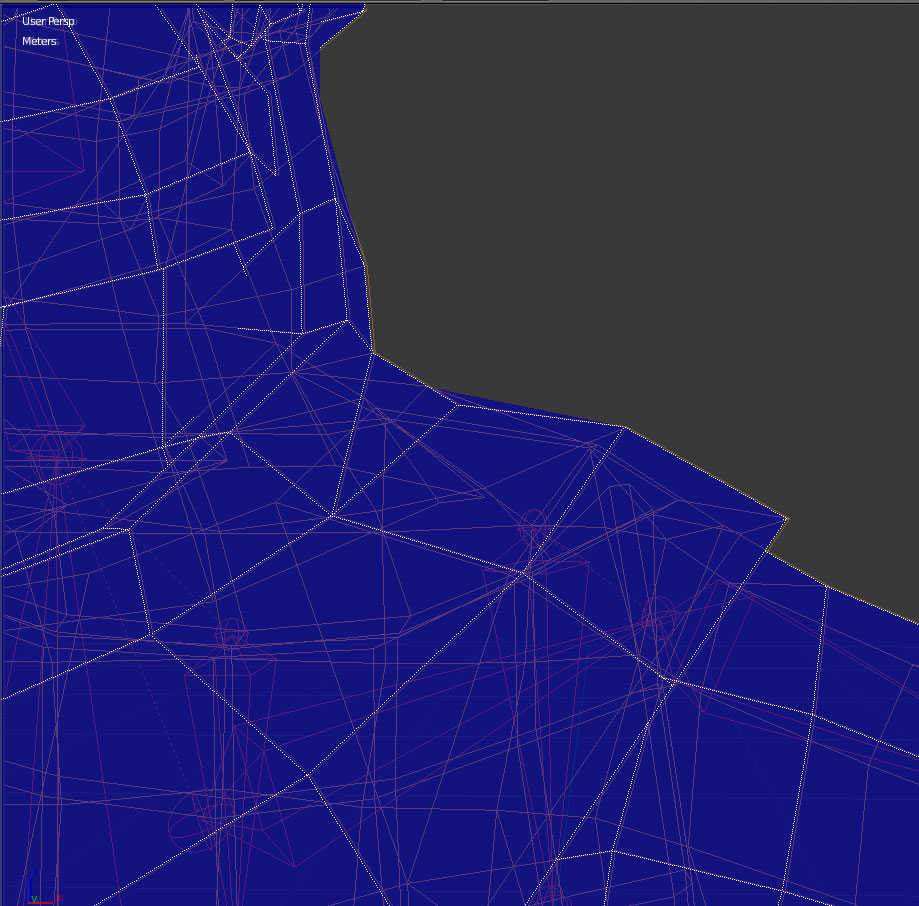
Hello, sometimes when i need to weight paint a geometry that has overlapping faces it gets really difficult by the way the geometry is displayed on Weight paint mode, its not possible to see the geometry in a wireframe mode on blender 2.79 , so to paint the vertex that is being covered by a plane is really hard and a guess work.
It would be really nice if we could have the vertex weight display like on this thread from feedbackex > devtalk.blender.org/t/gradient-vertex-color-for-proportional-editing/949
just the vertex showing the color, or perhaps have a semi transparent effect on the face, so its possible to view and select the vertex underneath a face that has weight paint on it.
4 Comments
it seems like this could be exactly the thing blender 2.8 would be amazing for, it would be a super useful overlay to have edges colour match the weight of the currently selected vertex group
I agree. This is also slowif I want to weight based on materials, there is no way to see the material texture beneath the opaque weights.
FWIW, you can hide geometry in Edit mode and it will show up as hidden in Vertex Paint if you enable the Face selection masking feature.
@Jason van Gumster: Yeah, thats what im doing right now, but its a little bit slow having to go on and off edit mode. Thnx for the sugestion btw