
missing Remesh ( ctrl R ) individual face sets operand
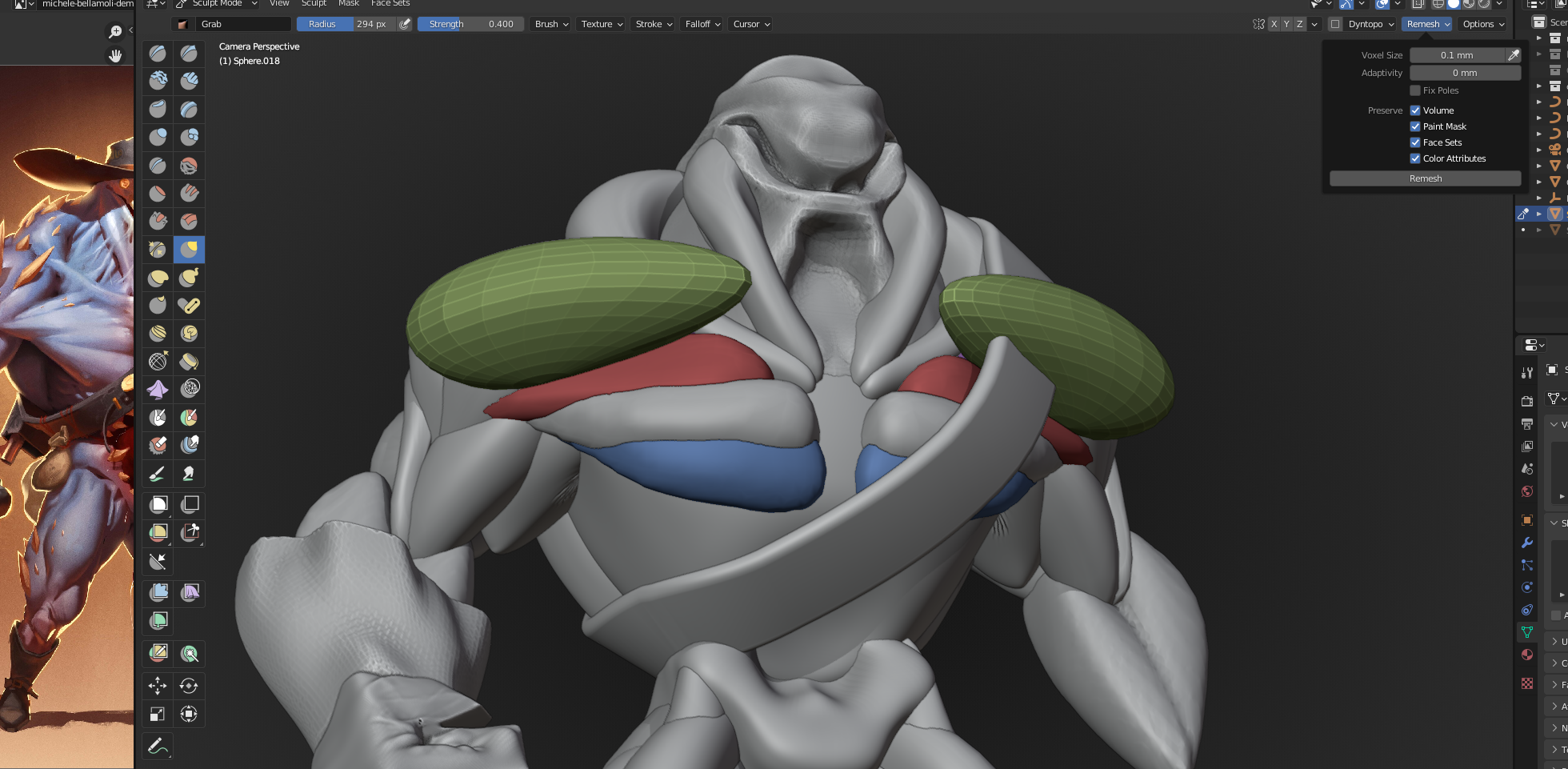
if I scullpt with masking face sets on... then I reshape one color and then that part of separated mesh is with bad topology .
I wish to have possibility in sculpt mode remesh only this color of face sets that is lose but in one object with other face sets colors in it without affecting them and still not connected after remesh.
3 Comments
very good idea, I thought for sure that was possible, like using "mask by face set" or "only remesh face set" but it seems like that's impossible so far, that's surprising
being able to only remesh a specific area of a model would be very awesome and useful
Yes, I like to have that too! There is a way to "Remesh" a separate part by Facesets. But it require many steps...