
Control Particle/Fluid Emission with Material Node
Currently you can dynamically drive particle or fluid emission by masking it with an image texture, and if you want to use an animated image texture, there's a bug that prevents that from happening. A good solution would be to create a material node that drives the emission. You can feed dynamic material node outputs into a node that creates a mask for the output of particles/smoke/fire, etcetera. Better yet, don't make it a mask, but use it as an actual generator.
2 Comments
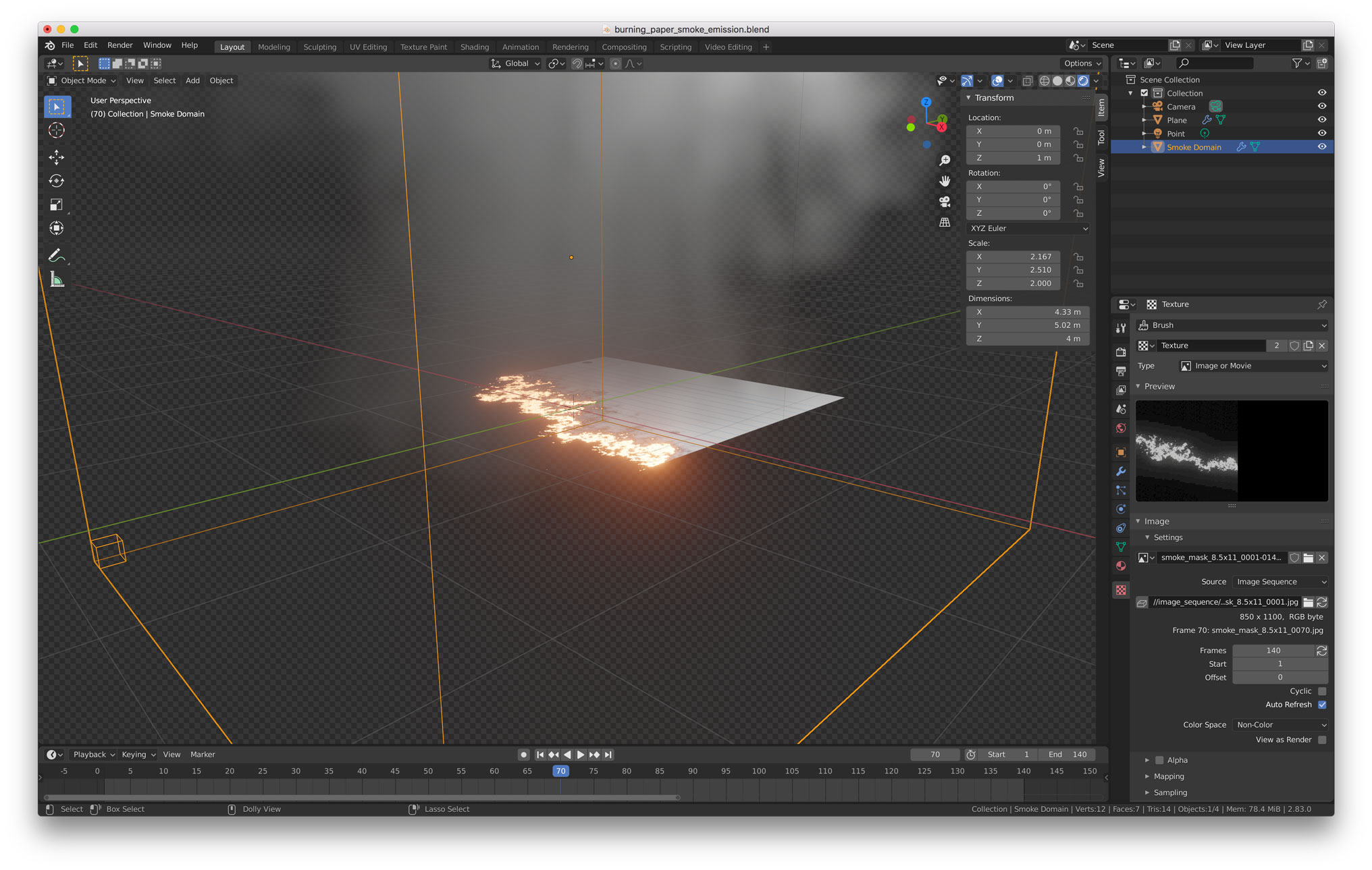
Today I was trying to achieve a very similar thing, so far the workaround I found is converting the image sequence I want to use to drive the fire/smoke to Vertex data using the Vertex Weight Mix modifier. I found the steps in this thread blenderartists.org/t/image-pixels-to-vertex-weight/554660/6
Then in the flow object settings, select the Vertex group created earlier with the modifier, and thats it. The smoke/fire will emit from the texture. Make sure to add a Subdivision modifier before the vertex weight, so you can get more and better detail. In my test the fire emission was inverted, so in the texture tab under "Alpha" I checked "Invert" and then in the Vertex Weight modifier under "Use Channel" I selected use alpha instead of intensity. I hope that makes some sense...
So far, the materials are used to create shaders for rendering on the video card. the particles are not related to this. but when particle nodes appear, if possible, you can do this by repeating the logic of the material in the particle spawn zone