
Measure tool font size
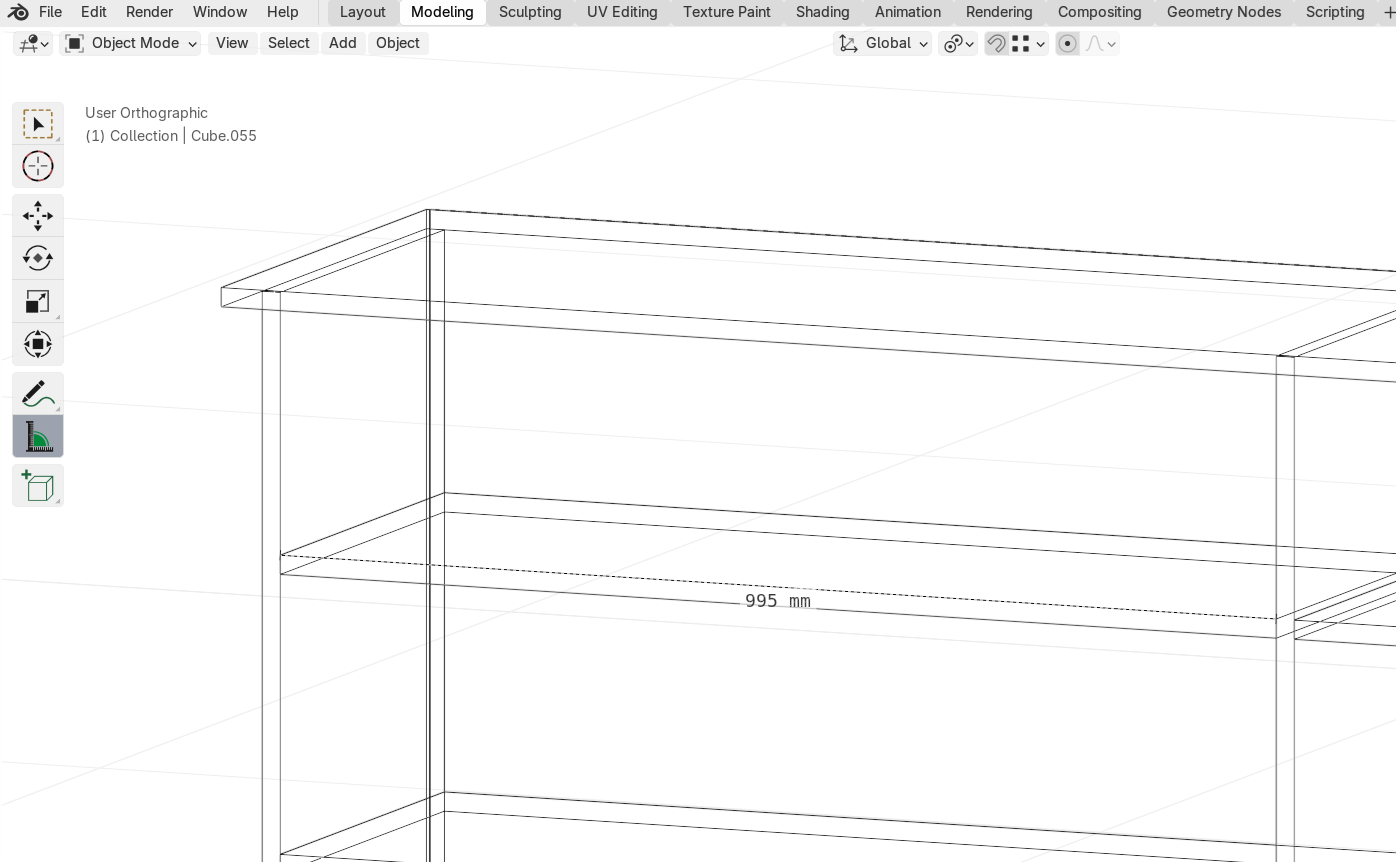
I use the measure tool to mark important dimensions on blueprints for various professionals, like carpenters. The measure tool is a great way to have quick sizes on the screen to present digitally or create a screenshot.
An issue with this is that the font size is sometimes relatively small in the result. The only way to currently change the font size is to increase the entire UI scale.
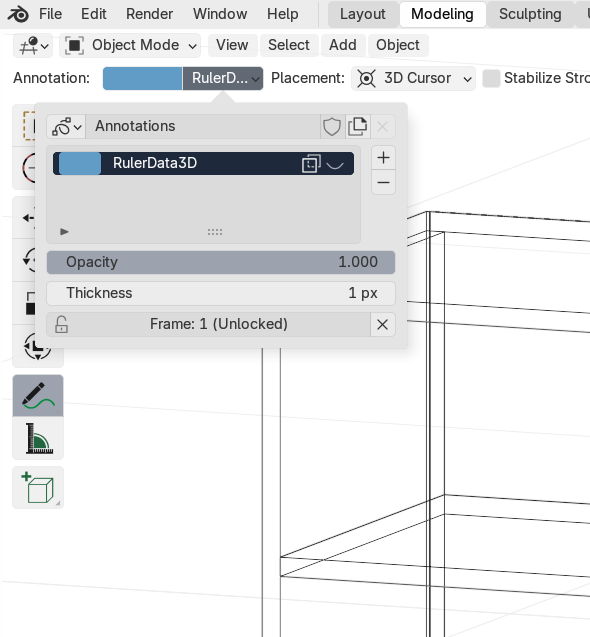
I'd love to have a setting for this in either 3D Viewport > View > Annotations or the top of the screen in the 3D Viewport, like the other tools have. (Eg.: Annotate already has similar setting here)
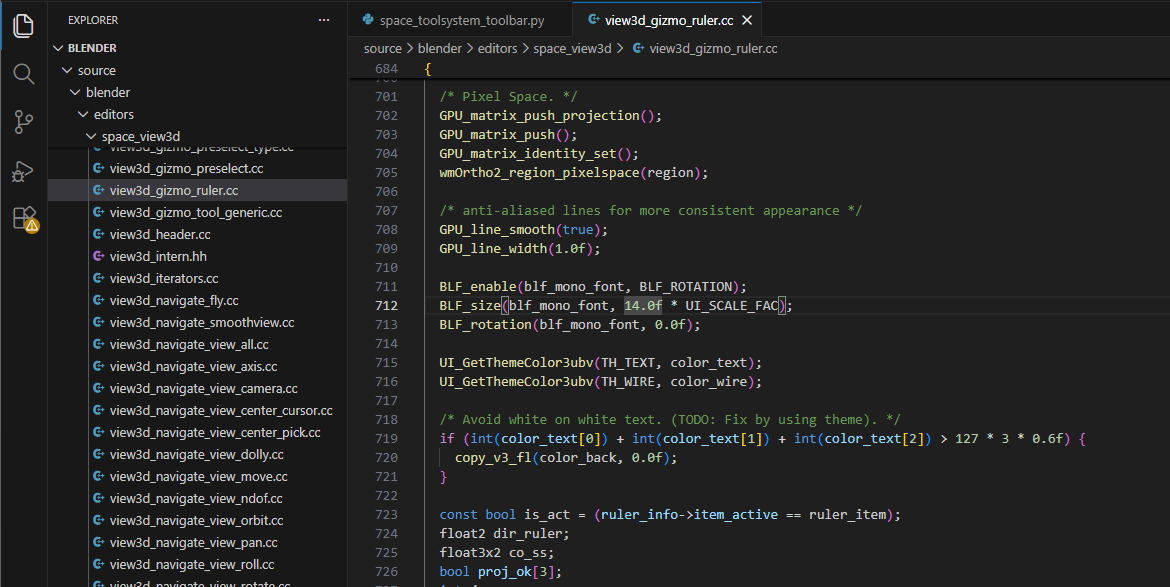
The relevant code can be seen attached in gizmo_ruler_draw in view3d_gizmo_ruler
0 Comments