
VSE Subtitle Improvement
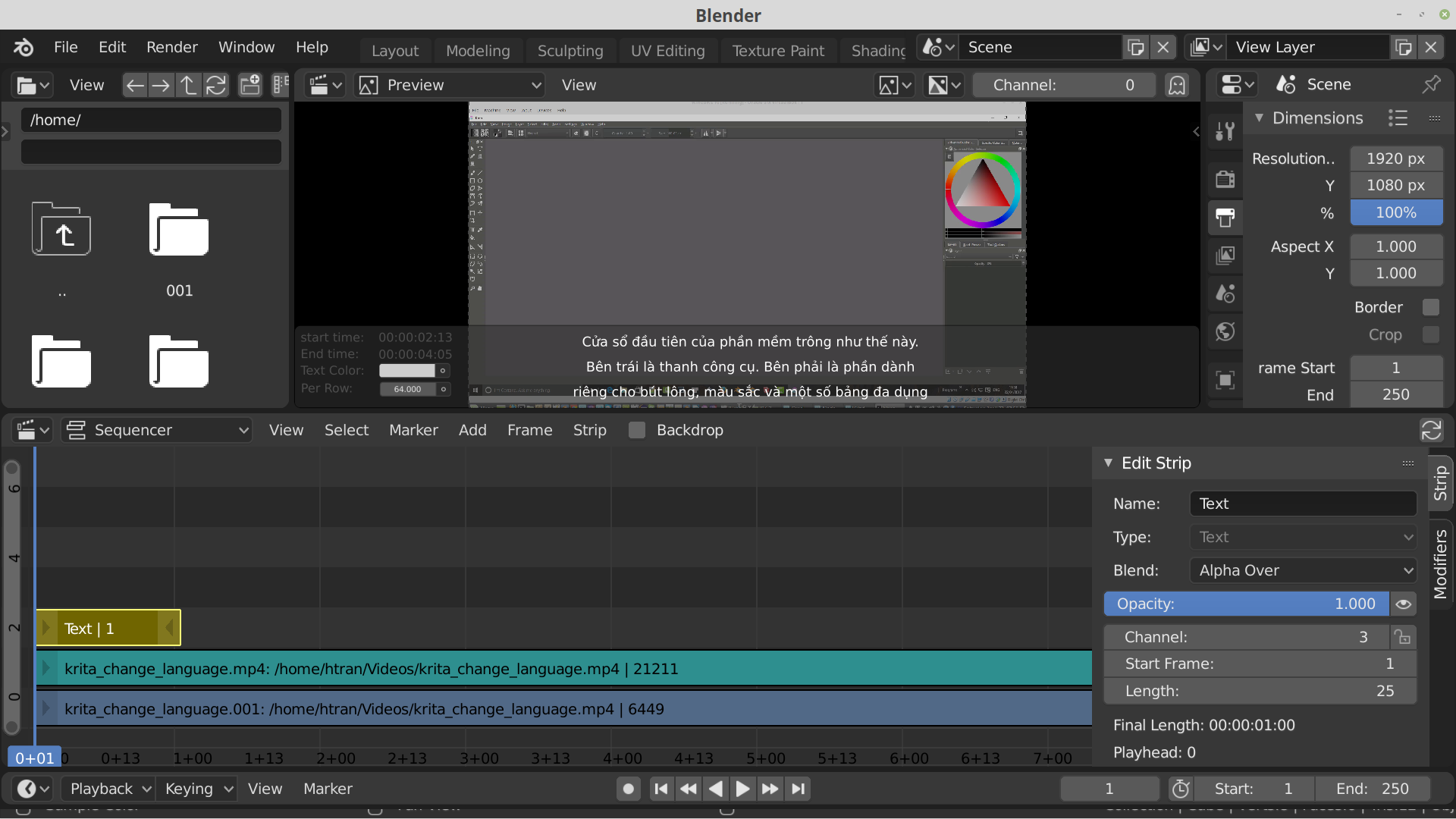
I have been trying to use VSE for screencast tutorials and often have to enter subtitles. I was wondering if VSE could improve to something look like this. The 'per row' indicate/adjustable the number of characters (with the chosen font's measurements) per line. If you slide this field, the line of texts are automatically shortening/lengthen (word wrapping). The same goes with start/end time. If you slide them the position of the text will be moved. The editable text field, where text lines are displayed, will only be visible if the text is in EDIT mode, meaning there should be a button on the right panel to allow activation of mode. In DISPLAY mode (default) the text is displayed only. While in EDIT mode, Tab will create a new instance of subtitle, whose start-time is one frame after the end time of previous one. Shift-Tab will merge with the previous one together, using the timing of previous item.
1 Comment
github.com/SubtitleEdit/subtitleedit/releases Hope it will help