
Decals for Cycles
Disclaimer: I'm not familiar how Cycles handles its data or how it works on a code level.
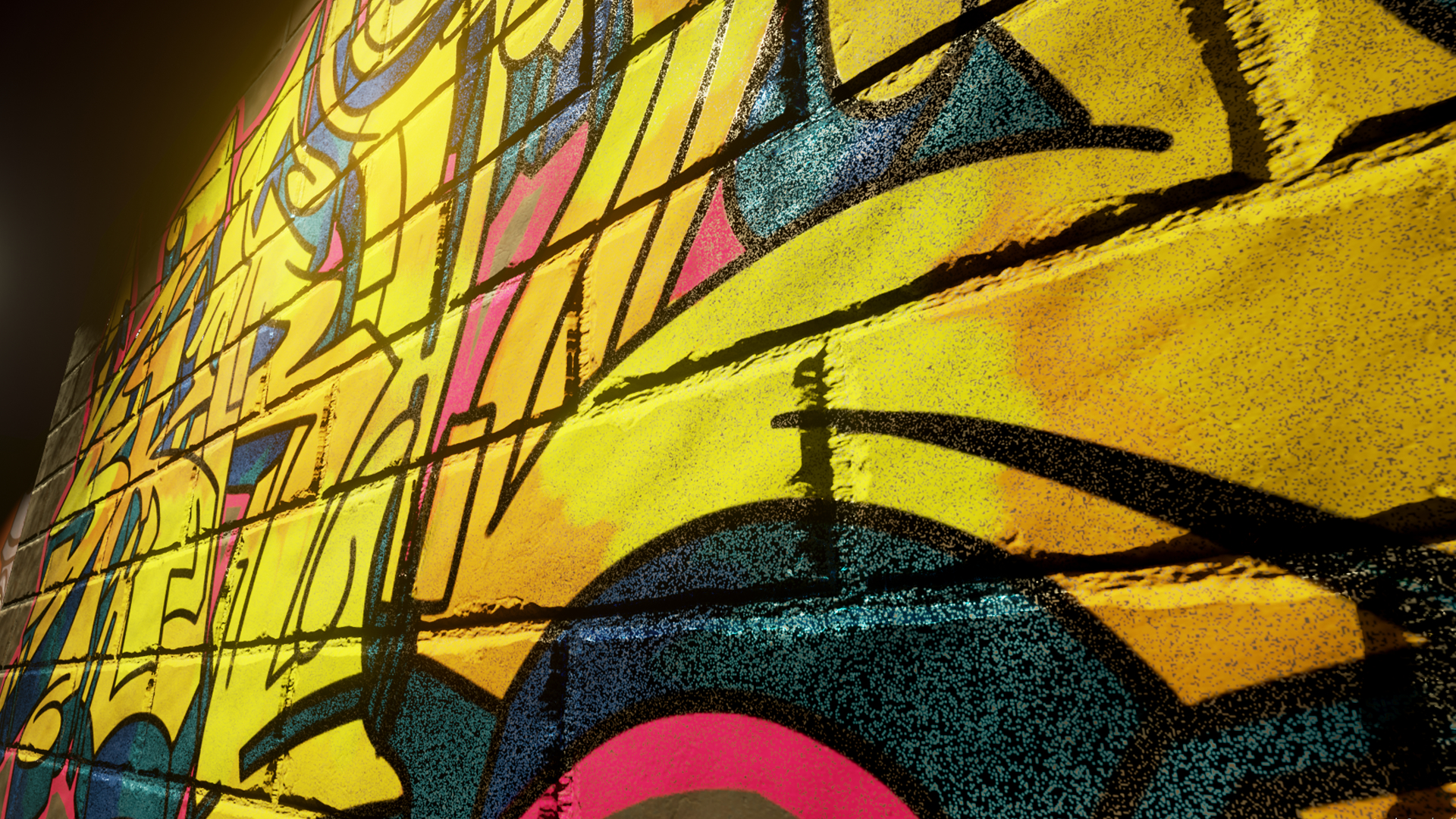
The ability to add additional details to meshes or even across different meshes, such as for example dirt or graffiti, and keeping normal information from the mesh below is a handy and heavily used tool in the video game industry. By being naively supported be the game engine this work as expected.
In Cycles it is, as far as I know, only possible to fake this effect by using an image plane and trying to match it with the background. This becomes problematic when for example trying to line up normal maps or for complex meshes.
<b>Goal:</b> add shaders/ textures on top of a shaded mesh; project it onto another mesh
<b>Idea:</b>
- toggle in the material settings “Decal Material”
- a ray entering this mesh would set a flag or pointer/ reference to its material
- on hitting another mesh the material of this mesh should be evaluated first
- the referenced decal material can now, using this generated normal, color, … info as an input, add/ overwrite/ pass though/ etc his own material information
And a ray which leafs the decal mesh without intersecting with another mesh, would of course, loses the reference. This should be easy on computation/ render times.
<b>Pos:</b>
- believable effect
- can overlay different meshes and materials
- any decal mesh possible
<b>Neg:</b>
- expensive, because two materials have to be evaluated in the decal mesh
- stuff like custom UV maps do not work
<b>Questions to answer:</b>
- Is it possible to use this with 3D UV (not only projected 2D UVs), what about volumetric shaders?
- What happens when two or more decal meshes overlap? Priority system?
- Does it make sense to have a new "Decal Node" to get the data (color, ... ) from the shader below
- I don't think that it would be possible to overwrite the mesh displacement, but I would like to be proven wrong.
- Is there a less expensive way to do this?
Please if a Cycles dev or anyone who know the Cycle code can tell me if this would be possible. Thank You.
Image: unrealengine.com/marketplace/en-US/slug/real-graffiti-decals/reviews
6 Comments
I'm, not saying your request isn't valid, I'm just offering an workaround to it. There's actually a way to do it in cycles. It's a little tricky and require some knowledge of nodes, but once your learn you can easely reproduce (or just copy the settings in the image below:
This way you can use an Empty (or any other object's location) to control the position of a image (or any kind of other input).
There's probably another way but I'm not sure is it's working right. With the modifier "UV Project". But i couldn't make it work properly.
docs.blender.org/manual/en/latest/modeling/modifiers/modify/uv_project.html
* @samuel.santos * Thank you for the technique, I did not know it.
How does this differ from the object mapping (or even UV projection) that we already have in Blender?
* @Jason van Gumster * About the "UV projection", do you mean the modifier? I couldn't make it work with an object with an already UV mapped (to make one image on top of another)
* @samuel.santos * I prefer to use object mapping, but it's totally possible with UV project.
* @Jason van Gumster * Could you explain how? I was pretty sure this feature was broken in 2.8. I mean, I'm not able to make it works with both images mapped with UV, just when any other texture coordinate.