
change key for Y axis constraint
from obvious Y to more handy C
so you have all axis in a row Z X C
without your finger is getting stretched ;)
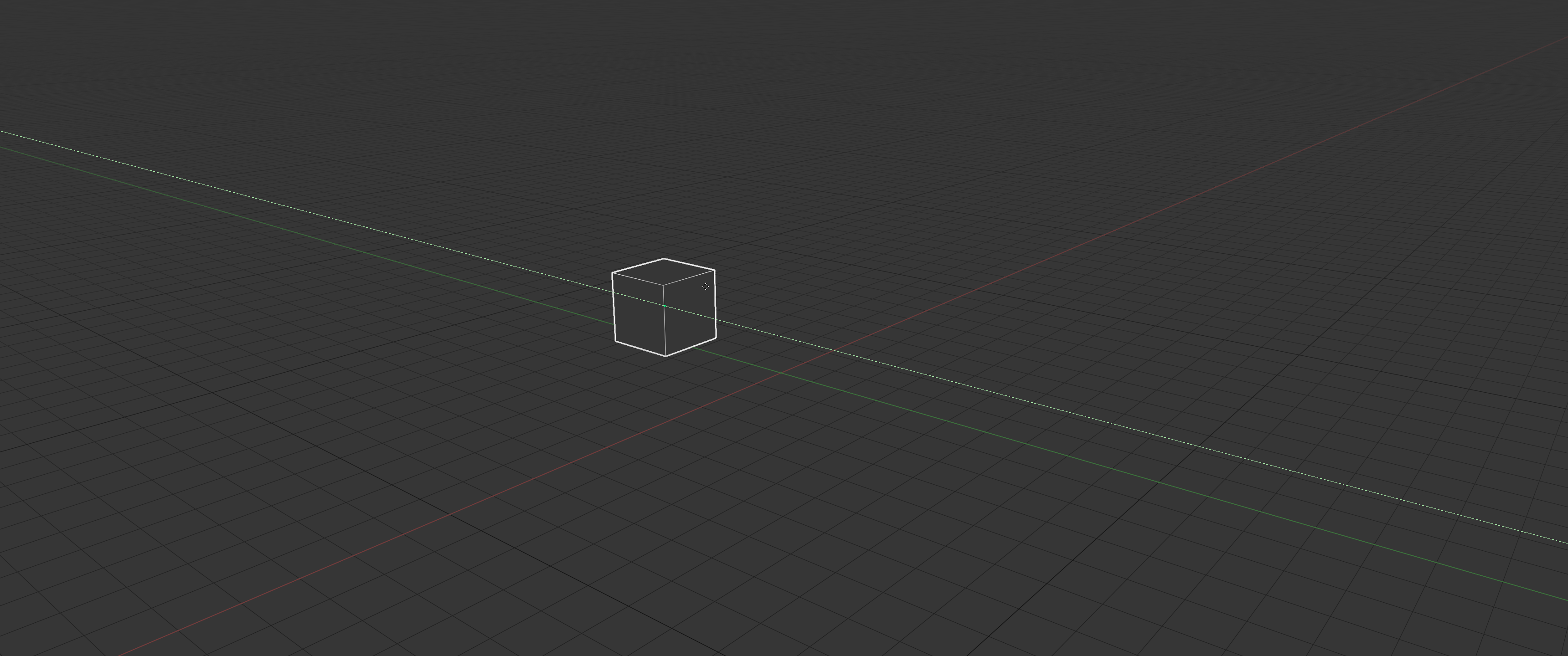
from obvious Y to more handy C
so you have all axis in a row Z X C
without your finger is getting stretched ;)
11 Comments
I have AZERTYUIOP keyboad and i think this things(zxc) can be changed in user preferences.
* @yoann softyoda * where exactly? please show me
Looks like it's possible. At the bottom of the keymap list, there's the "Transform Modal Map" category:
{attachment EpicPen_2020-10-15_11h16min02sjpg}
Obviously in the 'non-English' keyboard it is not and the axis is not named by the global convention 'C' but 'Y'. What will be gain for
notenglish keyboard user and new 3D software user?* @NiCapp * Indeed, but when you develop a software with lots of hotkeys you have to choose a keyboard setup and stick to it for your keys choices anyways. Can't please everyone and hotkeys are meant to be customizable.
Lots of other 3D softwares use WER for toggling Loct/Rot/Scale gizmos. It's really efficient on QWERTY, but not the same deal on AZERTY, yet it works anyway and you can always change it as you like.
* @NiCapp * it doesn't matter what lang you use(i'm using ЙЦУКЕН), your keyboard sending only ASCI codes, not unicode, ok?
i've custom programmable keyboard, trust me
* @Oleg Kondratov * sure, but nationalize keyboard have for first key press
ASCIIcode hard to have with other nationalize or one of many type of english keyboard (òàùèì). However you can gift me onecustom programmablekeyboard as yours. AFAIK name of axis are hardcode in all part of Blender code and i think ASCII keyboard are not related to axis name* @NiCapp * okey, let's try again
EVERY
KEYBOARD
WORKS
THE
SAME
here is what i found out while working on my dz60, when i tried to make it sent unicode
basically you have English words on keyboard, no fucking matter your 2 3 4..n layer, just press key with English letter symbol on it
* @Oleg Kondratov * every keyboard have hardcoded ascii value to one particular key, top left key in French keyboard have one differ ASCII code from one German or Dutch or Italian keyboard. THAT is it, Blender axis name is UNRELATED to what keyboard you use and this is it. If you want gift one keyboard as your i will very happy to examine it in deep
* @NiCapp * sure, i can gift you it just for $300
That escalated quickly...