
Remember Preferences window size and position
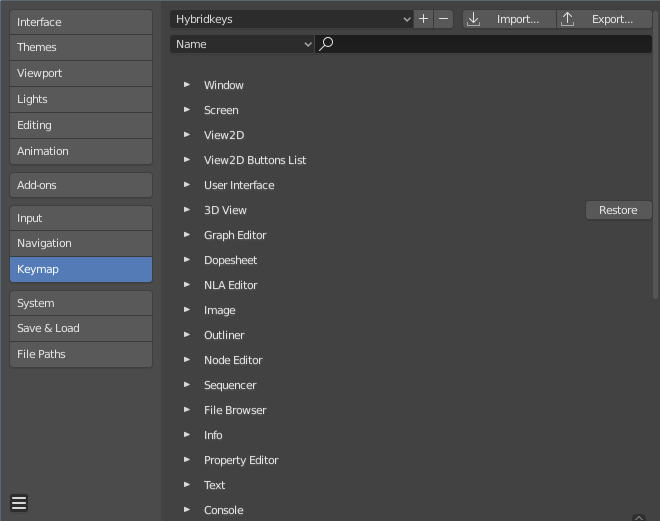
Every time you open the Preferences in Blender, the window is reset to its default size and position, even within the same session if you close and re-open it. This is kind of annoying. If, for whatever reason, you want the window to be a bit bigger or in a different place, you have to redo it every time you open it .
It would be handy if this window (and any other windows) remember these things.
7 Comments
Yeah it's a small thing that does annoy me. Sometimes though those of us with two monitors will lose a window completely though. Some way to reset the position, or not the remember the position at all and instead only the scale may be a solution.
* @Logan Preshaw * That could be an issue... I agree there does need to be some way to reset windows when necessary, or make it impossible for them to disappear off-screen.
Yessss! This is very annoying. And probably an easy fix for them.
Until official release, this works for now github.com/schroef/Custom-Preferences-Size/releases/
Much needed! Can you imagine being able to set your multi-page preferences for all of Blender except the preferences dialog box itself! Please, guys. It would be appreciated.
if u use AutoHotKey (win ctrl alt ,)
I can't believe that nobody has fixed this yet, this is so basic and trivial. I have a 1600p monitor and the window starts TINY in the top left corner, it is not even showing all content and you have to scroll in it, which makes absolutely no sense whatsoever.