
splitting screen area
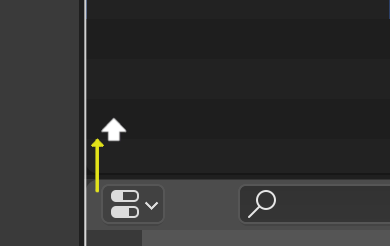
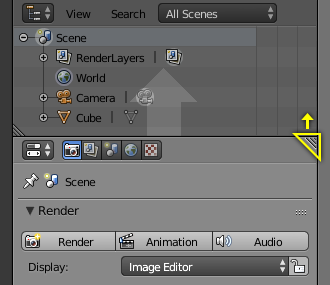
Now in 2.8 the corner indicator is by default not there anymore, it makes the layout look clean but for new user it might be more confusing.
I think it might be a good idea to take advantage of the arrow that appears when resizing the window.

By holding ctrl and hover over the edge we can split new window or collapse it, since the arrow is only two way and quite selfexplanatory, user should understand it more easily.
If the "corner splitting function" change to the "ctrl drag edge function". we can now use the corner to reposition windows, for example for now if I want to move 2 vertical window from right to left I have to split 2 new windows on the left and drag to collapse the 2 windows on the right and also I have to change the window type. besides the cursor changes to a cross around the corner and to me cross is more like a moving icon. We can keep the look but change the function to reposition.

what do you think?
1 Comment
This sounds like a great idea. Maybe a different shortcut, but we need this functionality.