
Changing texture resolution in UV/Image Editor
Often happens when I create multiple textures with one resolution, baking information on them and realize that I had to make them bigger.
What can I do is change their name and unlink from all data blocks so they disappear next time I open the project, then recreate blank textures with correct names but with bigger resolution and bake again after.
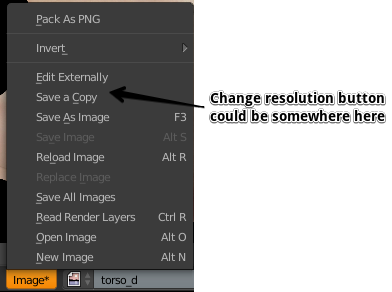
Sounds uncomforting, isn't it. With change resolution button I could just... change the resolution of existing textures and rebake needed information on 'em.
0 Comments