
Choose Axis (middle-click) doesn't follow the mouse pointer.
Hello,
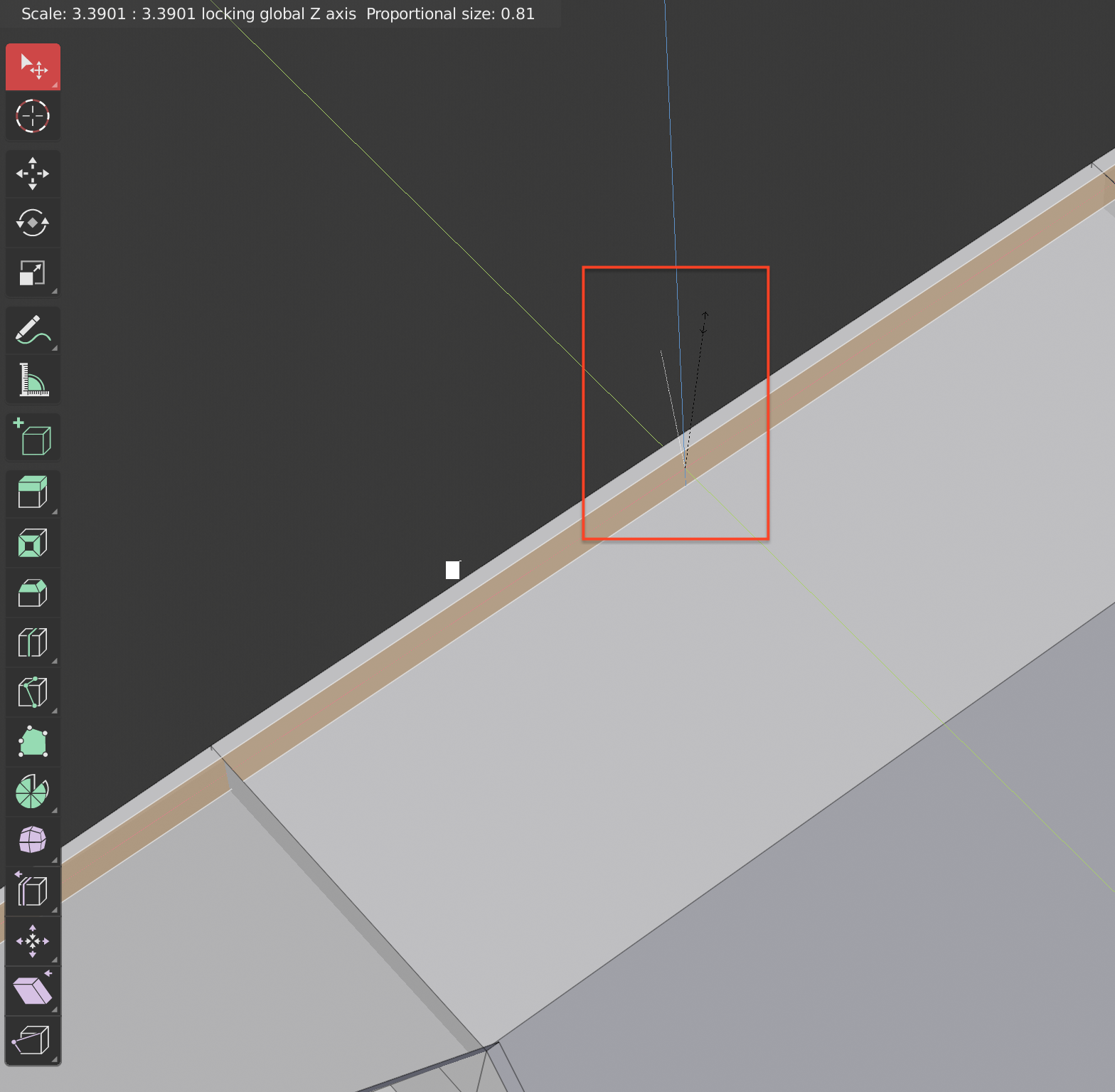
When I use scale, move or rotate tool and I try to define the axis using middle-click I have the white line not following the direction that I'm pointing at. It's a bit off from the mouse pointer.
In the image you can see the white line not aligned to the black line.
Can we improve it?
6 Comments
ok, I found that rotation mode works odd with it. But still controllable: working axis is most close to white line always.
You can suggest, how it should work and react to mouse. Or just use gizmos
* @ Vyacheslav * Yeah the rotation is what I was referring too as well, if someone makes a proposal on that I would vote it up.
* @wondraknathan * I tested some variants, and actual behavior is the most appropriate. Here is the reason: you can have center of rotation far from mouse pointer but still easily switch axes. {attachment 2381141jpg} But may be indication of process should be more clear like this (it actually happens when you manipulate with white line): {attachment 2381141-1jpg} or at least there should be starting white dot to see relative cursor`s position more clear.
* @ Vyacheslav * I understand, but the problem here is selecting one of the axis in the quickest possible way. Imagine if you had the same situation when using pie menus... it would take longer to select your tool.
looks like a bug, or dept use. It works good for me.
Yeah I always use the middle click and it never goes the direction I am shooting for.