
Colorspace list UI Improvements / Bugs
I'm using Blender in my campus on the linux platform. Since we have ACES and a lot of other color spaces installed here, the list of select-able color spaces goes on for days... When I start blender open any sort of image / texture / video, it defaults to ACES colors, and I'd have to go and change it to Utility - sRGB -Texture, which is basically in the end of the list.
The issue here is, that the list scrolls sideways once you go past a certain point, and I can't type or search for the color space I want, worst problem is I can't scroll either, so I have to make either zoom out or make the window really long to open the full list of color spaces, and then I can finally select mine.
Would be great if we can either get a vertical list with scroll and / or a search bar that I can just type the color space I'm looking for. It's really annoying to have to bring out the window and elongate it to just select the right color space.
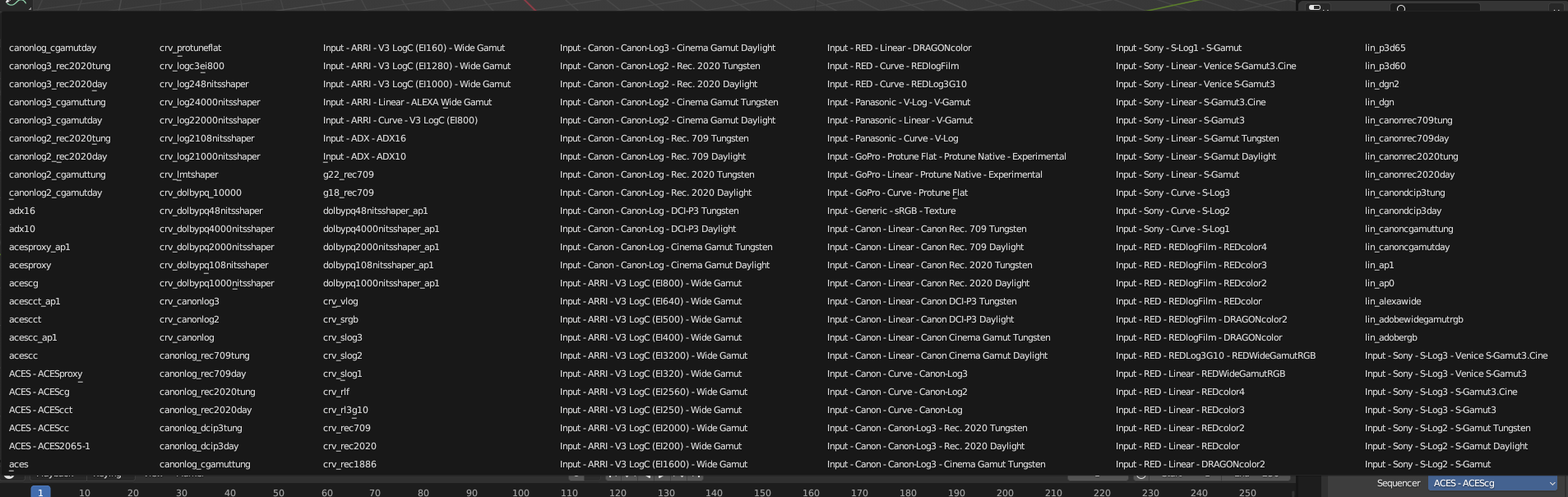 ^ This is if I'm using blender in fullscreen on a 1080p monitor, I can't see all the items and can't scroll to be able to see the end of the list.
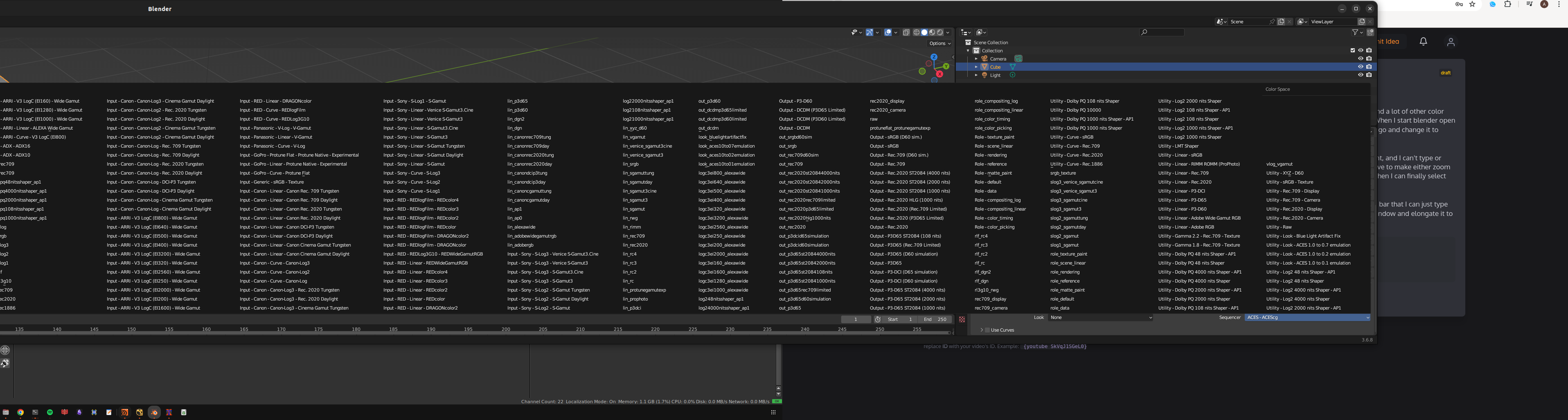 ^ I have to move blender past my displays, and stretch as much as I can to try and be able to see the full list.
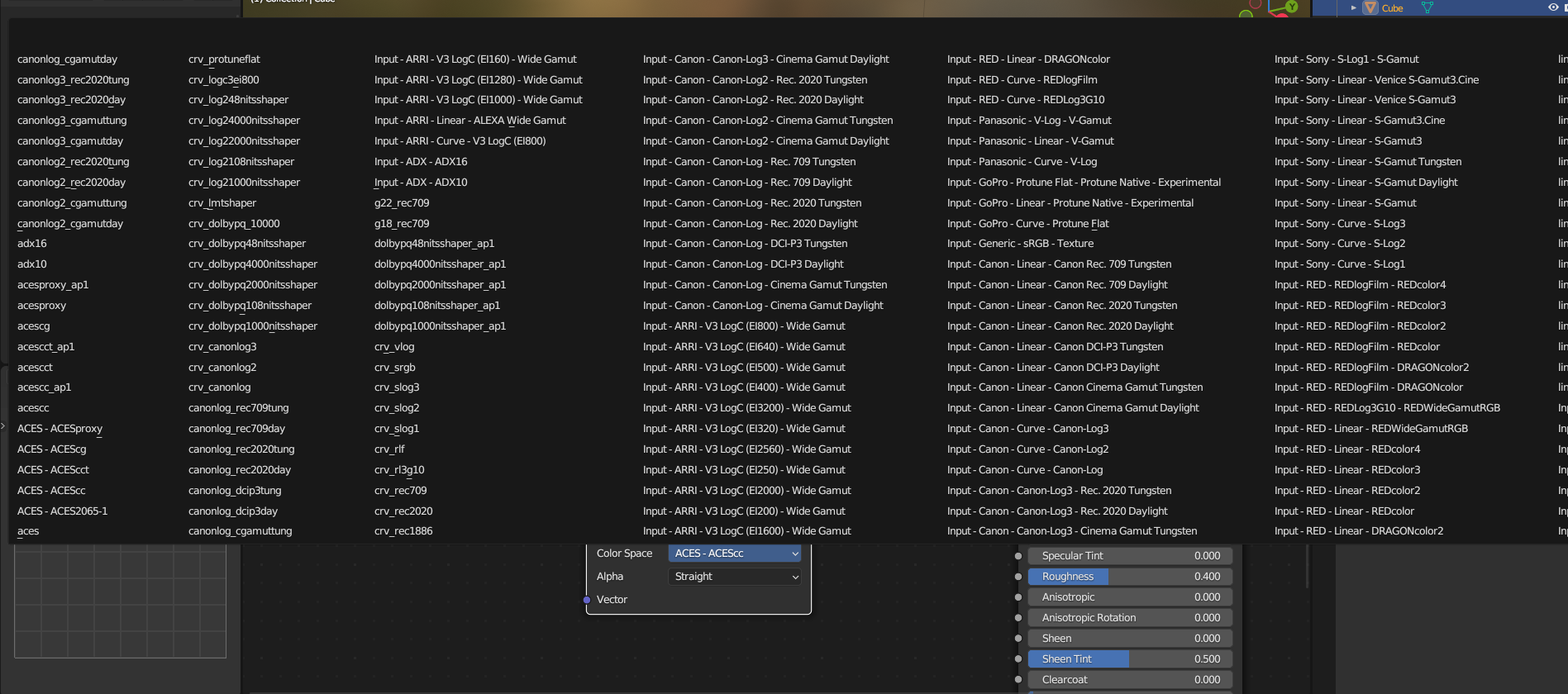 ^ In the shaders panel there's a workaround to above, the list size depends on how much I'm zoomed into the UI, so when I'm zoomed in I can't see the full list.
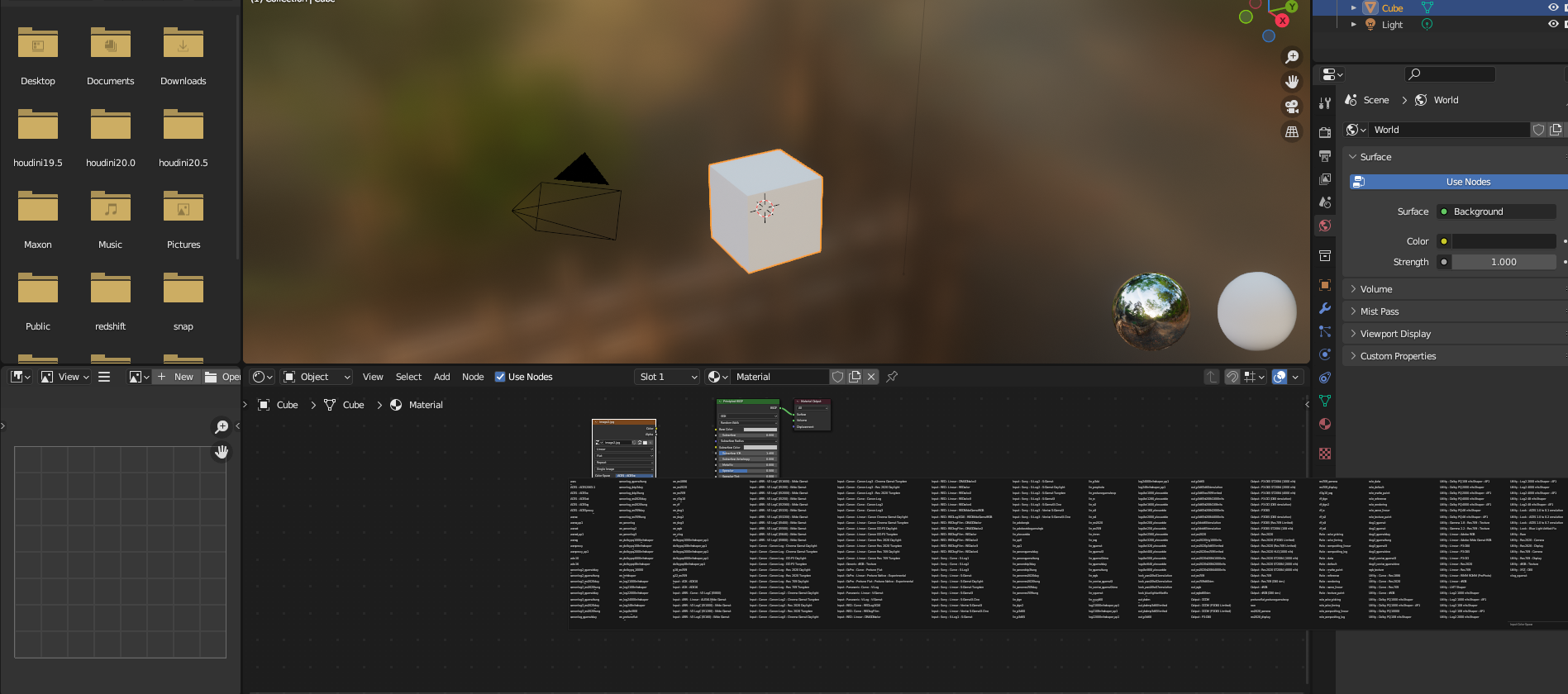 ^ Here I'm zoomed out but I can't read anymore haha
1 Comment
Maybe we should change the color menu to color list UI.
But many people needn't so much color type.
So nobody care of it................... : (