
Properties editor minimize button (optional feature)
Hello guys. I would like to propose a feature that would allow the user to minimize the properties editor buttons with the use of another minimize button.
This will be helpful in adding additional space to the UI when needed or desired.
\
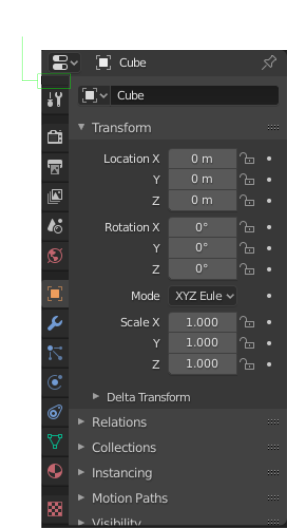
This is how the window will look like when minimize button is clicked. To make the tabs appear again, blender already has a small button to maximize it
\

Sometimes it is nice to have lesser buttons in the viewport makes the UI Cleaner when desired. This reminds me of why 2.79's top editor buttons are much nice in some situations because the buttons are at the top.
I may have to create another proposal that allows the user to place the editor buttons at the top similar to 2.79.
Thanks.
9 Comments
If you're concerned about screen real estate, then you're probably going to be working with a maximized 3D Viewport and only de-maximizing as needed.
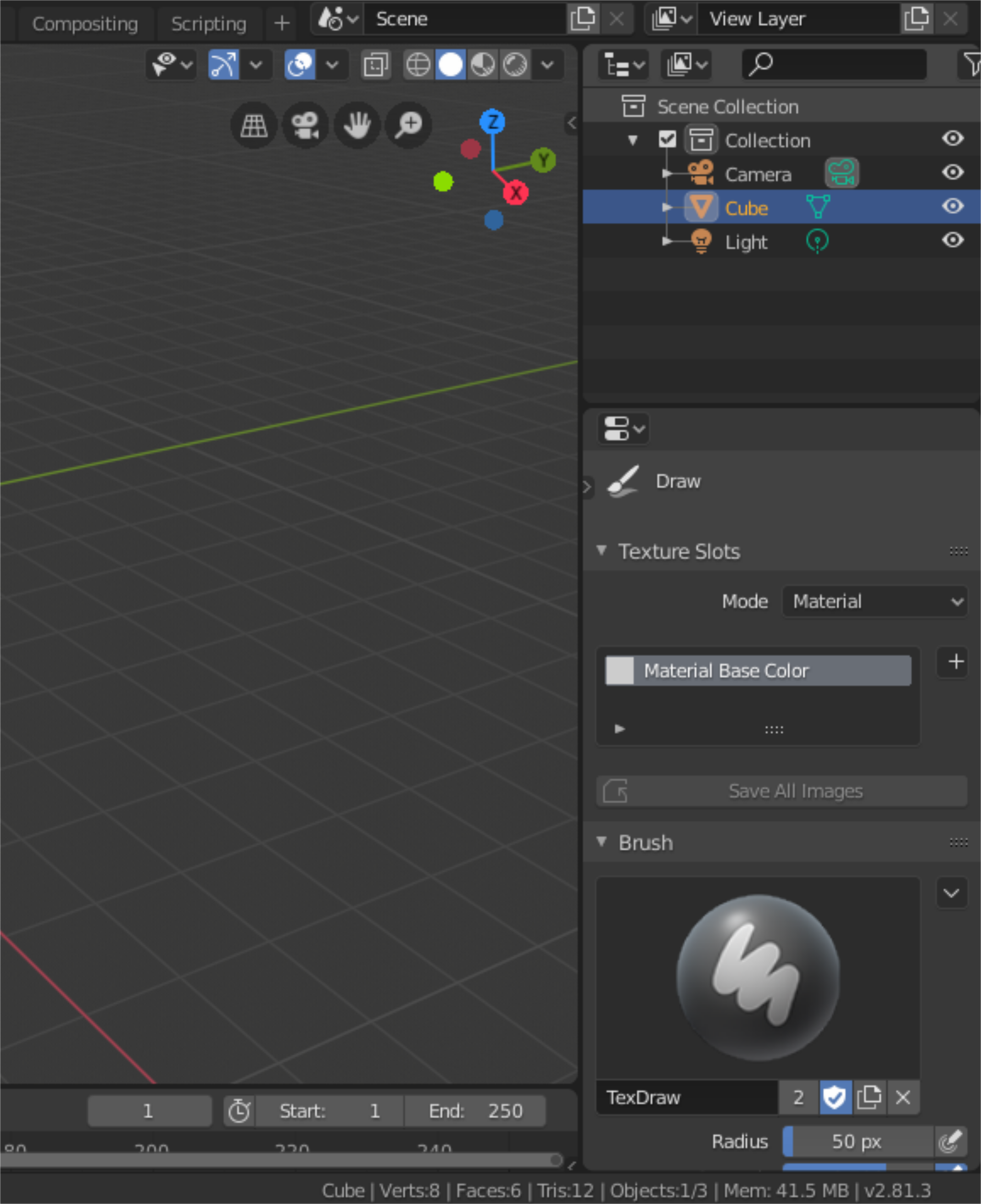
* @Jason van Gumster * The main concern technically is not the entire screen but mainly the properties editor. Having the ability to easily minimize the tabs can be very good addtion to the UI which currently only have a maximize button. Clearing the space in that section would can make the workflow more free flowing and in contrast less stiff especially when in texture paint mode or any workflow that requires to use the properties editor frequently.
* @johnpdelacruz26 * Any workflow that requires you to use the Properties editor frequently is also likely to require that you switch tabs in the Properties editor. Hiding the tabs slows that process down. I don't see how that's more free flowing.
* @Jason van Gumster * That makes sense. How about aside from having the ability to switch the tab from left to right, I think it would also be nice to also have the ability to place it at the top similar to 2.79.
My vision - make possible to move tabs to left or right side and make it autohide after some time. If it will be on right side user will not move cursor through this tabs and they will hide automatically or for those who hold properties on left screen/part of screen - move tabs to left side for same.
* @IIIFGIII * Autohide can be good feature. There might be a slight chance for it to be fiddly because the mouse cursor will often use/overlap the editors tab causing it to pop out from time to time randomly.
I think a much better way of getting rid of the context tabs would be to actually react to context automatically and to switch. This could be reached e.g. through outliner, where the appropriate areas could be found and clicked.
* @admin3 * I am not sure if I got what your saying but do you mean placing those tabs inside the outliner window?
* @johnpdelacruz26 * What I suggested is not having the tabs at all. By accessing the data directly from the outliner. If you click on mesh datablock, you get it's properties, e.t.c. This is called context access.