
A way to have Undo not eliminate Materials and Layers you've created in Grease Pencil Mode
I think that the B3d user's needs are a bit different for Undo in GP compared to other modes such as 3d modeling. Things happen a lot faster, I find myself making a lot materials and generally working pretty fast. Which is the point of GP. Right now the way my B3d is configured, I was deleting quite a few materials I created so I don't use it much any more. Undo is obviously sequential so if you sandwich creating materials with your stroke creation, it's hard to remember the order you laid things down.
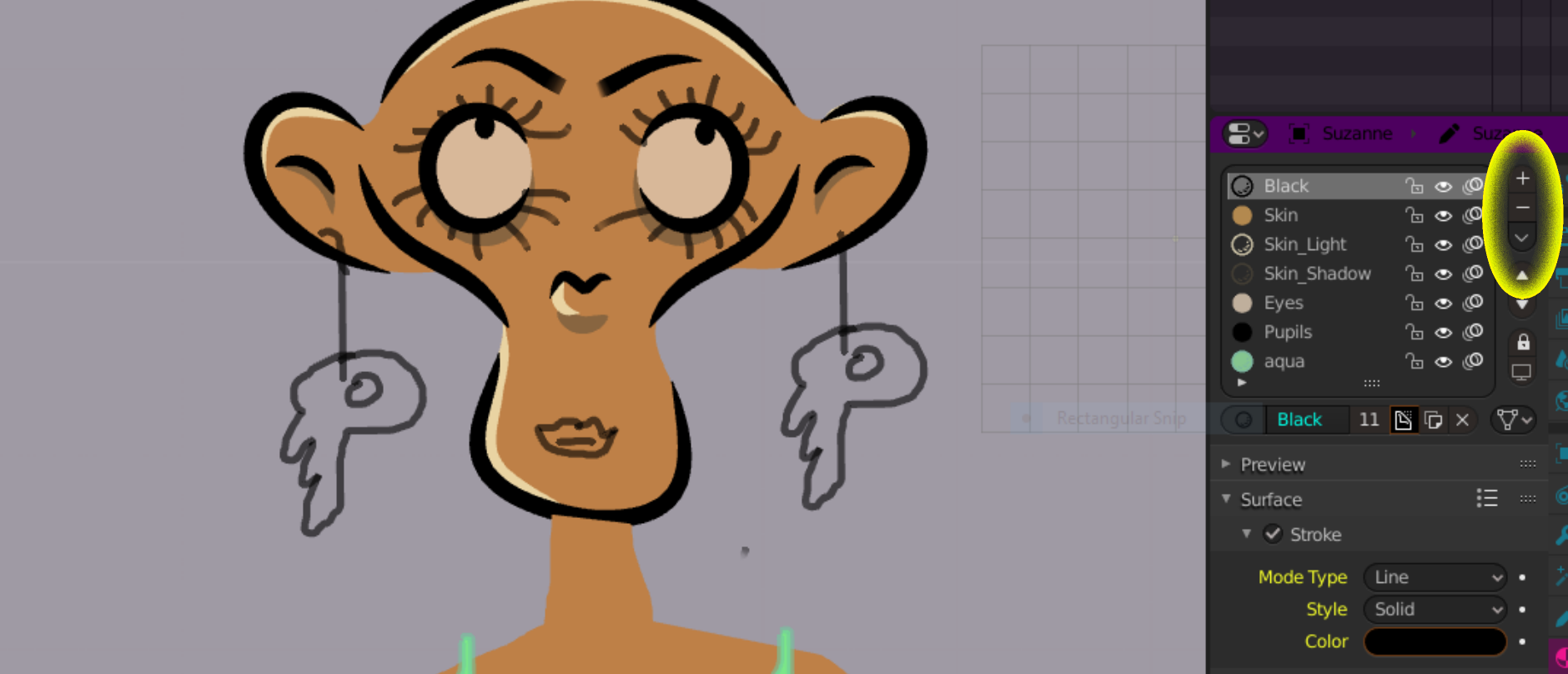
The materials and layers panels have very user-friendly delete buttons for manual deletion. It would make things a little faster if there was a way to prevent Undo from deleting Materials and Layers and just allowed the user to remove them manually.
Overall really loving the GP tools. Let me know if there is a way of doing this that I'm not aware of.
Thanks
3 Comments
This is probably a bug, although it might be a UI papercut (there are a lot of people that are annoyed with the active tool switching upon undo). I love the thumbnail!
devtalk.blender.org/t/blender-ui-paper-cuts/2596/42
* @momotron2000 * Thanks I'm glad it's on their radar it's not a huge deal. That thread has become a monster. I'm sure it'll get sorted out.